.svg)





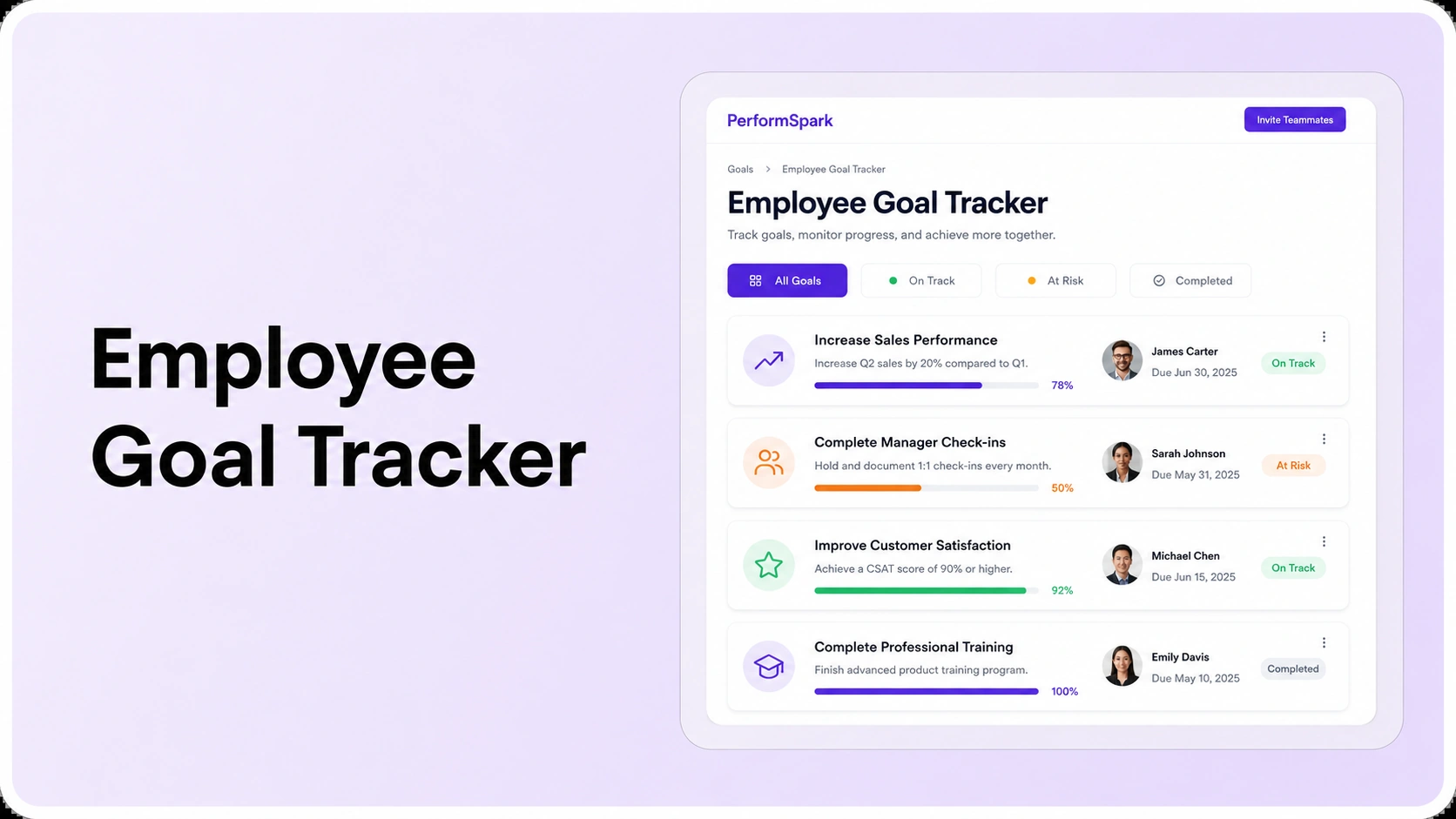
Table of Contents

Key Takeaways:
- An employee goal tracker should preserve ownership, measures, evidence, blockers, approved revisions, and review context, not just completion percentages.
- A spreadsheet can work for a small team, but dedicated software becomes useful when version control, reporting, permissions, and review integration create manual work.
- Evaluate goal structure, alignment, progress history, manager check-ins, review connections, reporting, governance, and adoption as one workflow.
- Use the same seven-step buyer scenario with every shortlisted vendor so you compare recurring employee and manager actions instead of polished feature tours.
- Goal results should inform performance decisions without automatically determining ratings, because role expectations, quality, context, behavior, and approved changes still matter.
An employee goal tracker is a shared system for setting employee goals, assigning ownership, recording progress, preserving changes, and carrying goal evidence into manager conversations and performance reviews. It can be as simple as a spreadsheet for a small team or as structured as performance management software for an organization that needs alignment, reporting, permissions, and a reliable history of what changed during the goal cycle.
The important distinction is that a tracker should support decisions, not just display a completion percentage. Employees need to know what outcome they own. Managers need current context for coaching. HR needs a consistent way to see whether goals are active, blocked, overdue, revised, or complete.
What Is an Employee Goal Tracker?
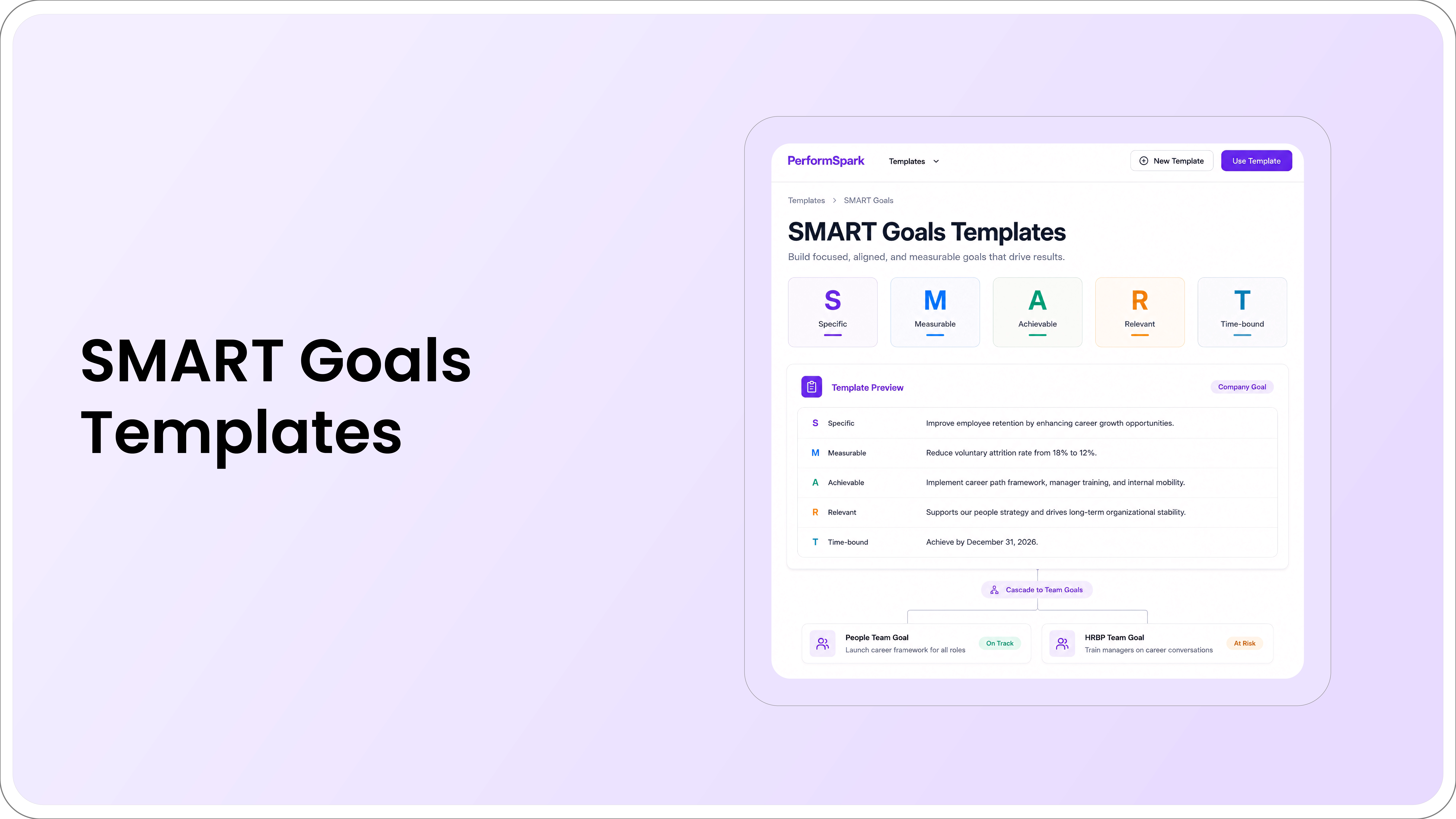
An employee goal tracker is a record and workflow used to manage performance or development goals over time. At minimum, it should show the goal, owner, measure, due date, current status, and progress history. More mature workflows also capture alignment, supporting evidence, blockers, manager actions, approved revisions, and the final outcome. If your team needs a consistent way to write measurable records, start with a practical SMART goal structure before configuring the tracker.
That makes an employee goal tracker different from a simple task list. A task says what needs to be done next. A goal explains the result the employee is expected to influence and how progress will be evaluated. The work may live in a project tool, but the goal record should preserve the performance context that matters in manager check-ins and 1-on-1s and later in performance reviews.
For HR teams, the closest product category is usually goal management software within a broader performance management system. This matters because employee goals often need to connect to coaching, reviews, development, calibration, and reporting rather than remain a stand-alone list.
When Is a Spreadsheet or Goal Tracker Template Enough?
A spreadsheet or employee goal tracker template can be a reasonable starting point when the team is small, the number of goals is limited, one person can keep the file current, and goals rarely change during the cycle. A simple structure with columns for goal, owner, measure, due date, status, and notes may be sufficient. Teams that need realistic starting points can adapt these employee performance goal examples rather than inventing every goal pattern from scratch.
The problem usually appears as the process grows. You may need dedicated software when several of these conditions are true:
- Employees and managers maintain different versions of the same goal.
- Goal updates happen in meetings but never make it back into the official record.
- HR spends time reconciling spreadsheets across teams before reviews.
- Managers cannot quickly see which goals are blocked or overdue.
- A changed target overwrites the original expectation with no revision history.
- Goal evidence has to be copied manually into the performance review.
- Leaders need reporting across teams, departments, or goal types.
- Permissions and ownership are becoming difficult to manage in shared files.
Moving beyond a spreadsheet is not about adding more fields. It is about preserving one dependable goal history while reducing the manual work required to keep it current.
Employee Goal Tracker vs. Project Management Software
Project management software and employee goal tracking software can overlap, but they answer different questions.
- Project management software organizes tasks, owners, dependencies, dates, resources, and delivery work.
- An employee goal tracker manages the expected outcome, progress evidence, changes, coaching context, and review history tied to an employee or team goal.
Many organizations need both. A project plan can show that a launch task is complete while the employee goal record explains the target, the result achieved, what changed during the cycle, and how the outcome should be discussed during the review. Avoid choosing a goal tracker only because it duplicates task management features you already have.
Eight Employee Goal Tracker Capabilities to Evaluate
Use this eight-point checklist during a vendor demo or pilot. For each capability, confirm what a strong workflow looks like and the warning sign that suggests the system may create more manual work later.
- Goal structure
- Look for: Fields for the objective, owner, measure, due date, milestone or dependency, current status, and supporting evidence.
- Red flag: Every goal is reduced to a title and completion percentage with no room for context.
- Goal alignment
- Look for: A clear goal alignment method that connects company, team, and individual goals without copying the same wording through every level.
- Red flag: Employees can see their own goal but cannot tell which team or company priority it supports.
- Progress workflow
- Look for: Simple updates, comments, evidence, blockers, status history, and approved revisions in the same goal record.
- Red flag: Progress is discussed in meetings or chat while the official goal record stays stale.
- Manager check-ins
- Look for: Goals surface naturally in recurring 1-on-1s so managers can discuss progress, blockers, support, and next actions.
- Red flag: Managers maintain a separate coaching document because the tracker is disconnected from the conversation.
See Goal Tracking in the Manager Workflow
Connect employee goals with check-ins, progress evidence, follow-up actions, and the performance review context managers already use.
- Performance review connection
- Look for: Relevant goal history, approved changes, evidence, and outcomes are available when the performance review is completed.
- Red flag: Reviewers rely mainly on recent memory or manually copy goal information from another system.
- Reporting
- Look for: Useful views for stale, overdue, blocked, at-risk, revised, completed, and unaligned goals.
- Red flag: HR repeatedly exports and cleans data to answer routine questions about goal status or adoption.
- Governance for mid-cycle changes
- Look for: A visible history of what changed, when it changed, why it changed, and who approved the revision.
- Red flag: Editing a target permanently replaces the original expectation with no record of the change.
- Employee and manager adoption
- Look for: Employees and managers can create, update, revise, review, and close goals without excessive navigation or administrator help.
- Red flag: Routine updates require workarounds, extra documents, or repeated administrator support.
Give more weight to these recurring actions than to rarely used administrator settings. A tracker with a long feature list is still a weak choice if employees avoid updates or managers cannot use the goal record during normal coaching conversations.
Goal completion should inform the performance conversation without automatically determining the overall rating. Role expectations, work quality, behavior, context, and other evidence still require manager judgment. If your organization uses performance calibration, consistent goal context can help reviewers compare evidence without pretending that every role has identical objectives.
For reporting, test the system with real operating questions. Which goals have not been updated recently? Which goals changed after the cycle began? Which teams have many at-risk goals? Which goals have no clear owner? Define the performance management metrics HR will track, then review reporting and analytics based on whether those answers are available without repeated spreadsheet cleanup.
Employee Goal Tracker Buyer Checklist
Before comparing vendors, write down the operating requirements your team actually needs. The broader performance management software selection guide can help you separate essential workflows from optional features. A useful shortlist should answer these questions:
- Which goal frameworks or goal types do we use today? If the team is deciding between OKRs and KPIs, settle that distinction before comparing trackers.
- Who creates, approves, updates, and closes a goal?
- How should individual goals connect to team or company priorities?
- What evidence should employees be able to attach or reference?
- How often should progress be reviewed?
- What happens when a goal becomes blocked or irrelevant?
- Which goal data needs to appear in manager check-ins?
- Which goal history needs to appear in performance reviews?
- What reporting questions must HR and leaders answer without manual cleanup?
- Which permissions, performance management integrations, and administrative controls are necessary for your environment?
Use the checklist to remove features you do not need from the buying conversation. A shorter set of requirements makes it easier to compare the actual employee and manager workflow.
Run a Seven-Step Employee Goal Tracker Buyer Test
Use the same realistic scenario with every shortlisted vendor. This makes the comparison more useful than separate feature tours designed around each vendor's strongest screens.
- Create one measurable employee goal. Include an owner, intended outcome, measure, due date, and evidence source.
- Connect it to a team priority. Confirm the relationship is visible without copying the same goal text at every level.
- Add a progress update and evidence. Check whether the update is easy for the employee to maintain during normal work.
- Flag a blocker and assign a manager action. Confirm that the issue surfaces where the manager will actually see it.
- Change the target mid-cycle. Verify that the original goal, reason for revision, date, and approval history remain available.
- Review the goal during a 1-on-1. Watch how much navigation or duplicate entry is required during the conversation.
- Carry the goal into the performance review and reporting. Confirm that the full history remains understandable at the end of the cycle.
After the test, score the experience separately for employees, managers, HR administrators, and leaders. A workflow that is excellent for reporting but difficult for employees to update will eventually create unreliable reporting.
Common Employee Goal Tracker Buying Mistakes
Choosing for the dashboard alone. An executive dashboard does not prove that employees can maintain goal data or that managers can act on blockers. Always inspect the recurring user workflow.
Buying a task tracker for a performance problem. A task tool may show activity clearly while leaving goal quality, revision history, coaching context, and review evidence unresolved.
Treating every goal as the same type. Objectives, KPIs, milestones, competencies, and development goals can require different measures and review rhythms. The contrast between engineering and sales goals shows why one method does not fit every role. Development-focused goals should also follow individual development plan best practices so growth activities connect to observable capability.
Ignoring change history. If a target can be edited without preserving the original expectation, the final record may be misleading during a review.
Connecting goal percentages directly to ratings. Goal outcomes are useful evidence, but they should not replace judgment about role expectations, quality, behavior, context, and approved changes.
Skipping a representative pilot. Administrator-only testing misses the friction employees and managers experience during the repeated actions that determine adoption. A representative pilot also exposes common performance management implementation mistakes before a broader rollout.
How PerformSpark Fits the Employee Goal Tracking Workflow
PerformSpark connects goal management with check-ins and 1-on-1s, performance reviews, and reporting so employees and managers can keep goal context in the same performance workflow. The current goal management experience supports company, team, and individual alignment, progress tracking, and review connections.
That makes it relevant for HR teams evaluating whether a stand-alone tracker is enough or whether goal data needs to remain connected to the broader employee performance management cycle. The best way to evaluate that fit is to use your own goal scenario rather than a generic demo script.
Final Decision: Choose the Workflow Your Team Can Maintain
The best employee goal tracker is not the one with the longest feature list. It is the one your organization can keep current through a busy quarter while preserving clear ownership, evidence, manager follow-through, approved changes, and review context.
Start with the work your employees and managers repeat most often, then test how the tracker handles exceptions such as blocked goals and mid-cycle revisions. If the system improves those moments, the dashboard and reporting will be built on better data.
Evaluate the Complete Goal Workflow
Use one of your real employee goals to see how creation, progress updates, check-ins, revisions, reporting, and performance reviews work together in PerformSpark.
Book a Demo




.svg)

.svg)
.svg)