

.svg)





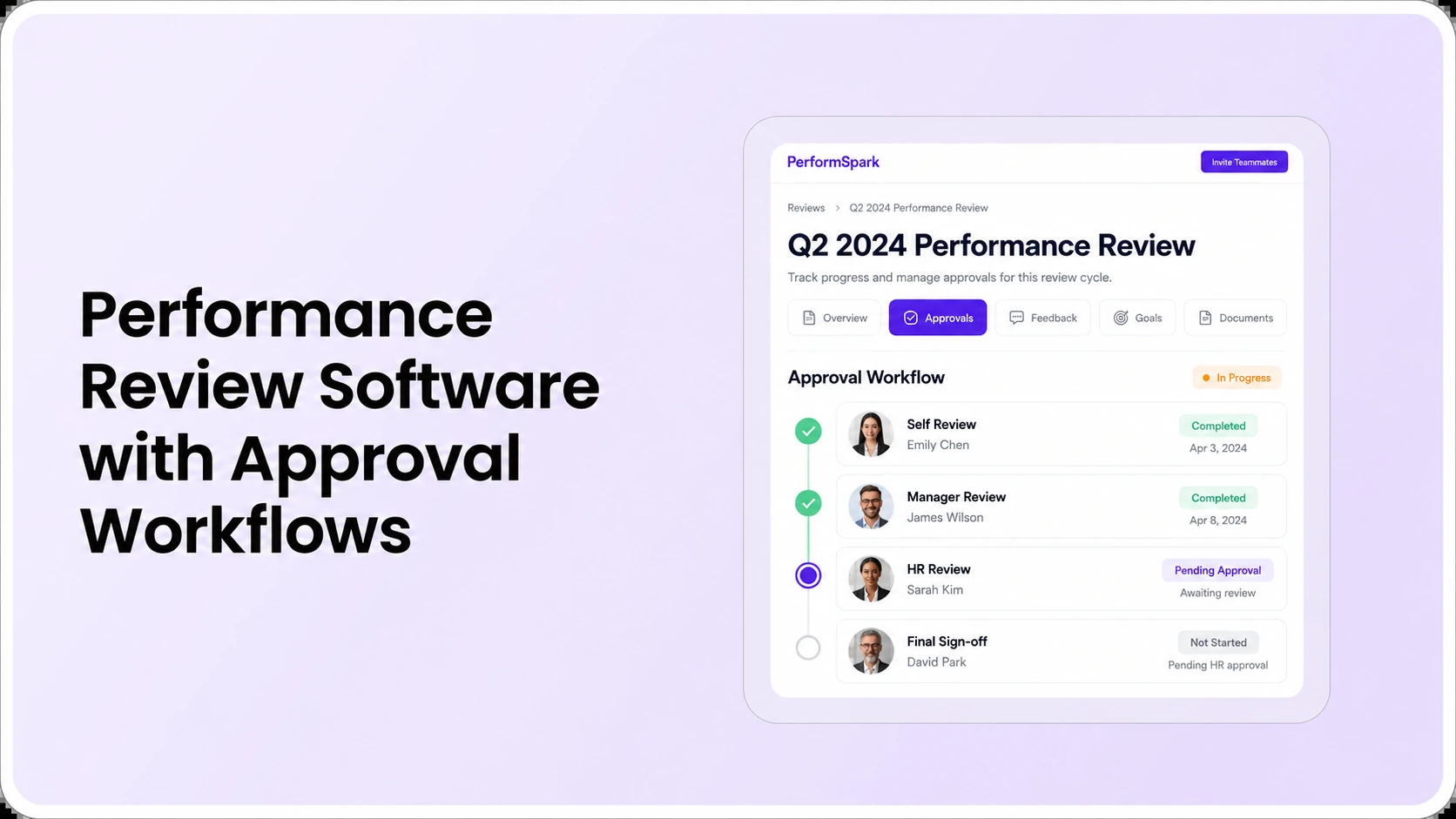
Table of Contents

Key Takeaways:
- Define what each manager, HR and executive approval stage authorizes.
- Test a returned review, corrected submission and absent approver.
- Keep employee acknowledgment separate from approval or agreement.
- Inspect permissions before release and for confidential review exports.
- Reconcile final approvals rather than counting submitted forms as complete.
Performance review approval workflow software helps organizations route a completed employee assessment through the right review and sign-off stages before the final record is released. For HR buyers, the important tests are who may approve, reject, edit, reassign, or see a review at each stage, and whether delays remain visible to an accountable person. A sequence with more approvals is not necessarily a better process.
Consider an illustrative annual review. A supervisor submits an assessment, HR spots an unsupported rating comment, and the document returns to the supervisor for correction. After an authorized approver accepts the revised record, the employee receives the finalized review for discussion or acknowledgment. The software should make the ownership, changes, timing and record visibility clear. This is a workflow example, not a claim about a particular PerformSpark customer.
This article focuses on how to evaluate performance review software with approval workflows. It differs from the broader performance reviews product page by offering a specific buying and governance checklist. The recommended approval order is an illustrative policy model. Confirm the steps your organization needs with HR leadership before asking a software vendor to configure them.
What is a performance review approval workflow?
An approval workflow is a sequence of authorized checks or decisions that may occur between a submitted assessment and its final release. Different organizations route reviews to a direct manager, second-level manager, HR representative or designated approver. The stages can differ across employee groups, formal review types and internal policies.
For example, Dayforce's current product documentation illustrates a flow in which a manager submits a review, an approver can accept or reject it, and a rejected record returns for correction before later sign-off. That is an example of one vendor's documented behavior, not evidence that PerformSpark uses identical stages or controls.
The four decisions HR must define before automating sign-off
- Who submits: the manager or employee responsible for the assessment and the information it contains.
- Who reviews for completeness: an HR partner or delegated reviewer who checks the appropriate policy requirements.
- Who authorizes release: a designated approver if the policy calls for additional sign-off.
- Who acknowledges the final record: the employee or manager, where acknowledgment is part of the process.
Approval, receipt, and agreement are different actions. A manager completing an assessment may not have authorized its final release. An employee acknowledging receipt does not necessarily mean agreeing with the evaluation. The University of Iowa's review guidance states that signing confirms the discussion took place, not agreement with every statement. Define the meaning of each status in your own policies.
An approval-stage matrix for managers, HR and executives
The following is a practical role-and-stage comparison to review with prospective vendors. It is intentionally a mobile-friendly list rather than an embedded HTML table that could be altered by the Webflow CMS API. Treat each item as a suggested governance question, not a claim that every platform includes the same permissions.
- Employee self-assessment: employee drafts and submits their own input. Test whether the manager sees it immediately and whether HR can see private drafts.
- Manager assessment: direct supervisor reviews approved evidence, completes the assessment and submits it. Test whether the employee sees that assessment before approval.
- HR policy review: authorized HR user checks completion, rating definitions and required documentation. Test whether an HR return-for-correction preserves context and assigns the task back correctly.
- Second-level or executive review: a designated approver may see specified fields for certain populations. Test whether unrelated leaders are denied access to sensitive employee narratives.
- Final release and acknowledgment: the completed review reaches the intended employee. Define whether acknowledgment is receipt, agreement, or a separate formal statement.
- Closed and historical record: confirm who can access previous approved reviews, what changes are allowed, and which audit or correction record is retained.
Use PerformSpark security documentation to frame access-control questions, then ask the product team to demonstrate the exact manager and HR roles. A dashboard permission does not automatically prove the same controls apply to comments, exports or notification previews.
Eight tests to run in a performance review approval software demo
Use the same sample assessment with every vendor. Include an employee, supervisor, HR partner and one additional approver where appropriate. Record whether each requirement is demonstrated, requires configuration, not demonstrated or not supported. Never score an untested approval feature as a pass.
- Normal submission: manager completes an assessment and routes it to the intended next owner. Ask how the owner and status are displayed.
- HR rejection and correction: HR returns an assessment with a reason, then the manager edits and resubmits it. Test whether earlier comments and the correction context are retained.
- Stage-specific edit rights: attempt to change a rating as a person who should only approve or acknowledge. Record what the interface permits.
- Approver unavailable: simulate an HR partner or director who leaves or is on leave. Demonstrate how an authorized administrator reassigns the open step.
- Different employee groups: run a review requiring HR approval alongside one with no additional executive sign-off, then check their respective stages.
- Employee visibility: sign in as the employee before submission, during approval and after release. Inspect ratings, comments and private notes at each point.
- Late-stage reporting: identify which approvals are overdue, what the delay is, and who is responsible for resolution.
- Final acknowledgment and export: complete the review and compare the displayed final record with the permitted export and any activity history.
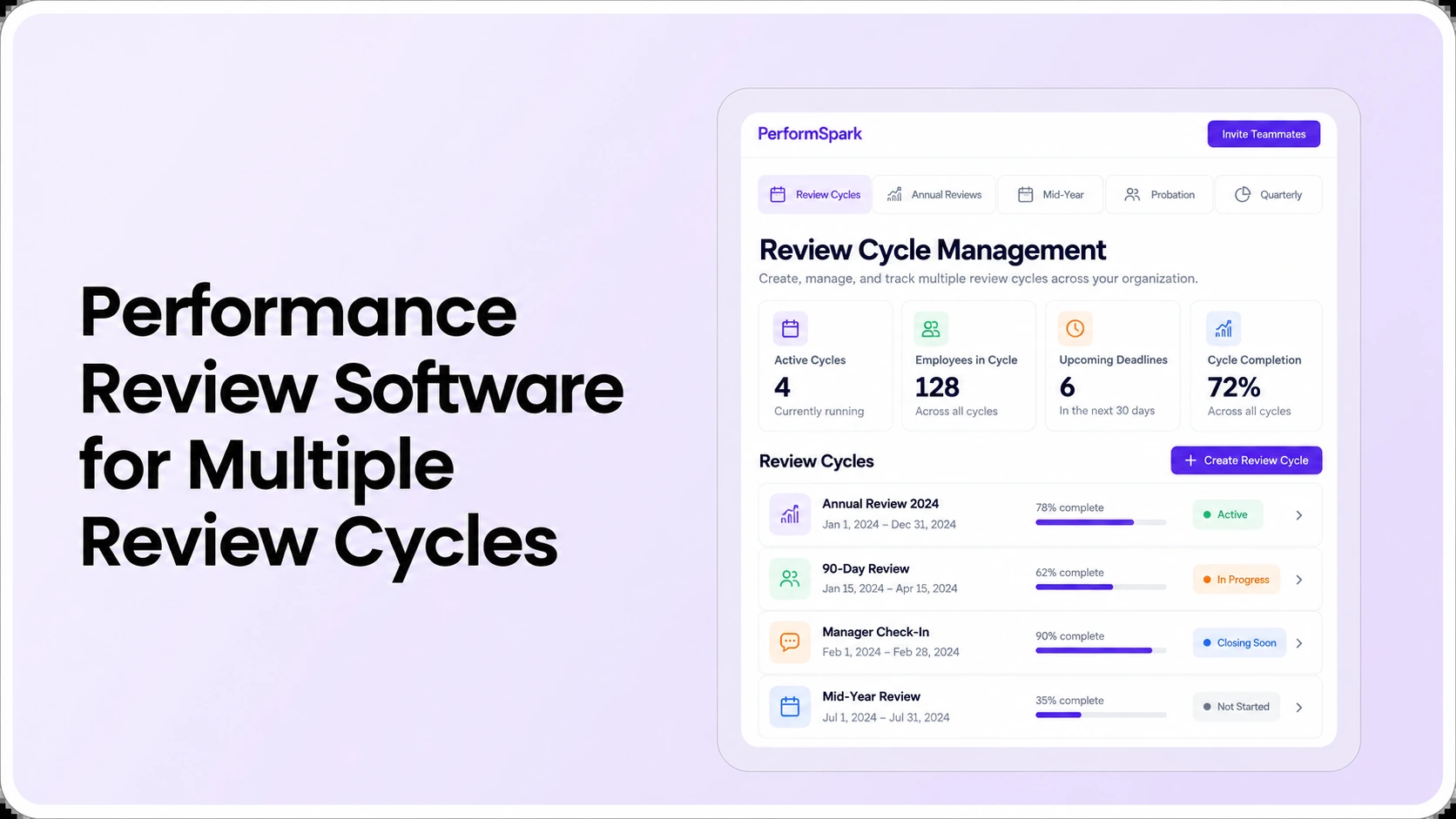
Approval workflows should connect to the appropriate review cycle, rating calibration discussions and task and reminder process. Evaluate where each process begins and ends. A calibration discussion may involve authorized comparison of ratings, but that does not make a calibration participant a universal approver of every employee's review.
Approval Workflows
Test your review approval path before buying
Bring a manager review, HR approval, rejected correction and final employee release. Ask the product team to show each step, access level and exception.
How should HR respond when a review is rejected?
A return-for-correction should lead to a concrete next task, not a permanently rejected status with no owner. Define what the reviewer must fix, whether the original submission remains available, who has permission to change a rating and whether the change needs approval again. Test an unsupported performance comment and a missing mandatory section as two distinct reasons for returning a review.
An example can help. A manager writes that an employee "never works with the team" without supporting observations. HR could request a job-relevant example and the employee's response before allowing release. The software should support clear documentation, not invent the evidence or determine the employee outcome. EEOC employer guidance emphasizes consistency and actual job performance in appraisals. Review consequential decisions with qualified HR leadership and counsel where necessary.
Check the relationship between manager comments and the feedback record. The correct action may be to clarify evidence, request authorized feedback or complete a manager conversation. Rejection should not be used to silence employee disagreement or pressure a manager to generate predetermined conclusions.
How can approval workflows avoid becoming HR bottlenecks?
A reporting dashboard is useful only if it shows the stage and owner of the delay. For a fictional sample with 20 reviews, suppose 12 are fully approved, 4 are waiting for manager corrections and 4 are awaiting HR approval. The fully approved rate is 12 ÷ 20 = 60%, even though all 20 assessments may have initially been submitted. Define which status counts as complete and do not confuse submission with final approval.
Open performance reporting and analytics during the demonstration. Ask the vendor to filter for pending approvals by review cycle and responsible user; then check whether completion counts match your sample. Compare it with the six dashboard tests for HR buyers if the decision committee is also evaluating analytics.
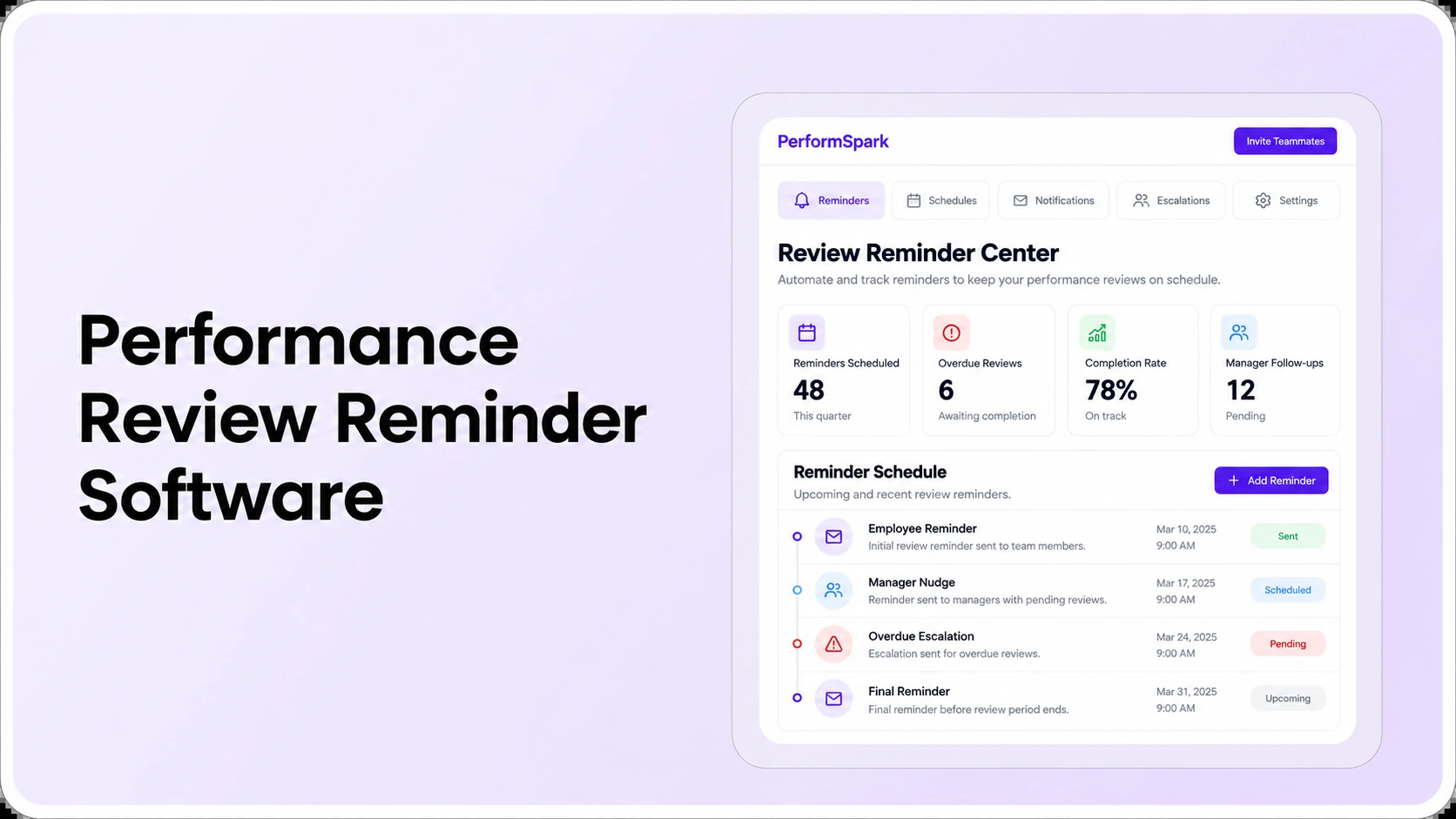
A delayed approval may arise from a wrong manager assignment, an absent approver or an unclear policy. The right solution might be to reassign an authorized reviewer, improve training or remove an unnecessary approval stage. Extra automated email reminders do not fix an incorrect chain. Use the review reminder software evaluation when assessing those exception-handling workflows.
Should employees be able to view reviews before final approval?
The answer depends on policy, applicable obligations and the intended purpose of draft and finalized records. Ask HR to identify what the employee should see during a self-review, manager submission, HR approval and final release. Test the same record while logged in under each role, rather than assuming that a "private" field name enforces access restrictions.
Multi-rater feedback needs separate consideration. A 360-degree feedback process may promise confidentiality or limit the visibility of reviewer identities. That should not be confused with the workflow authorization needed to release a manager assessment. The confidential review permissions buyer guide provides a related set of role-based access tests.
A final approval should also clarify what happens after the review conversation. Managers and employees may agree on a development plan or updated goal that needs separate ownership. The software should support a clear handoff rather than leaving approved forms disconnected from follow-through.
How to compare review approval workflow software fairly
- Stage flexibility: can the software represent the business's actual required sequence without creating unnecessary sign-offs?
- Exception handling: what happens after a review is returned, an approver is absent or a due date changes?
- Role-based access: are drafts, ratings, private notes and exports protected according to approved responsibilities?
- Evidence and tracking: do status reports show the current owner, reason for delay and completion definition?
- Administration and cost: who configures approval steps, trains users, resolves blocked reviews and maintains the setup?
A practical scorecard can assign one to five points for each criterion after observing a demonstration. Mark unknowns as "not demonstrated," not as passing. Treat privacy or policy-control gaps as hard gates that a high total score cannot outweigh. Use the performance software RFP checklist to turn these requirements into documented vendor questions.
A dedicated review platform, a performance module within an HRIS and a manual approval process can each be appropriate in different organizations. The right choice depends on number of approver roles, frequency of exceptions, employee populations, report needs and ongoing maintenance capacity. Compare integration requirements, specific supported connectors and current pricing information rather than assuming a recognizable feature label proves the right configuration.
Rollout checklist for review approval governance
- Write a policy-stage map: specify which review populations require manager, HR or second-level approval and what each action means.
- Set visibility rules: document which fields are private or employee-visible at each stage and who may export records.
- Create sample users: configure test employee, manager, HR partner and executive roles.
- Test normal completion: submit and approve an assessment, then release it to the employee.
- Test a rejection: return a record for correction and verify ownership, edit access and any resubmission.
- Test unavailable approvers: ensure an authorized person can address the exception without gaining unrelated employee access.
- Reconcile reporting: calculate fully approved, awaiting correction and pending approval counts from a known sample.
- Train managers: show the difference between draft, submitted, approved, released and acknowledged states.
For reviews that may lead to consequential employment decisions, maintain a factual, consistently applied process and seek qualified guidance on applicable requirements. This guide is educational buying information, not legal advice. A software tool can organize approvals, but it cannot guarantee a fair or legally compliant decision.
What to verify with PerformSpark before buying
PerformSpark publishes information about structured performance reviews, calibration, security and access controls and connected HR workflows. These are relevant starting points for an approval evaluation, but the site alone does not verify every possible sequential approval chain, rejection rule, executive sign-off or historical audit behavior. Treat those as demonstration questions rather than confirmed product claims.
Bring a normal manager review, one rejected assessment and an employee acknowledgment scenario to a PerformSpark demo. Confirm the exact workflow, permitted fields, exception ownership and reporting results for your organization. A clear decision uses demonstrated process fit, not an unsupported promise of automatic compliance.
Review Governance
See how review approvals fit your HR process
Use your own review stages, approver responsibilities, privacy requirements and test cases in a focused product demonstration.
Book a PerformSpark Demo →Ask which approval steps are supported or need configuration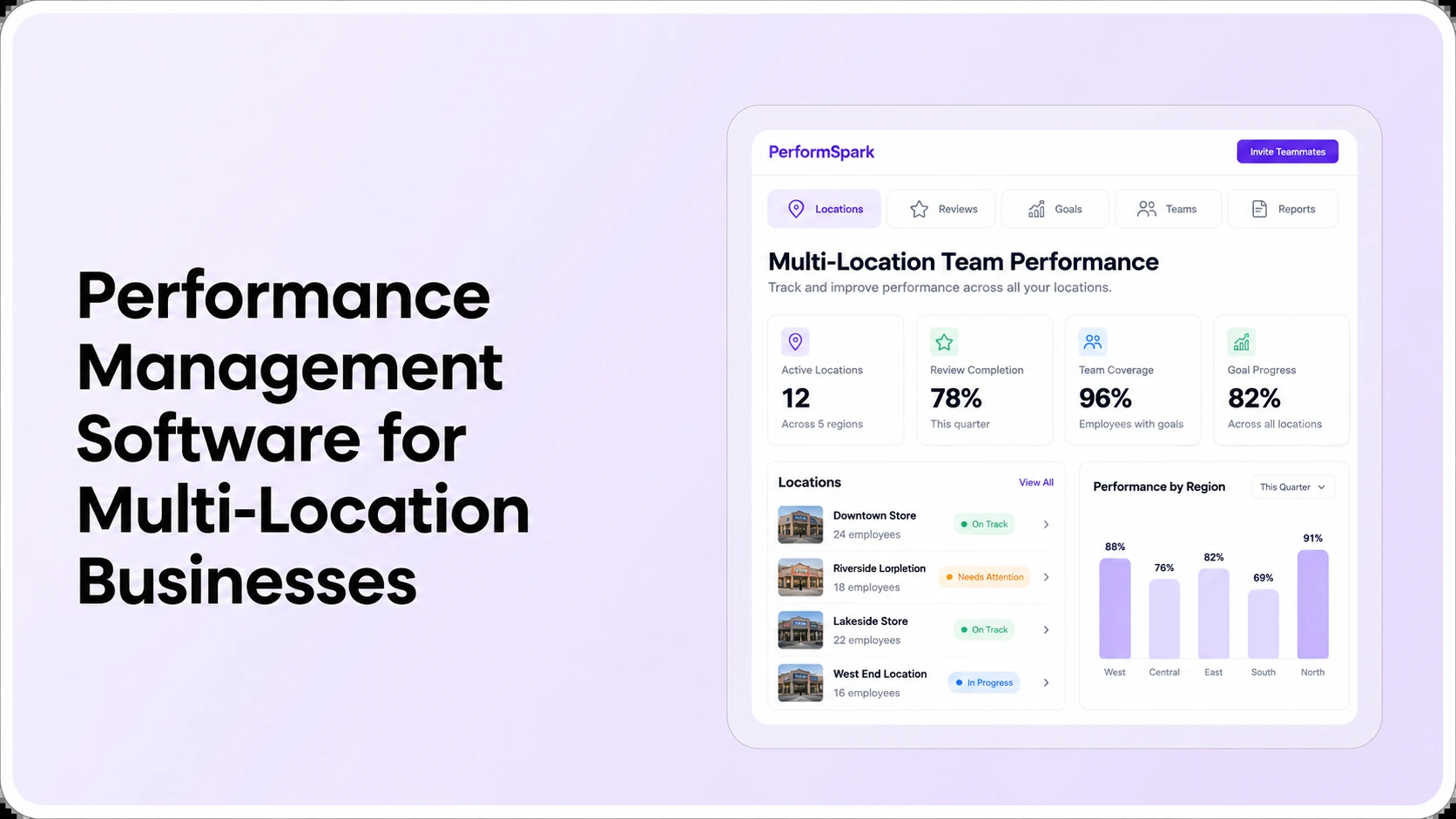




.svg)

.svg)
.svg)

