

.svg)





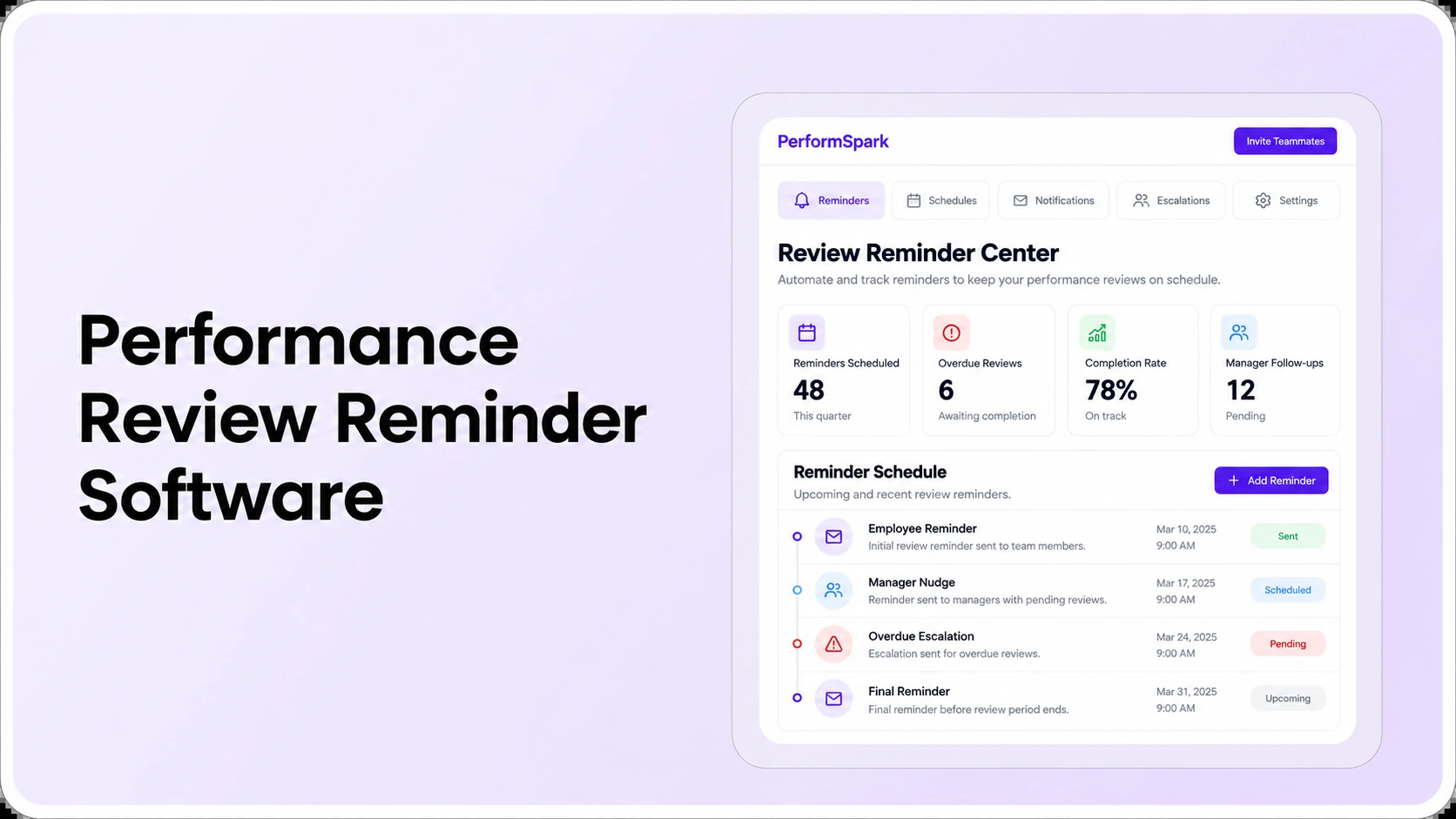
Table of Contents

Key Takeaways:
- Review reminders should respond to task status, not just calendar dates.
- Test deadline changes, manager reassignment and completion suppression.
- Give overdue tasks an accountable owner and a defined escalation path.
- Keep confidential ratings and review notes out of notification previews.
- Measure completed reviews and resolved exceptions, not emails sent.
Performance review reminder software helps HR assign the right review task, notify the responsible person when action is due, and identify work that is still incomplete. To reduce overdue performance reviews, start with accurate reviewer ownership and deadlines. Then test reminders for self-assessments, manager reviews, approvals, and exceptions. More emails alone will not fix an incorrectly assigned review.
Picture an annual review due Friday. The employee finished the self-assessment, but the manager went on leave and the review still appears assigned to the former supervisor. The problem is not a missing reminder. It is an ownership gap. A useful system should help HR find that gap, reassign responsibility under policy, and stop sending irrelevant prompts. This is an illustrative scenario, not a customer result.
This buyer's guide covers automated performance review reminders, overdue-task reporting, escalation rules, message privacy, and the questions to ask during a software demonstration. It is narrower than a general guide to automating performance reviews and more practical for buyers than a feature overview. For the product-side explanation, see PerformSpark's performance notifications and reminder capabilities.
Why performance reviews become overdue even when reminders are enabled
An overdue review may be stuck at any one of several stages: an employee has not started a self-review; a peer has not submitted feedback; a manager has not completed the assessment; an approver is unavailable; or the employee has not acknowledged the final record. Each stage has a different owner and requires a different next action.
The failure often begins before the notification is sent. An incorrect reporting line, a date changed without updating the assigned task, or a user who cannot access the employee portal can make the reminder useless. In a structured performance review cycle, the question is not simply who received a message. It is who owns the next incomplete step and whether that person can complete it.
Some software offers scheduled notifications; other workflows use task status and due dates to determine who should be prompted. When evaluating a product, distinguish a calendar-based email from a status-aware reminder. Ask whether a completed task stops future reminders and whether a reassignment updates the recipient. Do not assume all trigger types are available in every plan.
How should automated performance review reminders work?
The clearest model is assignment → due date → reminder → task completion or exception → HR visibility. A reminder should identify an actionable task, not expose confidential performance content. An escalation should go to a responsible person who can resolve a blocker, not automatically to every senior leader.
Separate reminder stages by the person who needs to act
- Employee self-review: notify the employee of the opening date and outstanding submission, with a direct route to the assigned task.
- Peer or stakeholder feedback: prompt only eligible feedback providers and keep private content within the approved process.
- Manager assessment: show assigned employee reviews and deadlines; remove prompts for items completed or reassigned.
- HR and approver follow-up: identify approval-stage exceptions and late work without indiscriminately disclosing ratings.
- Employee acknowledgment: make the remaining action explicit after a finalized review is released. Acknowledgment is not necessarily agreement with a rating.
These stages connect to feedback requests and manager check-ins, but their due dates and message content should not automatically be identical. A feedback request could have a different owner and urgency from a formal review sign-off.
Illustrative reminder cadence for an HR pilot
The following is a sample configuration to test, not a universal best practice or a claim about default PerformSpark settings:
- Task assigned: send one notice with the action, owner, and due date.
- Before the deadline: send a configurable reminder only while the task is still pending.
- At the deadline: surface a status prompt and make the next step clear to the owner.
- After the deadline: identify the blocker, such as an unavailable manager or missing access, before deciding whether to escalate.
- When completed or reassigned: suppress stale messages and reflect the updated task status.
Ask the vendor to demonstrate these states using actual test accounts. Exact lead times, notification channels, frequency controls, escalation logic, and suppression behavior need product-specific confirmation. The smart notification settings page provides a starting point, not a substitute for verification.
Seven vendor tests for performance review reminder software
Use the same sample tasks across shortlisted systems. For each test, record demonstrated, requires configuration, not demonstrated, or does not meet requirement. This keeps attractive screenshots from outweighing unresolved workflow problems.
- Correct first recipient: assign a new self-review and confirm the employee, manager, and HR see only the tasks they own.
- Changed due date: move the deadline and confirm subsequent notifications use the updated schedule.
- Manager reassignment: make the reviewer unavailable and transfer the open task; inspect who receives the next reminder.
- Completion suppression: mark the review complete and check whether unnecessary prompts stop.
- Overdue escalation: let a review lapse and show how HR identifies the responsible owner, age of delay, and next action.
- Access failure: simulate an employee with an inactive account or missing access, then test how the problem reaches an administrator.
- Private-message audit: inspect a real notification preview and verify that comments, ratings, and sensitive notes are not disclosed to unintended recipients.
These tests mirror the kinds of operational questions buyers should examine rather than assume an automation rule works. For example, Patriot Software's review-cycle documentation distinguishes incomplete task groups and describes blockers such as an inactive reviewer or an unaccepted invitation. Features and release dates may differ across products, so use the example as a testing reference, not evidence that PerformSpark works identically.
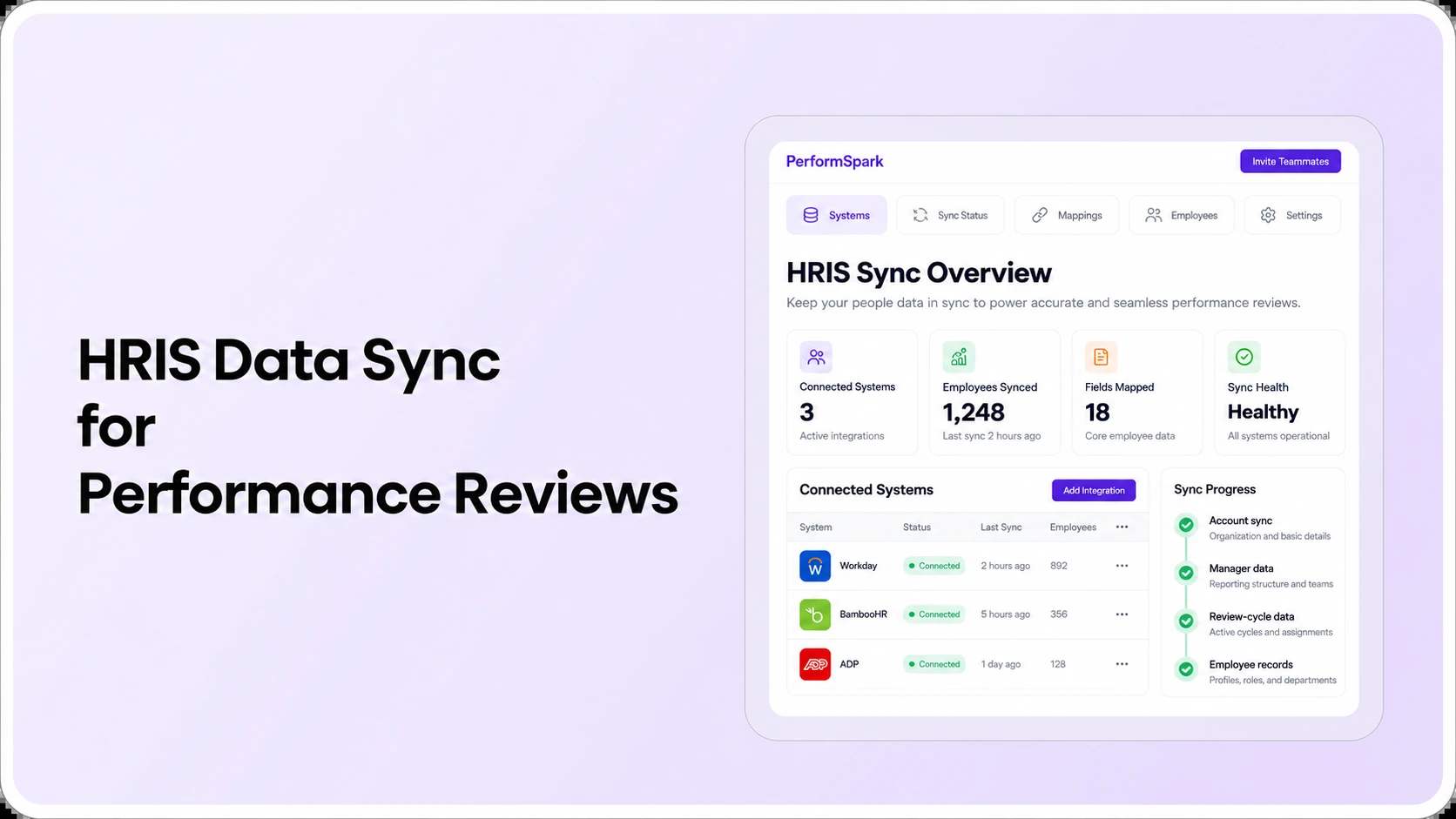
When a review is delayed by a manager change, also check related employee-data integrations and available integration options. A data connection logo does not confirm automatic transfer of reviewer ownership or a particular synchronization interval.
Review Reminders
Test automated review reminders with real scenarios
Bring one overdue self-review, a manager reassignment and a completed task. See which notification rules and status views fit your review process.
How HR should measure overdue reviews and reminder effectiveness
Count unresolved work first. Open a performance reporting dashboard and ask for definitions, not just a percentage. The denominator for a review completion rate should be the relevant assigned population, with clearly explained exclusions and dates.
Five useful operational measurements
- Assigned reviews: number of review tasks in scope for the selected cycle.
- Completed reviews: tasks meeting the defined completed state, not merely opened or reminded.
- Overdue open tasks: assigned tasks past their due dates that still need action.
- Exception reasons: unavailable reviewer, inaccessible account, inconsistent employee data, or unresolved approval.
- Owner changes and resolution: cases reassigned and completed after an actionable intervention.
For a simple example, if a pilot has 20 assigned reviews, 14 are completed and 6 remain open, the completion rate is 14 ÷ 20 = 70%. If 4 of the 6 open reviews are past due, the overdue rate among all assignments is 4 ÷ 20 = 20%. This is an illustrative calculation, not PerformSpark customer data or a product benchmark. State whether the overdue count includes pending approval and acknowledgment stages before comparing teams.
A delivery log can establish whether a notification was sent, but it cannot prove the employee read it or that the underlying review conversation was valuable. Review turnaround, user access problems, employee understanding, and coaching quality are separate measures. The goal-management process and individual development plans can help connect the completed assessment to work that happens afterward.
When reminders should escalate to HR, not another automated email
Escalation makes sense when the task owner cannot resolve the delay: a supervisor left the organization, the employee's account is inactive, two review populations overlap, or an approval is blocked. Sending reminders more frequently without fixing those conditions increases noise while leaving the work unfinished.
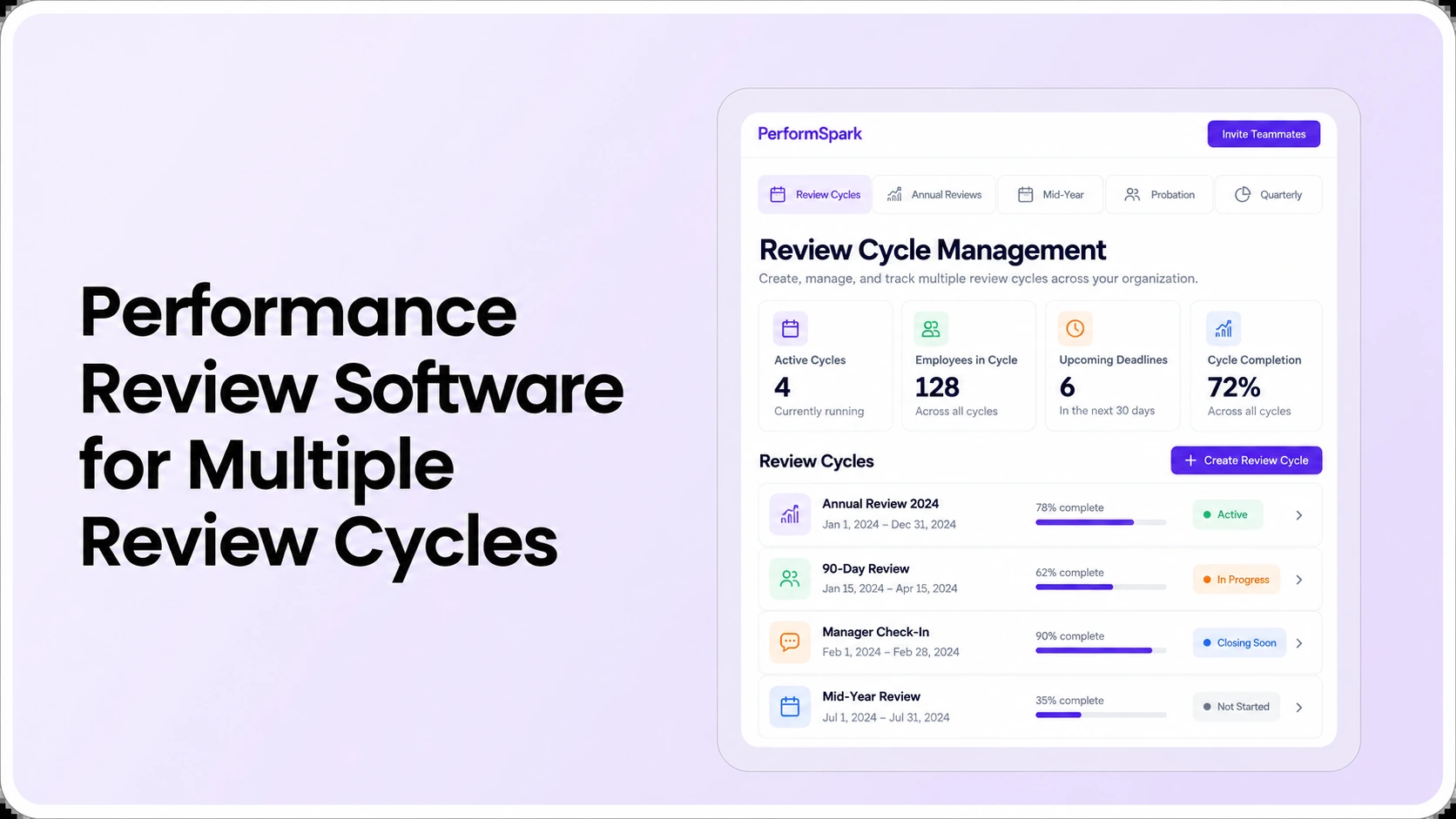
Define who can reassign reviewers, extend deadlines, approve exceptions, and close a cycle. The responsible person may differ by department and employee group. The review cycle and calibration process may involve different steps and governance requirements; escalating a calibration issue to the wrong manager can cause confusion or unnecessary access.
Manager follow-up should also respect leave and approved working schedules. A time-based reminder is not evidence that an employee or manager refused to participate. HR must consider policy, access and legitimate absences before drawing conclusions.
Keep performance review notifications private and accessible
A reminder normally needs the recipient's action, due date, and secure task link. It does not normally need the employee's final rating, manager's private commentary, or identifiable peer feedback. Ask vendors to show email subject lines, previews, chat notifications, in-product alerts, and exportable reminder logs. Inspect the actual security and access-control information rather than assuming every message channel has the same protections.
Where Slack or Microsoft Teams notifications are offered, verify channel availability, authentication, content, and fallbacks for your organization's configuration. An employee without a corporate mailbox or a worker using a shared device may need a different approved route to complete a review. Product availability and privacy requirements should be checked with the vendor and employer policies.
The U.S. Equal Employment Opportunity Commission's guidance on performance evaluations emphasizes communicating standards consistently and explaining evaluations using relevant facts. Software reminders do not replace fair review practices or professional consideration of employment decisions. This article is educational HR process guidance, not legal advice.
Choosing between spreadsheet reminders, an HRIS module, and dedicated review software
- Spreadsheets and calendar invitations: may work with a small, stable review population and a disciplined owner, but ask who updates dates, assignments and completion manually.
- HRIS performance module: may reduce duplication of employee records, but verify whether task-level notifications, reassignment, approval-stage reporting, and message privacy meet your needs.
- Dedicated performance management platform: may connect review steps, status prompts and development workflows, but assess implementation, integrations and cost before assuming it is the better fit.
For the full process, read how to automate performance reviews. If you need a product shortlist rather than a reminder evaluation, the performance review automation software comparison serves that separate search intent. The software RFP checklist can turn your reminder tests into procurement questions.
Implementation checklist: From manual chasers to accountable reminders
- Map the cycle: document review populations, owners, deadlines and approved exceptions before turning on automation.
- Clean the employee data: confirm manager relationships, employment status, and correct access paths.
- Define message rules: specify the trigger, recipient, channel, content, frequency and when a notification should stop.
- Choose human escalation owners: identify HR and manager actions for overdue assignments that cannot be solved with a prompt.
- Run a controlled test: use sample accounts for late submissions, changed managers, completed tasks and blocked access.
- Inspect the report: reconcile overdue and completed counts with known assignments.
- Train users: show employees how to access tasks and managers how to resolve exceptions, not just where to click in an email.
As part of the buying decision, request an implementation scope and a written quote. Clarify what comes from the standard product, what needs configuration, and which integrations or services cost extra. Refer to PerformSpark pricing information and verify current commercial terms with the product team.
What to ask PerformSpark in a reminder workflow demo
PerformSpark describes configurable, role-based notifications for reviews, feedback, check-ins and administrative follow-up. Its published performance notifications page discusses due-date prompts, overdue-task views, and settings for recipients and frequency. That is a documented product description, not independent verification of every trigger, integration, or advanced escalation path. Ask to see the exact reminder sequence your HR team needs.
Bring one example in which the employee has not started, another where the manager is unavailable, and a third where an assigned review is complete. Have the team show what employees, managers and HR administrators each receive, then validate the corresponding review status report. If the demonstration reveals a configuration gap, document it before finalizing your vendor score.
Two adjacent workflows may also influence follow-through: employee feedback and manager one-on-ones. Include them only when they contribute directly to the review process, rather than using every available notification merely because the platform supports it.
Bottom line: the best review reminder system is the one that reaches the correct task owner, reflects real workflow status, makes exceptions visible and supports useful performance conversations. Evaluate those outcomes through a demonstration before committing to a product. Explore the PerformSpark platform for the full performance management context.
Review Workflow Automation
See how PerformSpark keeps review tasks moving
Walk through employee reminders, manager assignments, overdue work and HR reporting with your own evaluation checklist.
Book a PerformSpark Demo →Confirm exact notification options and integrations during the demo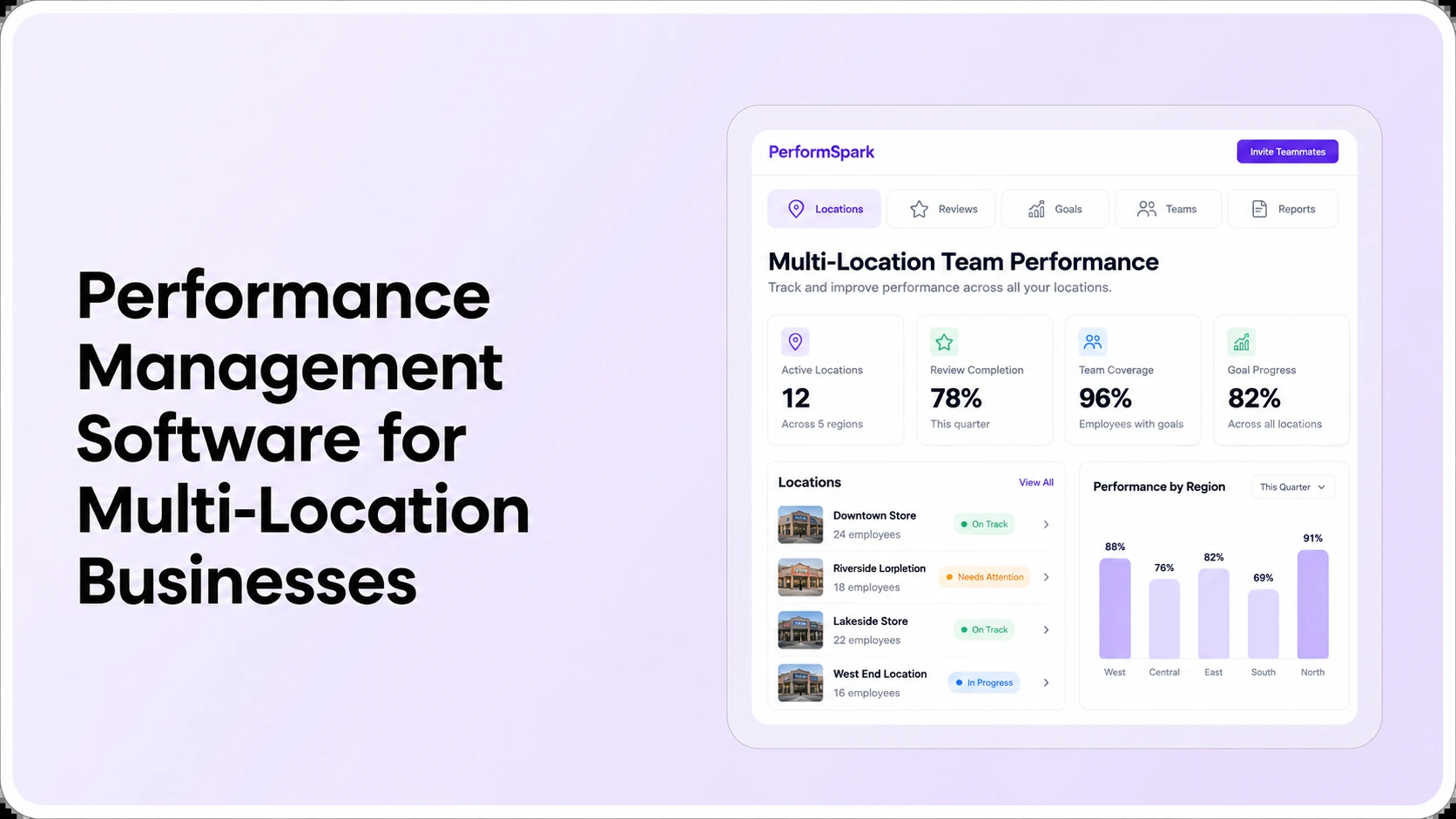




.svg)

.svg)
.svg)

