

.svg)





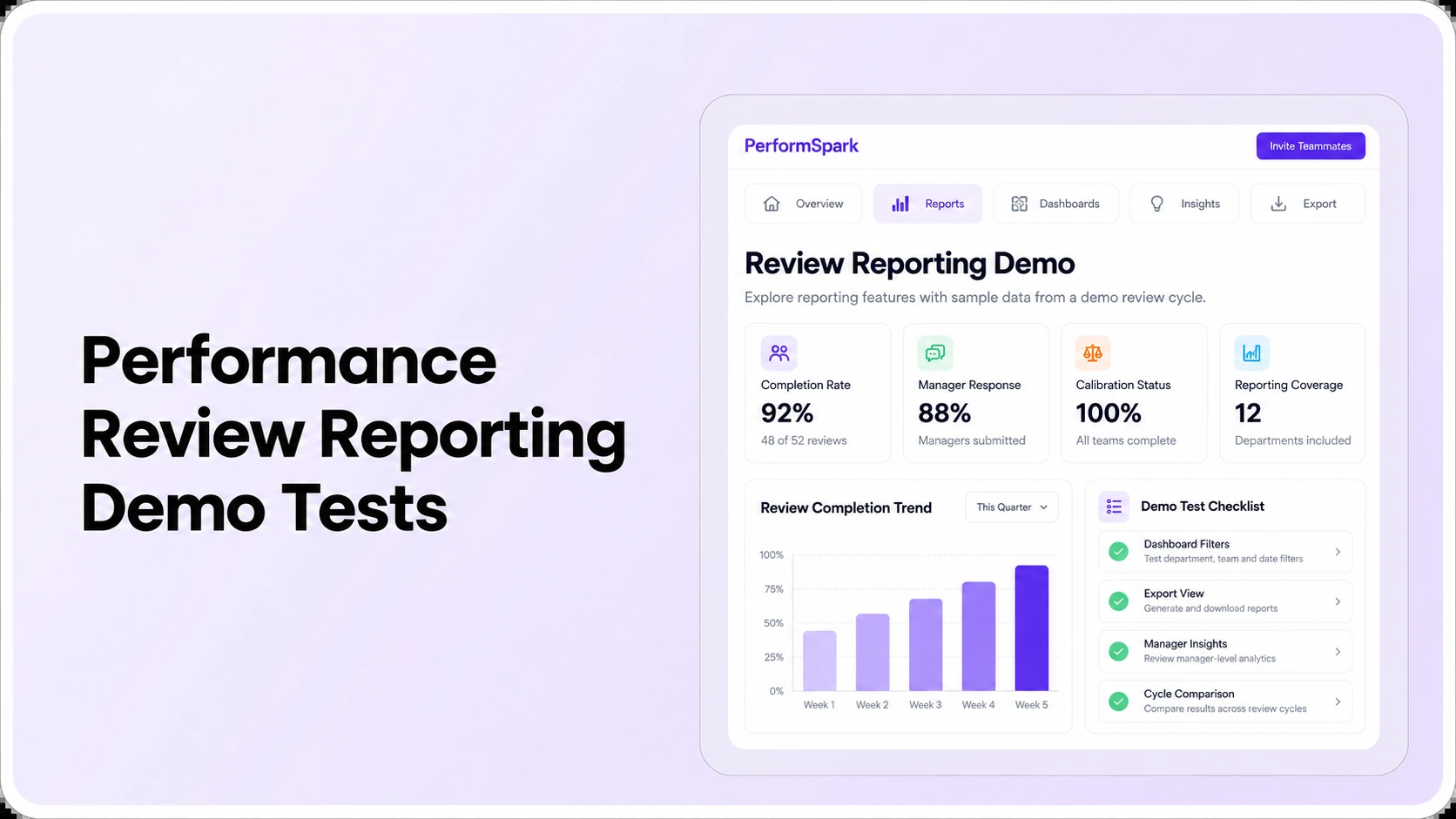
Table of Contents

Key Takeaways:
- Reconcile completion rates using a sample with known assigned and finished reviews.
- Test filters and overdue owners before trusting dashboard percentages.
- Compare rating trends only when forms, populations and periods are compatible.
- Verify manager, HR and executive permissions using different test accounts.
- Match exported report rows and totals against the on-screen filtered dataset.
To evaluate performance review reporting software, ask a vendor to reconcile review completion, filter results by team and cycle, identify overdue owners, compare valid trends, enforce employee-data permissions, and export reports that match the dashboard. A visually polished HR dashboard is not evidence that its numbers are accurate. Six short tests with known sample records reveal more than a presentation of attractive charts.
Consider a hypothetical annual review dashboard displaying 85% completion. The buyer asks whether the calculation includes departed employees, managers who have not approved reviews, and people enrolled in overlapping review cycles. If no one can explain the denominator, the apparent precision is misleading. That is a reporting-governance issue, not merely a chart-design problem.
This article is for HR directors, people operations managers and HR software buyers seeking performance review reporting software. It tests dashboard reliability and decision usefulness. For the broader range of metrics HR may track, read 15 performance management metrics HR leaders should track. For PerformSpark's feature overview, see its performance reporting and analytics page.
What should an HR performance review dashboard show?
At minimum, a useful dashboard explains how many reviews were assigned, what stage each review has reached, what remains overdue, and which authorized person can take the next action. Additional views may summarize goals, feedback activity, rating patterns and development follow-through, but those figures need documented definitions and an appropriate audience.
PerformSpark's reporting product documentation describes review progress, rating distributions, goal status, feedback trends, role-based visibility, filters and exports. Those documented categories provide a relevant place to start an evaluation. The buyer still needs a demonstration of exact filters, calculations, permissions, refresh behavior and supported exports for their own configuration.
The SHRM discussion of talent analytics lists performance ratings, goal achievement and development-related measurements among common people analytics inputs. A useful interpretation depends on the organizational question, employee population and evidence, not simply the availability of more metrics.
Prepare a reproducible reporting demo dataset
Before the six tests, give each vendor the same fictional review assignments and record their initial states. Include an employee ID, assigned review cycle, department or location, reviewer, due date, current workflow stage, and completion status. Keep employee identities invented and restrict narrative comments to approved test text. This lets HR compare outcomes rather than each vendor's prepared dashboard.
The sample should contain at least one completed review, one self-review waiting for the employee, one manager assessment in progress, one review awaiting approval, one canceled assignment, and an employee with assignments in two different cycles. Also record one manager transfer and one date change to test whether reporting updates predictably. Define whether your chosen denominator includes canceled or unassigned records before viewing a vendor result.
Give the expected record count, filters and calculation to the evaluator in a short worksheet. When a result differs, document the reason and whether it is explained by a valid workflow rule, data refresh timing or an error. These are evaluation design recommendations, not claims about a particular vendor's default reporting configuration.
Test 1: Can you reconcile the review completion rate?
Set up a known denominator before looking at a percentage
Create a test review cycle with 20 assigned evaluations. Mark 12 completed, five in progress and three not started. The expected completed rate is 12 ÷ 20 = 60%. If a dashboard reports 75%, ask whether it treats manager submissions as complete, excludes unstarted reviews, or calculates a different reporting population. Do not accept a calculation without the exact status definition.
Repeat the test with one employee on approved leave, one closed or canceled assignment, and one review awaiting final approval. HR should know which records are included or excluded and why. Clear definitions are more valuable than comparing an unsupported completion percentage against an invented industry benchmark.
Use a short report of assigned, started, submitted, approved, completed and canceled statuses to make the numbers understandable. If performance review workflow uses different status labels, map them to the local HR policy rather than rewriting employee history.
Test 2: Do department, manager and review-cycle filters work?
Ask the vendor to filter the same dataset by department, location, direct manager, role and review cycle. After each filter, count the underlying assignments independently. A location with 10 reviews should not suddenly have 13 because several employees transferred between teams or appeared in more than one review cycle.
Then combine filters. For example, select the annual cycle, operations department and one manager. Verify that the on-screen total, displayed rows and downloaded report refer to the same people and time range. If the system cannot reproduce a previously shared report, HR needs to understand its data-refresh and historical snapshot behavior.
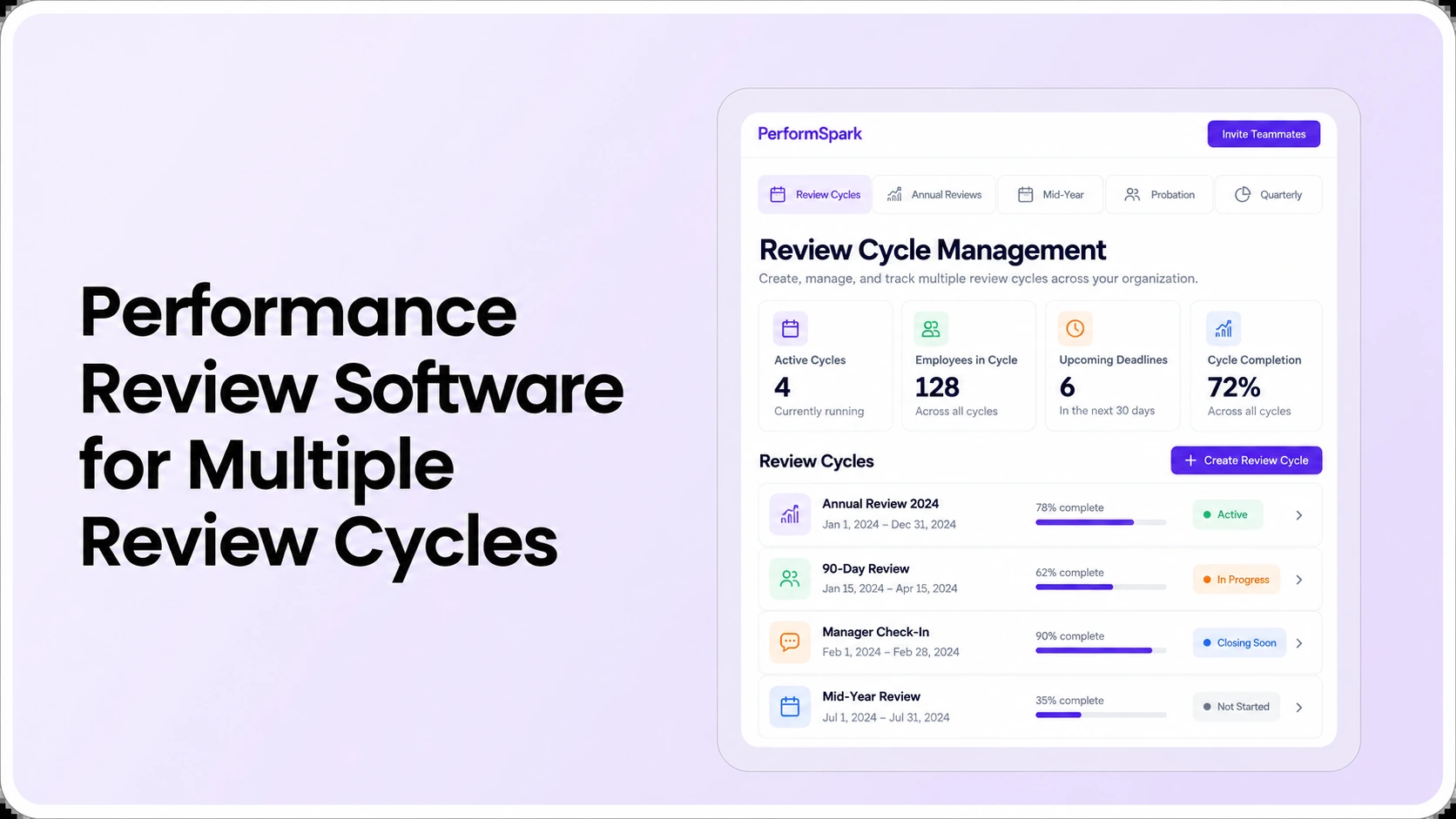
This test also exposes the difference between employee-level and assignment-level reporting. One person may have an annual review and a project review. A total of 32 assignments need not mean 32 distinct employees. For a deeper explanation of concurrent review populations, read the multiple review cycles buyer guide.
Test 3: Can HR identify who owns overdue reviews?
A dashboard of overdue items is useful only when it identifies the step that is incomplete and the person responsible. Test three examples: an employee has not submitted a self-review; a manager has not completed an assessment; and an HR approver is unavailable. All three may be late, but they require different interventions.
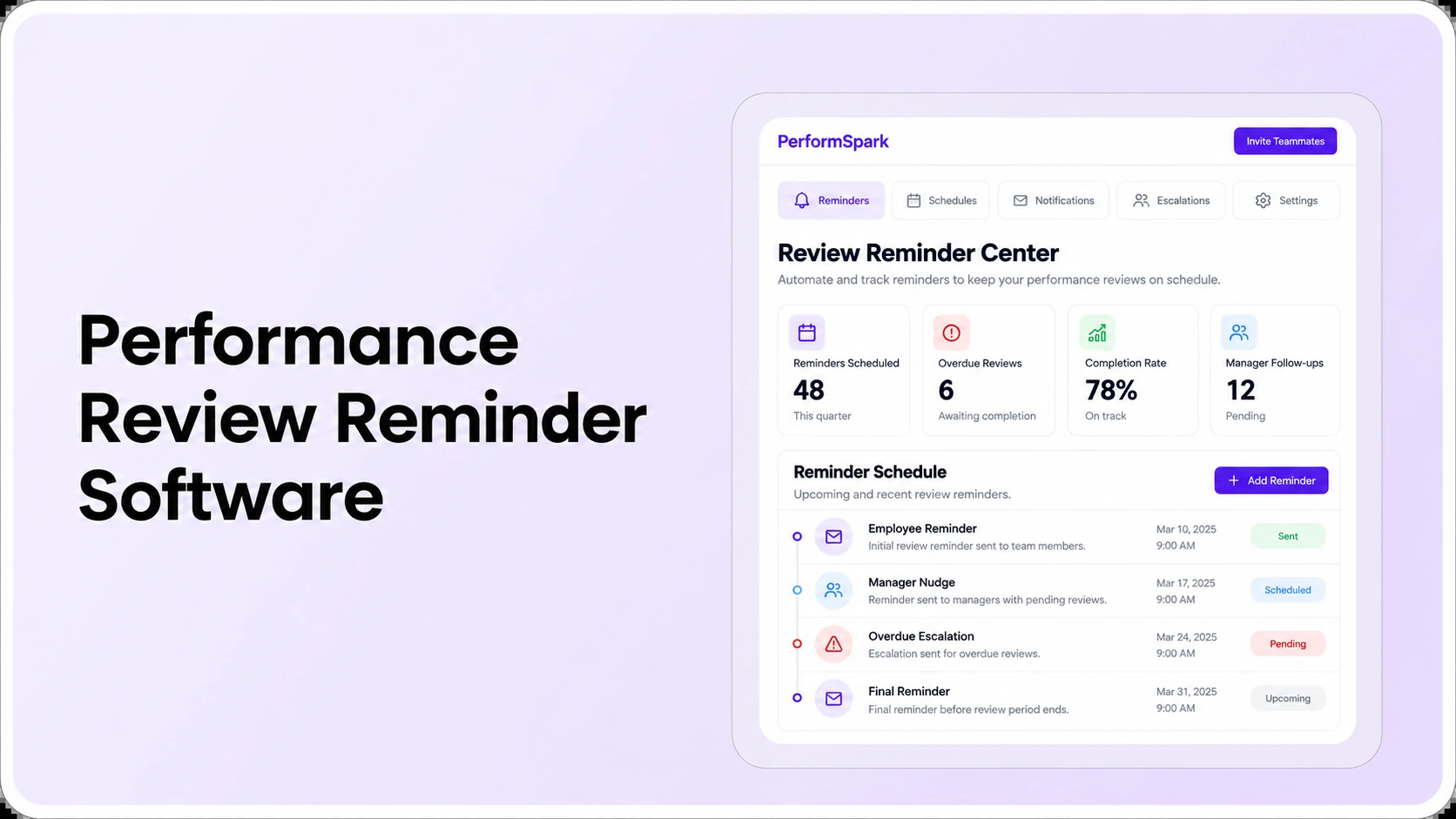
Change the manager on one open task. Confirm that ownership and the relevant report update while authorized historical feedback remains intact. Compare smart notifications and the review reminder software evaluation guide to examine whether prompts reach the correct person and stop after completion. Do not interpret a late task as proof that someone is unwilling to participate.
The report should enable HR to follow up appropriately without broad distribution of employee ratings or private notes. Work status and review content serve different purposes, and access can be limited accordingly.
Test 4: Are rating and goal trends genuinely comparable?
A dashboard showing a rise in average ratings may be misleading if the underlying rating scale changed, a different group of employees was reviewed, or one manager completed assessments later than another. Compare like with like before treating movement in a chart as evidence of improvement.
For example, a five-point scale used in one year cannot simply be averaged with a three-level competency assessment in another year. Ask the vendor to show the rubric, employee population, assessment period and missing values behind a trend. An adjusted report should communicate the changes, not silently imply continuous measurement.
Inspect performance calibration if the buyer wants to analyze distributions or manager-to-manager differences. Those views can guide human conversations about rating consistency; they do not independently determine whether an employee's assessment is correct or whether compensation or employment action should follow.
Review goal progress alongside quantitative results. Goals may be revised, deferred or affected by business priorities. Use manager check-in records where authorized to understand context without portraying goal percentages as an unbiased performance judgment.
Test 5: Does the dashboard enforce role-based access?
Use fictional accounts for an employee, a direct manager, a regional manager, HR and an executive. Ask each one to open the same report. Authorized users may need different levels of detail; an executive viewing a completion summary should not automatically gain access to every manager's narrative comments.
Then attempt a filtered export, open a direct-link report URL, and switch a sample employee's manager. Record actual permitted and denied behavior. Inspect the product's security and permission information and request documentation for the current configuration, rather than assuming that a role label alone guarantees confidentiality.
Pay attention to small groups. Even an aggregate view can reveal information if a team has only one or two employees. Decide which aggregations, suppression rules or additional review steps are appropriate under the organization's privacy practices. High-stakes employment decisions may require qualified HR or legal guidance; software charts are not legal advice.
Test 6: Does an exported report match the dashboard?
Apply a date range and two filters to a known sample, then export the results. Compare row counts, statuses, calculated totals, time zones and employee IDs with what appeared onscreen. Confirm whether the output contains only authorized fields and whether confidential comments are included by default or only after an explicit permissioned action.
Ask whether the exported file represents a point-in-time snapshot or a live query. A manager might change a status after the HR report was downloaded, and the organization needs a clear record of when each dataset was generated. Ask for reporting documentation and confirm supported formats, rather than assuming an export button satisfies every audit or board-reporting requirement.
Where reporting depends on connected systems, review performance management integrations and available integration options. Verify source fields, update frequency, error handling and permissions. An integration listing by itself does not establish that all employee or review fields sync automatically.
Six-test scorecard HR buyers can reuse
Record one result for each test: Pass (demonstrated), Conditional (needs configuration), Not demonstrated, or Requirement not met. Use a written sample dataset so every shortlisted vendor receives the same evaluation.
- Completion math: Are assigned, completed and excluded records reconciled to the expected denominator?
- Filters: Do cycle, location, team and manager filters produce correct records and populations?
- Overdue owners: Can HR find an open step, its owner and the authorized exception path?
- Comparability: Does the product explain changed scales, populations, missing values and historical periods?
- Permissions: Do employee, manager, HR and executive accounts see only authorized information?
- Exports: Do exported rows, statuses, dates and totals match the on-screen filtered report?
These are buyer-created acceptance tests, not a published certification. For a formal vendor procurement process, combine them with the performance management software RFP checklist. Use the general software selection guide when comparing reporting requirements with the wider review workflow.
Reporting Demo
Put six HR dashboard tests to work
Bring a known review completion sample, manager access scenarios, and an overdue review case. Test what the dashboard actually shows.
Pass or fail: What evidence should HR retain from the demo?
For each test, record the dataset version, report filters, reporting date and time, expected result, actual result, role used to view the report, and an explanation of any difference. Capture whether the result was demonstrated in the product, required configuration, or remained unverified. Keep sensitive records out of screenshots shared beyond the authorized buying team.
Make correct access control and reconcilable report counts mandatory requirements if they are critical to your policies. A beautiful dashboard should not compensate for an unauthorized employee-data export or an unexplained denominator. Recheck any corrected issue rather than automatically changing an unsupported answer to a passing score.
Which reporting measurements deserve regular HR attention?
Once the foundational dashboard checks pass, prioritize measures that help users take a defined next action. HR may review completion and overdue ownership each cycle, while managers focus on documented feedback activity, goal progress and the development actions agreed after reviews.
- Cycle completion: a documented ratio of completed assignments to assigned evaluations for one reporting period.
- Overdue stage and owner: how many assigned reviews are late, at which step and with whom.
- Goal status: current objectives and progress, interpreted with contextual evidence rather than as an automatic employee score.
- Manager coaching participation: counts of check-ins or follow-up conversations where data is appropriately recorded.
- Development follow-through: documented actions assigned after reviews and whether the next checkpoint occurred.
- Rating distribution: patterns for comparable review forms and populations, accompanied by appropriate manager and HR review.
Different questions require different periods. A weekly overdue-work view may be appropriate when a cycle is closing. A quarterly development report should not become a weekly individual ranking system. Individual development plans and 360-degree feedback can add legitimate context where the organization's process uses them, but avoid collecting information without a clear business purpose.
What reporting mistakes should buyers avoid?
- Missing denominators: percentages without a definition of the included employee or assignment population.
- Comparing incompatible cohorts: mixing annual ratings, onboarding checkpoints and different rating scales.
- Confusing charts with explanations: treating a correlation or distribution difference as proof of cause.
- Overexposing sensitive detail: sending employee-level narratives to readers who need only aggregate status.
- Ignoring system changes: comparing reports generated before and after employee moves or status updates without timestamps.
- Equating compliance with a dashboard: assuming a performance reporting view automatically satisfies employment, privacy or records requirements.
The EEOC guidance on performance evaluations emphasizes consistent standards, job-related evidence and clear explanations in assessments. Reporting tools can organize information and surface questions, but they do not replace human judgment or qualified legal and HR review when individual employment decisions are involved.
How PerformSpark fits a performance reporting evaluation
PerformSpark's current performance reporting and analytics product page describes review-cycle progress, rating distributions, goal progress, feedback trends, role-based access and filtered exports. These are relevant categories for a dashboard evaluation. Buyers should use the six tests above to establish which views and data definitions work in their own environment and where additional configuration may be necessary.
Bring sample review assignments, one manager transfer, restricted user accounts and a filtered export request to the vendor. Ask to see the records behind each metric. If the resulting data is clear, reproducible and appropriately protected, HR has a stronger foundation for decisions than a glossy reporting screenshot alone.
The platform also connects related performance review workflows and goal management with development follow-up. Evaluate these connections when they help a manager move from reporting to action, but verify product behavior in the demonstration.
Performance Reporting
See how PerformSpark reports on reviews and goals
Use your own reporting definitions, review-cycle filters, permission requirements and export questions in a focused PerformSpark demonstration.
Book a PerformSpark Demo →Bring your six-test reporting checklist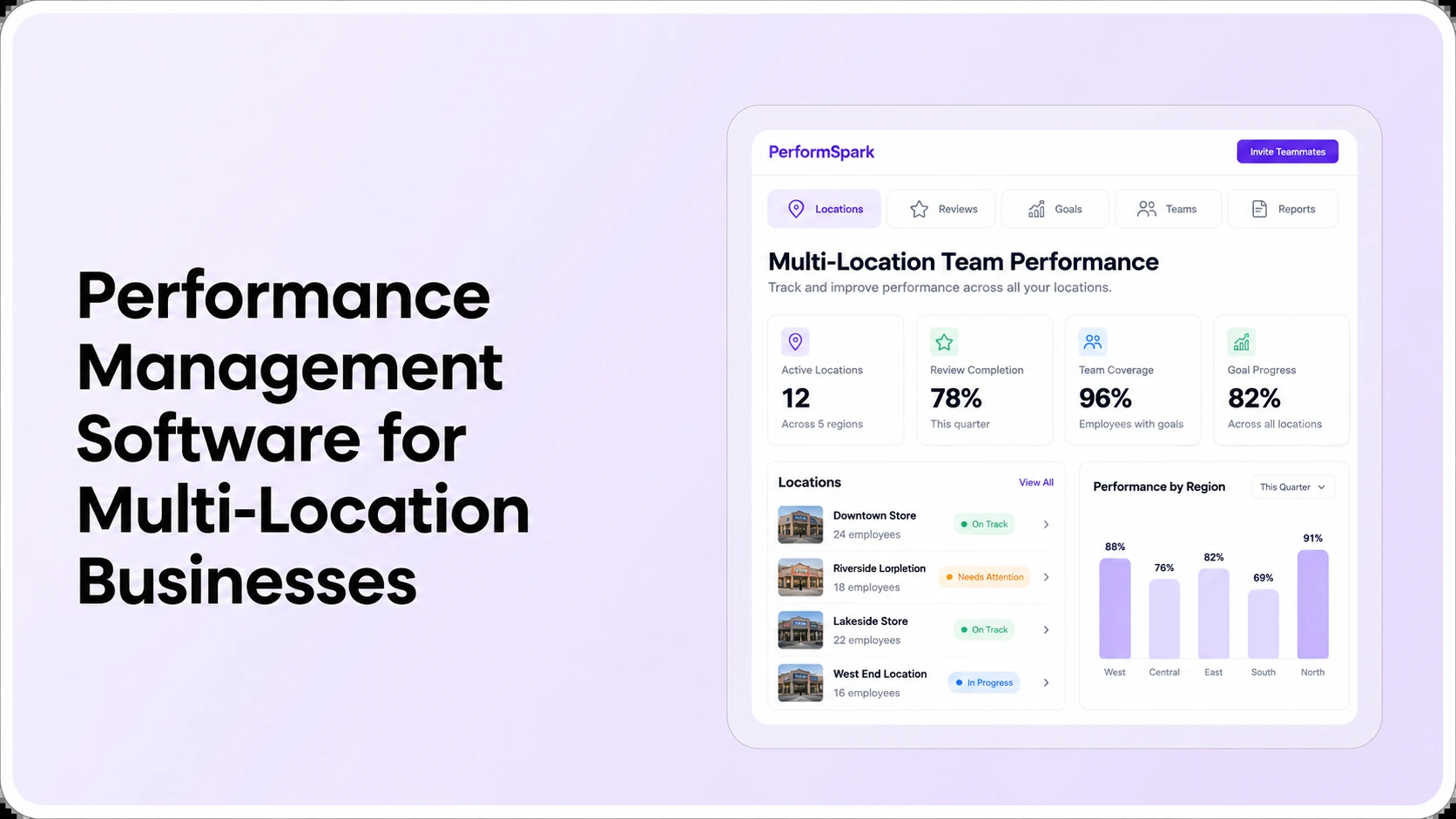




.svg)

.svg)
.svg)

