

.svg)





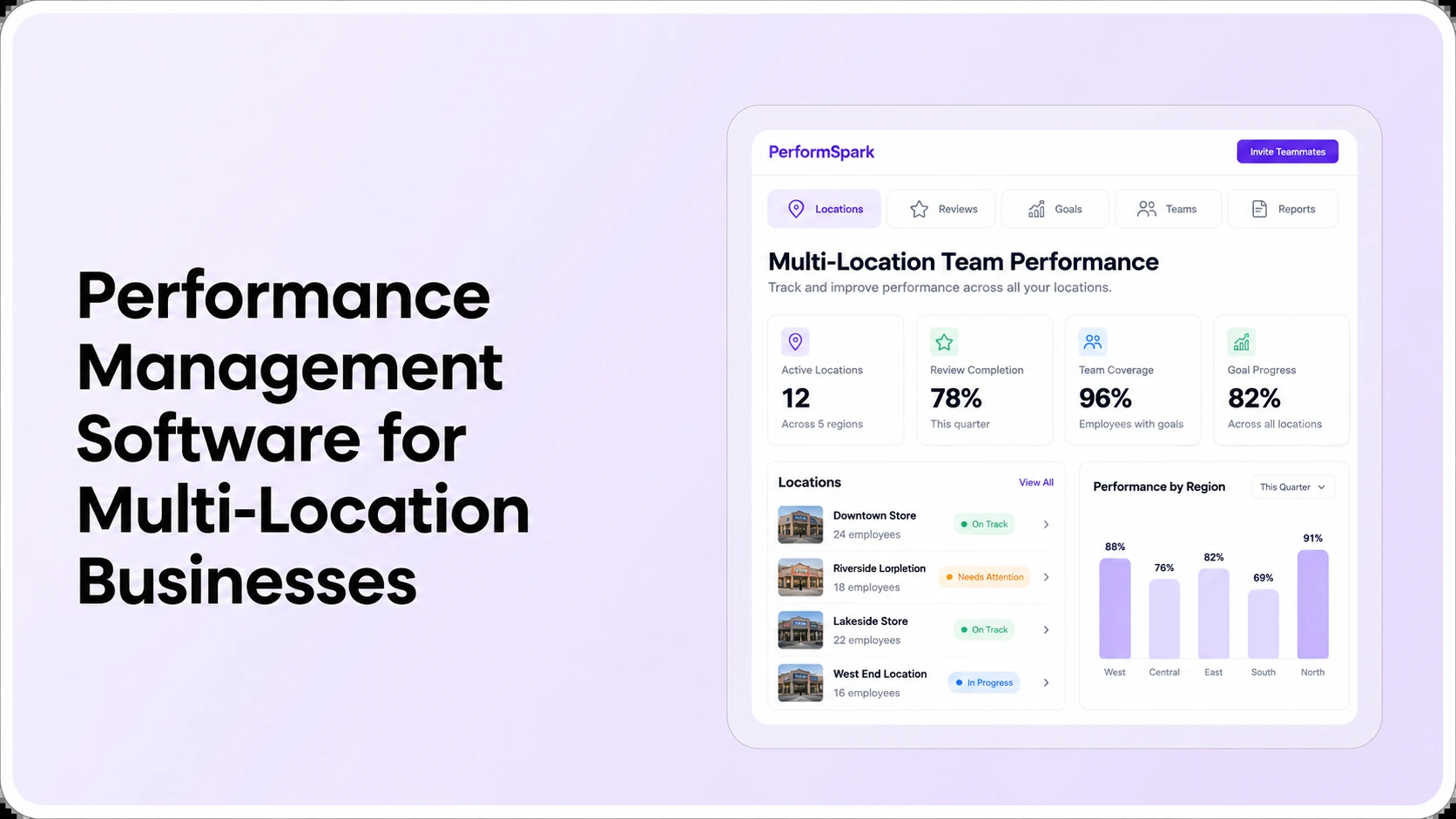
Table of Contents

Key Takeaways:
- Define review standards centrally while using job-relevant goals at each site.
- Test manager and regional permissions separately from dashboard location filters.
- Simulate employee transfers and supervisor changes during open review cycles.
- Reconcile regional completion rates with location-specific denominators.
- Use an eight-step vendor demo and pilot before committing to a platform.
Multi-location performance management software helps HR run consistent employee reviews across branches, stores, plants, and regional teams while giving local managers the right work and access. Buyers should verify four things before choosing a platform: shared review standards, correct supervisor ownership, permission-controlled access to employee records, and accurate reporting by location.
A platform can look convincing in a headquarters dashboard and still fail at a branch. Imagine a retailer with five stores. One employee transfers during an annual review, the receiving manager has not worked with that employee long enough to assess the full period, and HR needs completion reporting across all stores. The software must support an appropriate human handoff without exposing records to unrelated locations. This is an illustrative scenario, not a PerformSpark customer case.
This guide focuses on how to evaluate performance management software for multi-location businesses, not on ranking vendors or repeating a general performance management platform overview. It gives HR leaders, regional managers, and people operations teams a role-permission model, an eight-step demo test, and a practical rollout checklist.
What makes performance reviews difficult across multiple locations?
Headquarters often defines the review calendar and common expectations, but site supervisors conduct the conversations. Locations may have different roles, shift patterns, managers, and local operating goals. When those differences are not mapped, HR ends up combining spreadsheets, chasing reviews from former managers, or comparing employee ratings that were based on incompatible criteria.
Consistency should apply to how employees are evaluated: transparent standards, evidence requirements, review rights, and a clear opportunity to respond. It does not require identical individual targets for warehouse operators, store supervisors, maintenance technicians, and head-office analysts. EEOC guidance on employee performance evaluations recommends communicating standards, applying them consistently, and explaining ratings with relevant facts. Apply those principles to every site, while tailoring measurable expectations to each job.
Decide whether a review belongs to a particular location, the employee's current manager, a job group, or a central HR policy. These are different dimensions. For instance, a district manager might oversee five stores while an employee works at one store and has a single direct supervisor. A vendor should demonstrate both relationships without assuming that regional authority automatically grants unrestricted access to every employee's private notes.
A practical role and access matrix for multi-location reviews
Before comparing software, write down who may create, edit, approve, or read each type of record. The following is an illustrative responsibility matrix to adapt to your privacy policies. It is a buying checklist, not a claim that these exact permission presets ship with every platform.
- Employee: completes assigned self-reviews, receives approved feedback, and sees only the personal review and development information the organization authorizes.
- Site manager: prepares reviews for assigned direct reports, captures job-relevant observations, and follows up on site-level deadlines; does not automatically access another site's employee narratives.
- Regional leader: may need progress summaries across the locations they oversee, plus approval or escalation duties specified by policy. Detailed ratings and notes should be granted only where required.
- Corporate HR administrator: manages cycle setup, employee groups, reviewer assignments, exceptions, reporting definitions, and approved data access.
- Executive: may need a regional or organization-wide summary rather than direct access to every employee's written feedback.
This is where role-based security and access controls and performance reporting permissions must be tested together. A reporting interface can support location filters while individual narratives still require restrictions. The current PerformSpark reporting page describes filtering by location, manager, cycle, and role, but buyers should confirm how those options work with their own structure and authorized users.
Which software capabilities matter most to a multi-site HR team?
1. Shared evaluation standards with location-relevant job goals
Build one baseline rubric for comparable jobs, then allow authorized HR users to define what differs by role or operating context. For example, service quality and coaching behaviors might be shared across retail supervisors, while locally assigned goals may reflect different responsibilities. Don't turn sales volume into a universal performance rating without examining staffing, seasonality, and other relevant factors.
During a demo, compare the performance review templates used by two locations, then open goal management to see whether the employee-specific objectives remain understandable. Ask what a supervisor can edit locally and what HR controls centrally.
2. Accurate reviewer assignments when people move
A transfer between stores, branches, or plants creates an ownership question. Does the open review follow the employee automatically? Is approval required? What feedback remains with the former manager? Which records become accessible to the new manager? These are separate decisions, and a vendor should demonstrate the supported rules rather than promise that location transfers are automatic.
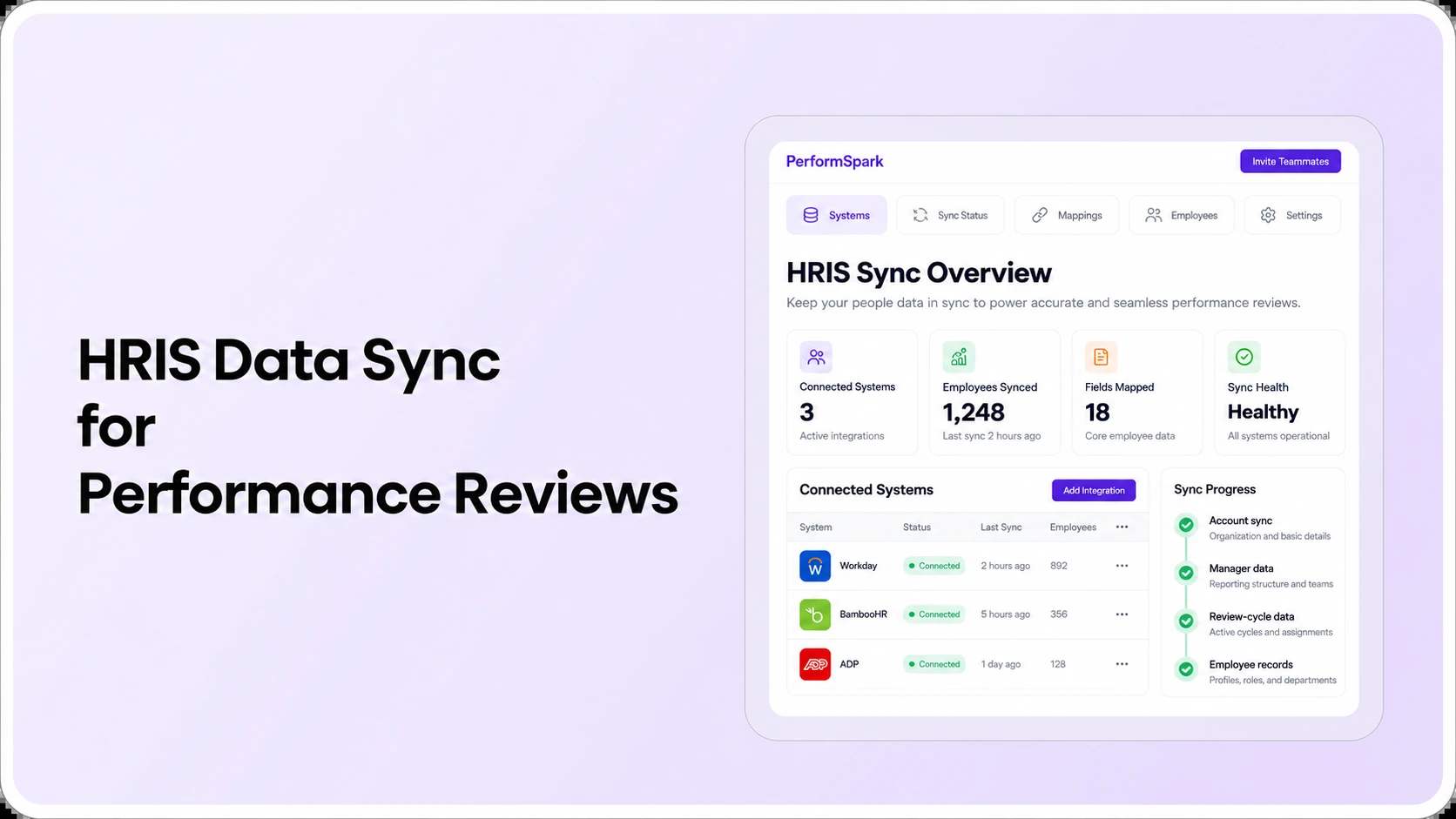
Ask how HR records organizational changes through HR and performance integrations and whether the required location codes, employee IDs, and manager fields are available in the supported integration catalog. Distinguish a current employee-data sync from migration of historical feedback and ratings.
3. Review calendars that reflect workforce reality
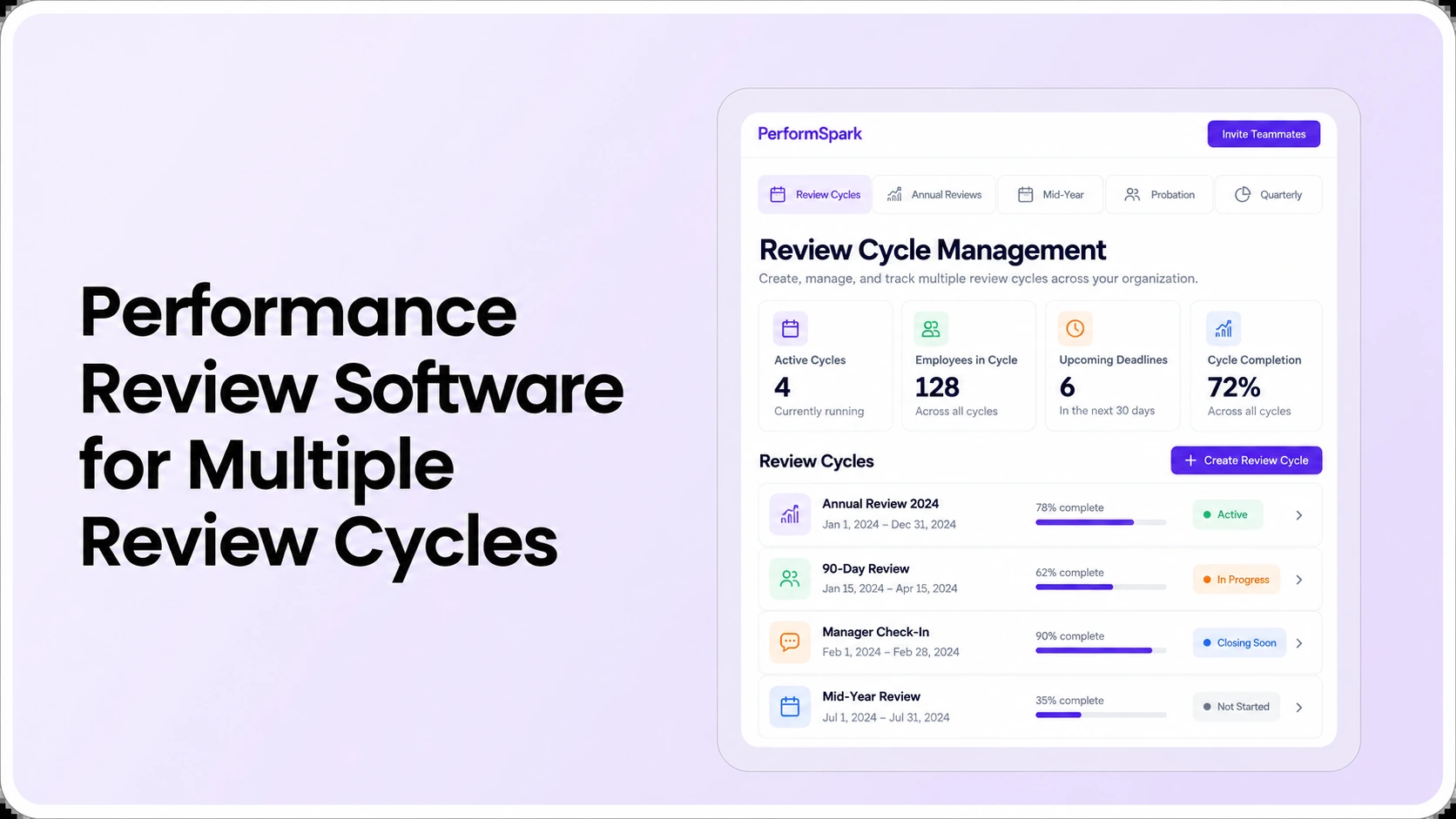
A multi-site business may have one annual review cycle for full-time staff, another for probationary employees, and regular manager check-ins between formal assessments. Confirm which employees are included in each review population. Running more frequent reviews is not inherently better if staff lack the time or context for useful feedback.
Test review reminders and notifications after changing a deadline or supervisor. A completed task should not continue to generate irrelevant follow-up. This is a vendor test, not a guarantee that every notification rule is supported out of the box.
4. Feedback continuity without compromising privacy
Cross-site assignments and regional projects may involve people who observe an employee's work but are not the direct manager. Evaluate whether feedback requests and, when appropriate, 360-degree feedback can provide relevant context without granting those contributors blanket access to the employee record.
A reviewer should not give the most recent site or the most visible manager disproportionate weight. SHRM's discussion of proximity bias highlights the importance of objective measures and regular feedback for employees working apart from their managers. Standardized evidence prompts help HR examine possible inconsistency, but they do not guarantee an unbiased decision.
5. Regional reporting with defensible definitions
Request dashboard views by location, job group, manager, and review cycle. Then confirm what each number includes. The proportion of completed reviews across a region can be misleading if one store counts transferred employees twice or another excludes open approvals without explanation.
The reporting and analytics workflow should make it possible to understand incomplete assignments, manager activity, and review progress. For rating discussions, examine calibration with human oversight and contextual evidence; avoid ranking unrelated job groups as though all results are equivalent.
How should HR compare completion rates across branches?
Use a consistent metric definition and a fixed reporting date. In a hypothetical example, Store A has 20 assigned reviews and 16 completed: 80% completion. Store B has 10 assigned and 9 completed: 90%. The combined rate is (16 + 9) ÷ (20 + 10) = 83.3%, not the simple average of 80% and 90%.
Before a regional leader uses that figure, confirm whether transferred staff are counted once, which review stage qualifies as completed, and whether new hires or leaves are excluded under the organization's reporting policy. Compare stores with different role mixes cautiously. Completion rates show workflow status, not the quality of the conversation or the employee's job performance.
A useful location-level report should give HR at least the assigned population, completed tasks, overdue tasks, and outstanding owner or stage. Authorized users may also need aggregated goal and development status. Individual notes should remain subject to role-appropriate permissions.
Eight vendor demonstration tests for multi-location performance software
Run these with two sample stores or branches, two job groups, a regional HR account, and one employee who changes sites. Use fictional or approved test information. Mark each requirement demonstrated, requires configuration, needs verification, or not supported for our scope.
- Shared review setup: create two locations with the same company-wide rating definitions but different job competencies; inspect what local managers may change.
- Site-level permissions: sign in as Store A's manager and attempt to view Store B's employee review. Record the actual behavior.
- Employee transfer: move a sample employee from Store A to Store B during an open cycle, then inspect reviewer ownership, historical notes, and access rights.
- Manager departure: remove the assigned supervisor from an unfinished review and demonstrate how the next authorized owner is selected.
- Different schedules: assign a standard cycle and a separate new-hire review without creating duplicate or contradictory tasks.
- Regional completion report: reconcile counts for the two sites against known sample assignments. Show filters for location, review cycle, and manager.
- Confidentiality in aggregate views: compare site manager, regional leader, and central HR accounts. Check whether a small team's report reveals individual narratives unnecessarily.
- Development follow-through: convert a review outcome into a documented development plan with an owner and a date, and confirm who sees the next step after a transfer.
The buyer should leave the demo with a gap log, not just an attractive product tour. For more general procurement requirements, use the performance management software RFP checklist; for organization-wide selection criteria, see the software buying guide.
Multi-Location Reviews
Test location-based reviews and reporting live
Bring two sample branches, a location transfer, a manager change, and your regional reporting questions. Ask to see the actual workflow and permissions.
What should a multi-location vendor scorecard measure?
A practical scorecard can use five criteria: policy consistency, location-specific user access, transfer handling, reporting quality, and implementation effort. Give each vendor a 1-to-5 rating only when the required behavior has been demonstrated. Record an evidence reference for every score and leave unknown requirements unscored.
- Review policy fit: confirm common standards, job-specific templates, and appropriate approval roles.
- Access control: test the most sensitive case first, such as a branch manager trying to open another location's private notes.
- Transfer readiness: examine active-review ownership and historical record visibility after the move.
- Reporting reliability: reconcile location-level denominators, exclusions, and exports.
- Ownership and cost: document who configures sites, trains supervisors, supports transfers, and pays for any additional integration work.
Treat critical privacy failures as a decision gate, not a minor deduction that extra features can outweigh. The PerformSpark pricing page is only a starting point: request written terms for the licensed population, configuration, support, reporting needs, and specific integrations for your business.
How to pilot multi-site performance reviews without a full rollout
- Pick representative sites: include one established location and one with a different role or operating schedule. Define the scope and employee groups.
- Map access: approve the employee, site manager, regional leader, and HR responsibilities before granting test permissions.
- Prepare safe sample data: include one normal employee, one transfer, one manager change, and one overdue review.
- Run the complete review: have a real supervisor test the self-review, manager assessment, discussion, and final sign-off rather than watching a scripted demonstration.
- Compare reports: verify site and regional numbers using the sample records you entered.
- Decide with evidence: document gaps, configuration responsibilities, manager feedback, and the cost of maintaining the process once other locations join.
An HRIS performance module, a dedicated platform, and a well-run manual process each have different trade-offs. A small two-site organization with straightforward reviews may not need a complex rollout. A larger regional network may require stronger access control, integration handling, and reporting governance. The deciding factor is demonstrated operating fit, not the number of locations alone.
Common mistakes when evaluating a multi-location review platform
- Using a single quota for unlike roles: distinguish individual responsibilities from store, region, or plant outcomes.
- Assuming a location filter equals a permissions model: test authorization separately from dashboard segmentation.
- Ignoring transfers: model an employee or manager change before the first live review cycle.
- Comparing unmatched ratings: align standards and consider job groups before drawing conclusions from regional charts.
- Adding needless approval layers: define when central HR must sign off and when local managers should complete their work directly.
- Leaving follow-through unresolved: connect review feedback to coaching, recognition when appropriate, and individualized development rather than treating completion as the whole outcome.
If performance concerns require a more formal response, keep performance improvement plans distinct from everyday coaching. Seek qualified HR or legal advice for consequential employment decisions. Neither a shared scoring rubric nor software reporting can guarantee legal compliance or eliminate bias.
What makes PerformSpark relevant to a multi-location evaluation?
PerformSpark's published pages describe configurable review cycles, role-based reporting views and location filters, goals, and connected manager check-ins. These are useful capabilities to investigate for an organization with several operating sites. The documentation does not establish that every desired transfer rule, regional permission, or HRIS field mapping is available for your exact configuration.
Bring the role-access matrix, eight demo tests, and a sample cross-site transfer to the PerformSpark team. Ask to see the actual workflow and clarify anything that needs configuration or an integration. A product demonstration should settle those details before procurement approval.
Multi-Location HR
See how PerformSpark supports your distributed teams
Discuss review cycles, local manager responsibilities, employee transfers, and regional reporting with the PerformSpark team. Confirm the exact setup your locations need.
Book a PerformSpark Demo →Bring your location and reviewer matrix to the demo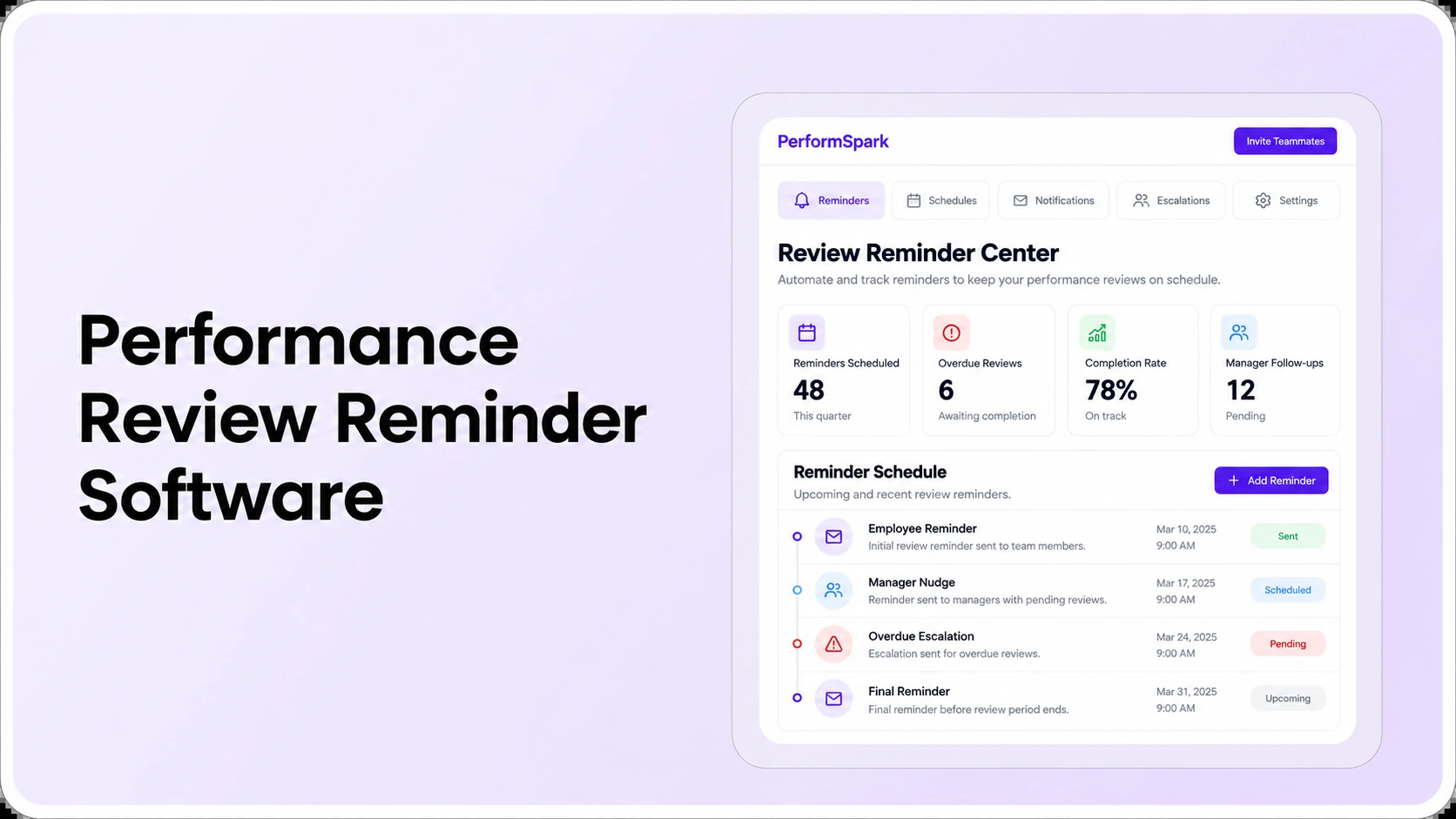




.svg)

.svg)
.svg)

