

.svg)





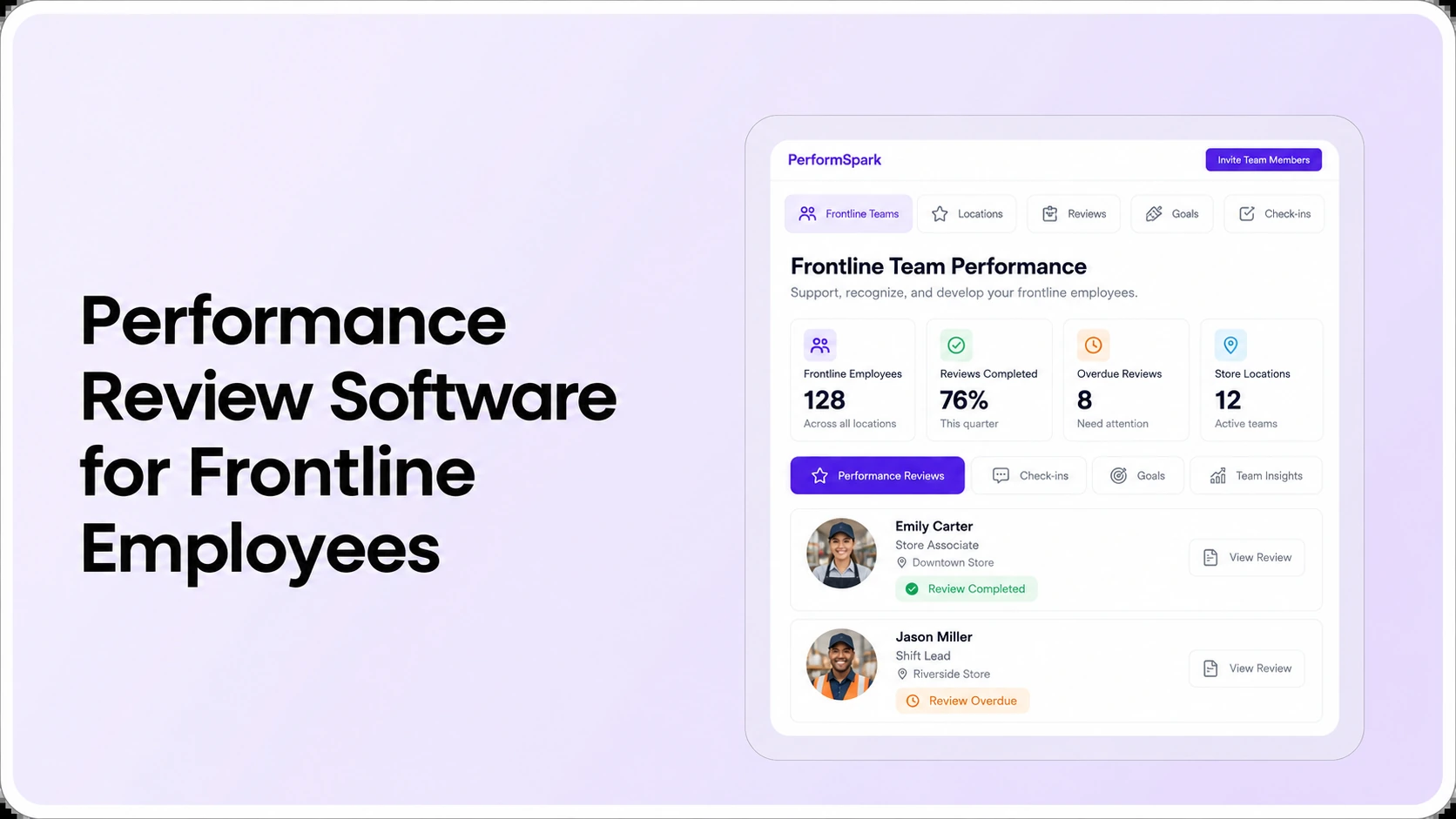
Table of Contents

Key Takeaways:
- Test an employee's permitted sign-in and device before approving a frontline review platform.
- Verify reviewer reassignment when employees move between shifts, managers or locations.
- Use clear, job-relevant expectations instead of relying only on volume or attendance.
- Validate completion reports, overdue-task ownership and private data access by role.
- Run ten realistic frontline workflow tests before selecting a vendor.
Frontline performance review software should make reviews accessible to employees who work on shifts, change supervisors, or rarely sit at a desk. The right buying checklist goes beyond mobile layouts. HR should test how employees sign in, who owns the evaluation, whether feedback reflects the actual job, and whether managers can finish a review without an office-first workflow.
Consider a hypothetical store employee on a closing shift. Their direct manager works early mornings; the employee does not have a company laptop or a corporate mailbox. An HR system that emails a lengthy review form to an inaccessible inbox will report a missed deadline even when the real barrier is access. A useful demonstration tests the employee's actual approved device, communication method and schedule, then follows the task through manager feedback.
This guide is for HR directors, operations leaders and managers buying performance review software for frontline and shift-based employees. It covers practical vendor evaluation, role-specific review criteria, supervisor reassignment and reporting. For broader purchasing criteria, see the general performance software selection guide. For the connected product, explore PerformSpark performance review workflows.
Why frontline and deskless reviews require a different buying test
Many frontline employees work in retail, hospitality, logistics, manufacturing, healthcare or field service environments. They may have irregular shifts, limited direct contact with HR and restricted access to company email. SHRM and Fidelity Investments' 2025 deskless workforce research identifies these operating conditions as common challenges. The point for software selection is practical: the employee's actual work environment should determine the access tests, not the convenience of a vendor presentation.
An HR director may be able to view every cycle from a desktop. A line supervisor may have only a short window between team handovers. A field employee may need an authorized mobile or shared-device workflow, depending on company policy. Those are different journeys through the same employee review process. A product can appear easy for an administrator and remain difficult for the people whose participation determines completion.
Before selecting software, map where reviews happen, which devices are allowed, how employees receive work-related communications, and who helps when access fails. Do not assume staff can use personal phones, respond outside paid working hours, or install an app without explicit organizational approval.
Six capabilities to evaluate in frontline performance review software
1. Employee access without an office dependency
Start by testing a real frontline user's journey: receive an invitation, authenticate, open a self-assessment, save progress, submit, and later read the released result. Ask which identity options are supported and whether company email is required for the particular configuration. Do not assume the label “mobile-ready” proves that authentication, accessibility, or an employee's permitted device works.
The security and access information can guide account and permission questions. If your organization uses an HR system for employee provisioning, check the required fields through HR and performance integrations and the integration directory. Verify each connector rather than assuming a published integration logo confirms all identity workflows.
2. Clear ownership when shifts, stores or supervisors change
A review may be assigned before a worker transfers departments or their supervisor changes. Ask who can reassign it, whether submitted history remains accessible to the correct reviewers, and whether the former manager's private notes become visible to the new owner. A good demonstration uses an unfinished assessment and a controlled manager change, not a completed review with no exception.
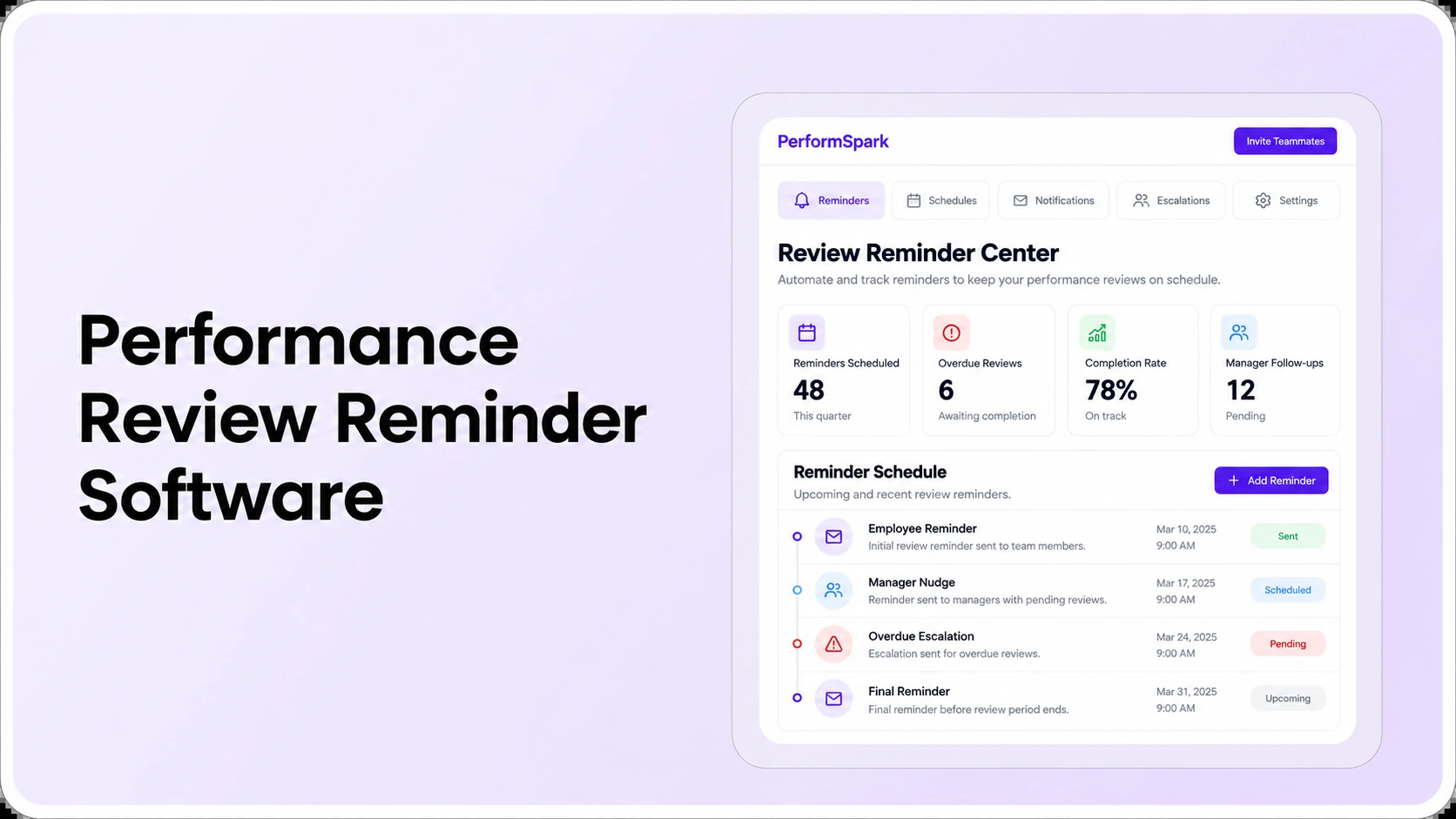
Ownership also matters for review reminders. A notification sent to a departed supervisor creates noise without solving the employee's outstanding task. For notification-specific scenarios, use the separate review reminder software evaluation guide.
3. Job-relevant criteria for different frontline groups
One rating template should not reduce every job to sales, throughput or attendance. A store employee might be evaluated on customer-service behaviors, accurate handoffs and teamwork; a maintenance technician on reliability, problem diagnosis and reporting; a warehouse supervisor on coaching, staffing decisions and process execution. These are illustrative criteria to adapt to job descriptions, not prescriptive ratings.
Review whether role-based goals and performance calibration support consistent standards among comparable positions while leaving space for important job differences. US employers should also follow relevant policies and consult qualified professionals about employment decisions. EEOC guidance on performance evaluations advises communicating standards clearly, applying them consistently and using relevant factual support. It also cautions against penalizing employees for protected circumstances, including certain medical absences.
4. Ongoing evidence rather than end-of-shift memory
A supervisor may see only part of an employee's work. Useful reviews should distinguish dated observations, customer or team input, documented goals and the manager's own assessment. If your policy allows input from coworkers or project leads, inspect feedback collection and multi-rater feedback without treating every informal opinion as a formal rating.
The check-ins and 1-on-1s workflow should connect feedback to coaching where appropriate. Test whether the manager can record a real example and revisit it during the review. Short observations made throughout the period may provide better context than reconstructing an entire quarter from recent memory, but collected information still needs factual verification and reasonable access controls.
5. Reporting by location, employee group and reviewer
HR needs visibility into reviews not started, awaiting employee input, awaiting manager assessment, and completed. Ask for reporting by site and role without giving a supervisor access to unrelated employee records. Compare the assigned population to completed assignments and verify the meaning of an overdue count before accepting a percentage.
The reporting and analytics page describes reviews and workflow visibility. Use the six-test reporting dashboard guide when assessing calculation definitions, export consistency and role-based visibility, then apply those tests to a store or shift-based workforce.
6. Development actions after reviews are finished
Frontline reviews should support useful next steps, not just a submission button. A manager may need to arrange task coaching, schedule cross-training, agree on a communication goal or review an employee's career interests. Test how this is recorded through individual development plans and revisited in subsequent feedback conversations.
If a documented performance concern requires a formal corrective process, keep performance improvement plans distinct from ordinary development. Similarly, use employee recognition where it genuinely reflects documented contributions instead of trying to make every performance discussion promotional.
Frontline software demo checklist: Ten realistic scenarios
Bring one frontline employee account, one shift supervisor, one HR administrator and, if relevant, one regional manager. Use fictional records or information explicitly approved for testing. Score a task as demonstrated, requires configuration, needs evidence, or does not meet requirements.
- Employee sign-in: open the self-review using the device and identity method the employee is permitted to use at work.
- Interrupted submission: pause halfway through a review, return later and check whether the employee can recover the draft.
- Supervisor task list: have a manager open assigned reviews and understand which action is due next.
- Shift transfer: change the employee's reporting line during an unfinished review and inspect both former and new manager access.
- Deadline update: change the due date and test whether future reminders reach the current owner.
- Different job templates: compare review criteria for customer-facing staff and shift supervisors while retaining clear rating definitions.
- Feedback evidence: retrieve an authorized coaching observation and explain how it informs the final assessment.
- Private information: log in with employee, manager and HR roles; test draft notes, released feedback and exports.
- Location reporting: show assigned, completed and overdue counts for two sample sites without mixing their employee populations.
- Development follow-up: agree on a specific action, assign an owner and confirm the next check-in can review progress.
A demonstration should not rely only on the vendor's administrator account. Ask actual supervisors and employee representatives to complete tasks. Record what happens when a review is blocked by account access or reassignment, and distinguish an unresolved issue from a feature that is simply not part of the company's selected configuration.
Frontline Review Software
Test shift-worker review workflows before buying
Bring a sample frontline self-review, shift supervisor handoff and overdue evaluation. Ask the PerformSpark team to demonstrate actual employee access, tasks and reporting.
What should a frontline review access plan include?
Before rollout, HR should choose a permitted participation model that fits working conditions. A mobile-friendly browser may be suitable for some employees; a supervised onsite session may be more appropriate for others. Do not assume a shared device is safe for confidential reviews. If a device is shared, the organization needs appropriate sign-in, session, sign-out and privacy protections.
- Access route: document whether the employee uses a personal or organization device, browser, approved account, or assisted access process.
- Work-time policy: specify when review participation is expected and how that time is handled under applicable policy and law.
- Language and readability: confirm that questions are understandable and applicable to the actual job.
- Privacy controls: test whether a finished session exposes another person's review, rating or narrative.
- Exception support: assign a responsible HR contact for missing accounts, changed managers and inaccessible assignments.
- Alternative process: agree on an accessible contingency without creating ungoverned spreadsheets or unsecured records.
The correct access plan depends on the organization and jurisdiction. HR should involve IT, frontline leadership and employee representatives where appropriate. A claim that a product is “mobile-first” does not independently establish that it meets a particular employer's security, access or timekeeping requirements.
How should HR compare review completion across shifts or locations?
Choose an explicitly defined reporting population. In a hypothetical cycle, two sites have 18 and 12 assigned reviews. If 12 and 9 are complete, Site A is 12 ÷ 18 = 66.7%, Site B is 9 ÷ 12 = 75%, and combined completion is 21 ÷ 30 = 70%. Do not simply average the two percentages because the sites have different assigned populations.
Also identify why the remaining tasks are open. A manager on leave, a worker without valid sign-in, a review awaiting approval and a missed self-review are different exceptions. Count unresolved tasks with owners and dates, then test whether workflow reminders and completion reporting surface those problems correctly.
Timely completion is only one operational measure. The quality of written examples, opportunity for employee response and clarity of agreed coaching actions matter too. A reported improvement in completion cannot automatically be translated into better performance, safety or employee retention.
How to compare vendors without mistaking features for fit
Start with a requirement scorecard weighted to your operating model. For example, a planning-only model could assign 25% to frontline access, 20% to manager adoption, 20% to supervisor changes and permission controls, 15% to reporting, 10% to development continuity, and 10% to implementation and cost. These percentages are illustrative choices, not a published industry benchmark.
Keep critical requirements separate from the weighted total. A vendor that cannot protect confidential information or support the employee's permitted access method should not pass merely because it offers extra reports. Compare manual processes, any existing HRIS review module, and a focused performance platform using the same sample tasks and evidence standard.
The performance management software RFP checklist provides broader procurement questions. Ask for a written quote based on the organization's workforce and review scope; the PerformSpark pricing page is a starting point, not proof of the terms that will apply to your employees or locations.
Common mistakes when implementing frontline performance reviews
- Assuming everyone has a corporate email: test enrollment and authentication with the actual frontline employee population.
- Sending more reminders without fixing owners: first repair incorrect manager and department assignments.
- Rating output without context: examine staffing, policies, leave, working conditions and job-specific responsibilities.
- Using one identical form across unrelated roles: preserve consistent review standards while adapting competencies and evidence.
- Ignoring device privacy: a shared workstation needs appropriate security practices and a supported session experience.
- Ending at submission: define who supports development and when the employee can revisit agreed next steps.
For organizations using health, safety or operational measures, avoid treating injury counts or productivity targets as a complete individual performance assessment. OSHA's leading indicators guidance explains why preventive measures and outcome measures serve different purposes in evaluating safety programs. Any use of such data in employee reviews should be job-relevant, carefully interpreted and aligned with established policy.
What should HR ask PerformSpark to demonstrate?
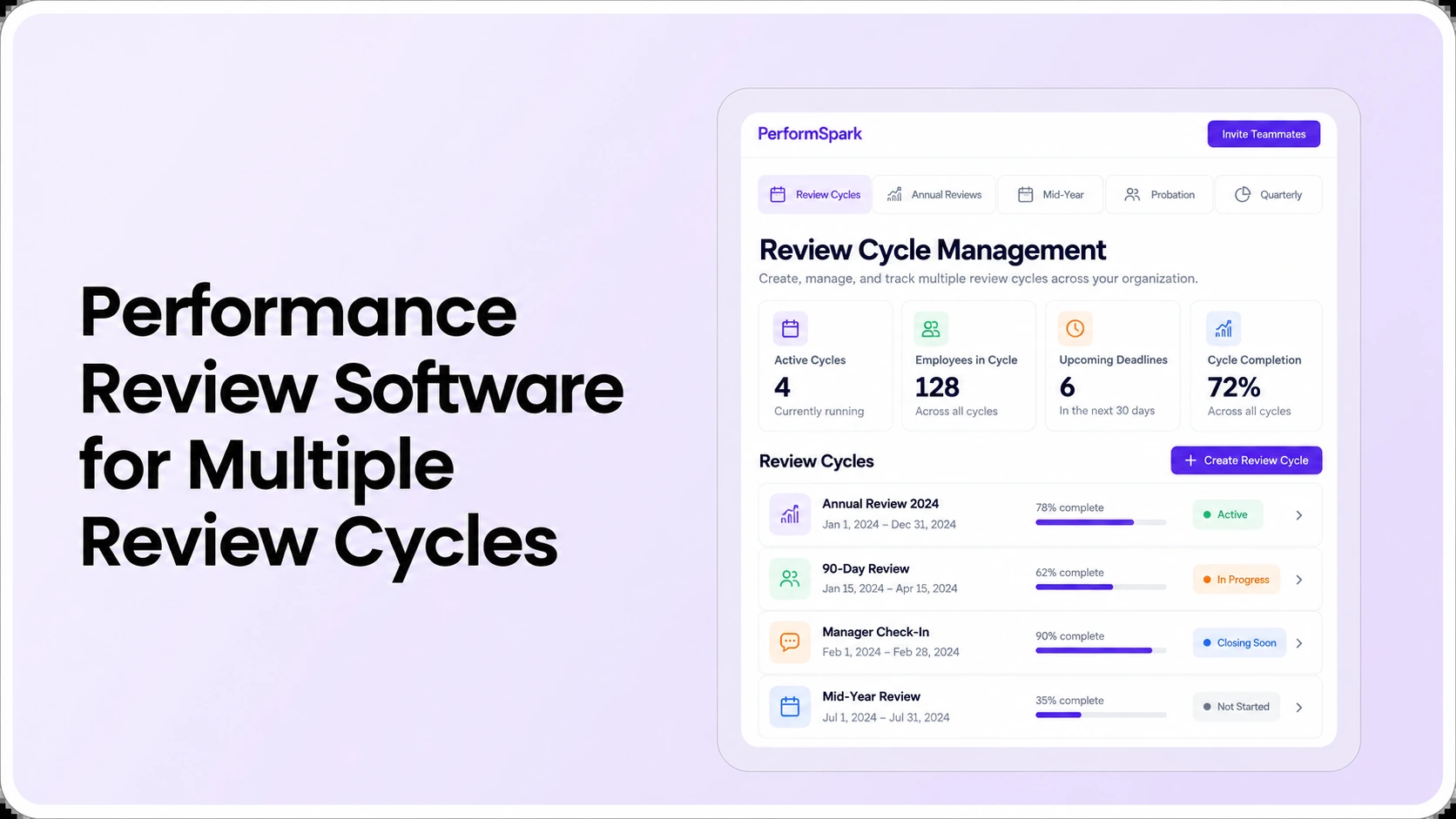
PerformSpark publicly describes configurable review cycles, goals, check-ins, notifications and reports. Those workflows are relevant to frontline review administration. Their exact mobile-access options, employer-specific permissions, identity integrations and shift-related assignment rules require confirmation in a demonstration rather than assumptions based on feature names.
Bring two sample roles, a supervisor reassignment and a frontline employee access scenario. Ask the team to show what happens before, during and after a review, including a confidential record, an overdue task and a development follow-up. Record where configuration is necessary and who would maintain the process once it is live.
Frontline Performance Reviews
See how PerformSpark fits your frontline teams
Use the frontline buyer checklist to evaluate employee access, supervisor ownership, role-specific reviews and reporting with the PerformSpark team.
Book a PerformSpark Demo →Bring your shift-worker review scenarios to the demo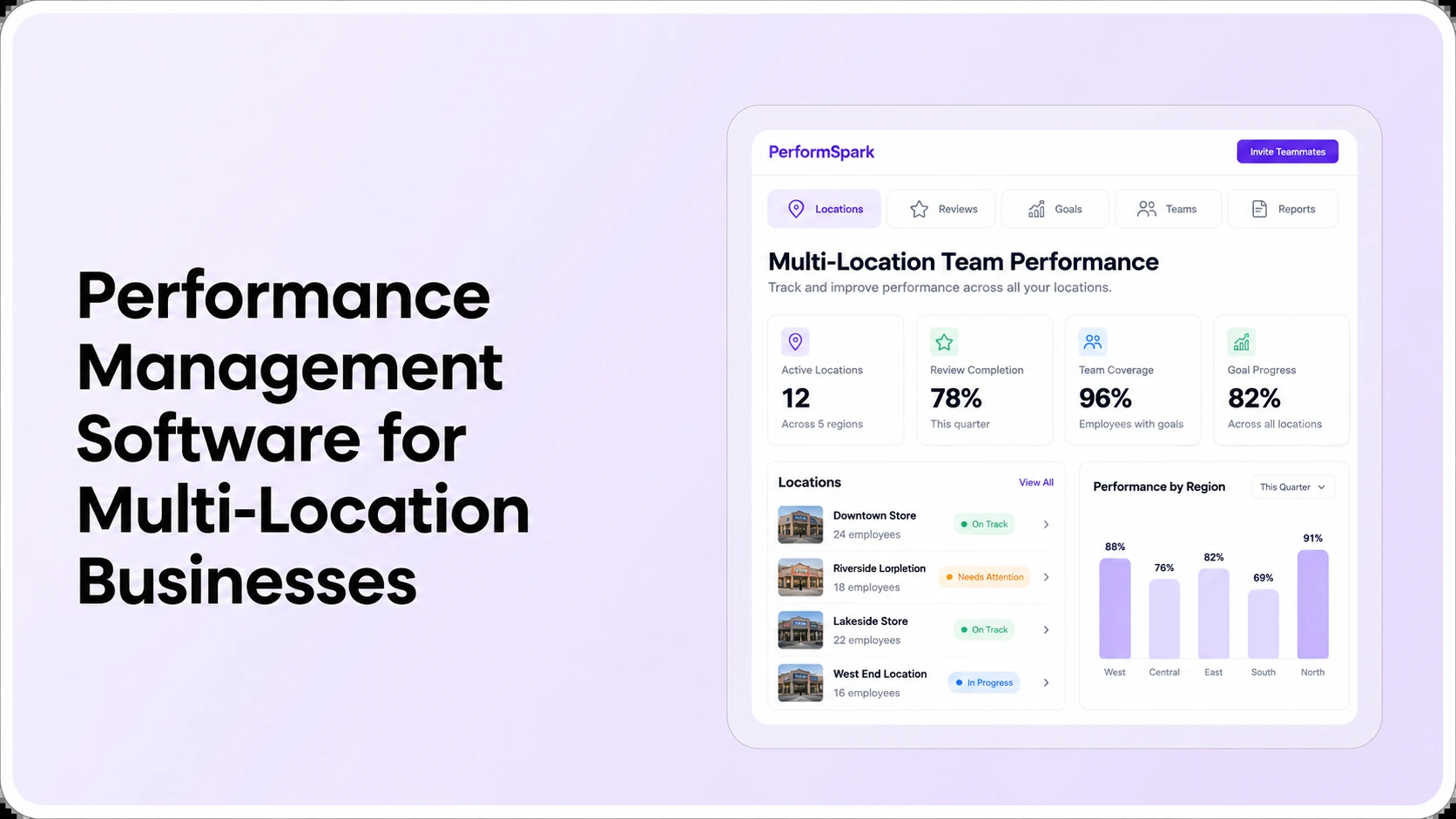




.svg)

.svg)
.svg)

