

.svg)





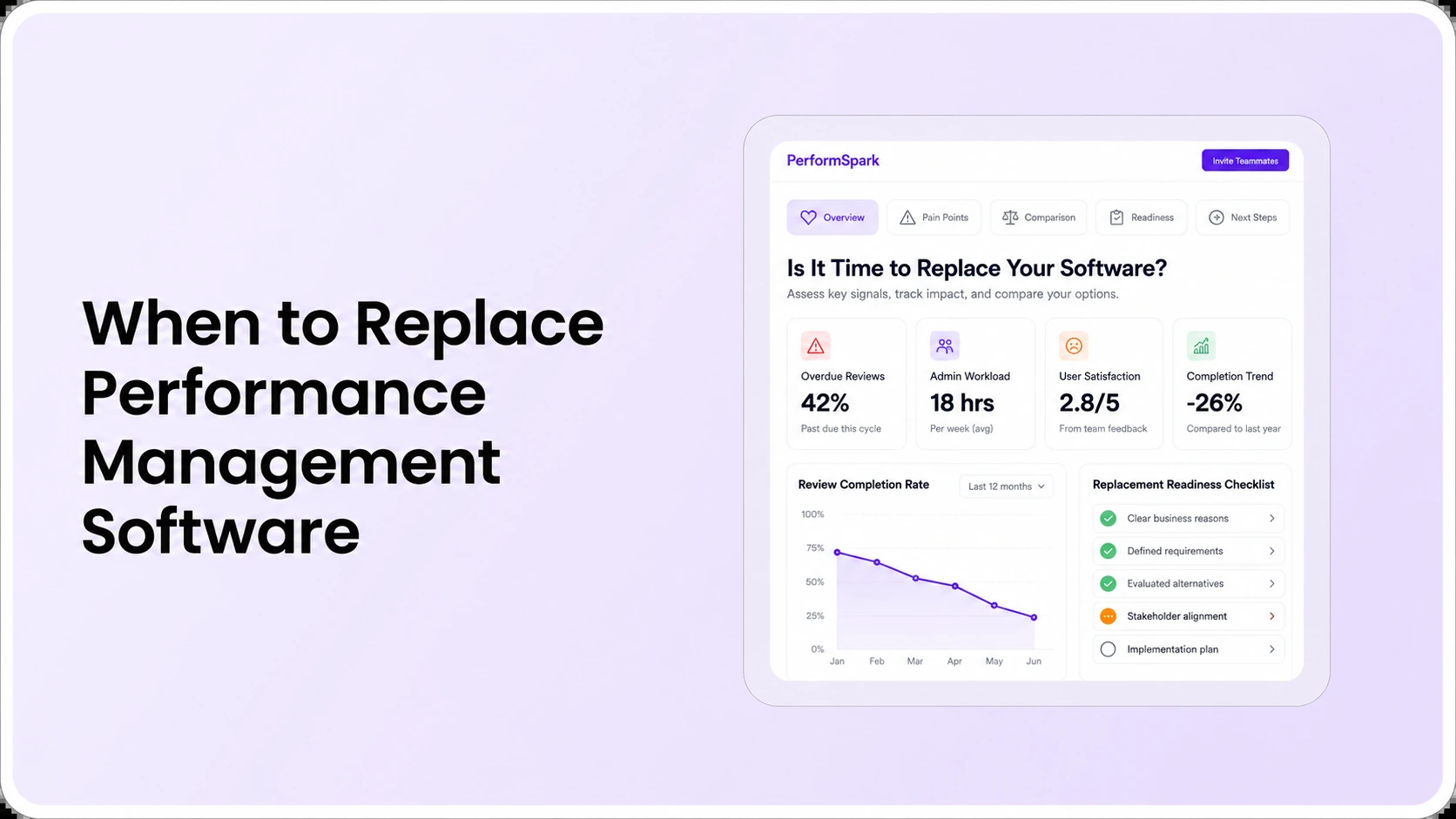
Table of Contents

Key Takeaways:
- Replace performance software only after recurring problems resist credible fixes.
- Review nine signs spanning usability, reporting, permissions, integrations and cost.
- Test renewal, reconfiguration and replacement as separate decision options.
- Calculate total operating cost, data-exit obligations and migration requirements.
- Use identical manager and HR scenarios to validate the replacement before renewal.
When should HR replace performance management software? Consider replacing it when repeated failures in review completion, manager adoption, data access, reporting, or employee development cannot be corrected through configuration, training, or process changes at a reasonable cost. A renewal date alone is not a reason to switch. Document what is broken, test a remedy with the current vendor, then compare alternatives using the same employee and manager scenarios.
For example, an HR team may pay for a review platform while keeping a second spreadsheet to track unfinished appraisals. That is a legitimate warning sign, but the immediate cause could be an unclear reviewer assignment, unused reporting feature, or a workflow the tool does not support. These require different remedies. This is an illustrative example, not a PerformSpark customer story.
This guide is for HR directors and people operations leaders deciding whether to renew, reconfigure, or replace performance management software. It covers nine warning signs, the evidence to collect, a realistic comparison of the three options, and the procurement checks that matter before contract renewal. It is separate from our general software selection guide and the more technical topic of migrating historical records.
Nine signs your performance management software may need replacing
One inconvenience does not establish that a platform is unsuitable. Look for recurring patterns and business consequences, not isolated screenshots or a low usage figure without context. For every sign, write down frequency, affected employee groups, support tickets or examples, and whether a credible fix has been tested.
1. HR still maintains a parallel review-tracking spreadsheet
A manual tracker is a concern when it exists because the application cannot reliably answer who has been assigned a review, who completed it, and which action remains open. First inspect performance reporting and analytics and review status settings. If administrators can obtain the required status report with supported configuration or training, replacement may be unnecessary.
Test: Use a known sample of reviews. Ask the current vendor to reconcile the dashboard with your manual list, including withdrawn assignments, reassigned managers, and unfinished approvals. If the differences persist and no supported correction exists, score this as a documented product-fit gap.
2. Managers bypass the review process or cannot finish common tasks
Poor adoption can indicate confusing screens, burdensome forms, missing mobile access, weak training, or an unsuitable review cadence. Do not label every reluctant manager as evidence of defective software. Observe the real workflow. Can a supervisor open the correct record, read authorized prior feedback, draft a useful review, and send it to the next stage without unnecessary HR intervention?
Compare the experience with the organization's performance review workflow and its check-ins and 1-on-1s. The CIPD performance management guidance emphasizes that regular, supportive performance discussions matter beyond formal appraisal administration. Shortening the form or improving coaching might be a better remedy than switching vendors.
3. Review deadlines require repeated manual chasing
If employees or managers do not know which task is pending, reminders cannot reliably help. The source of the problem may be task ownership, eligibility rules, notification access, or late configuration rather than the absence of automated messages.
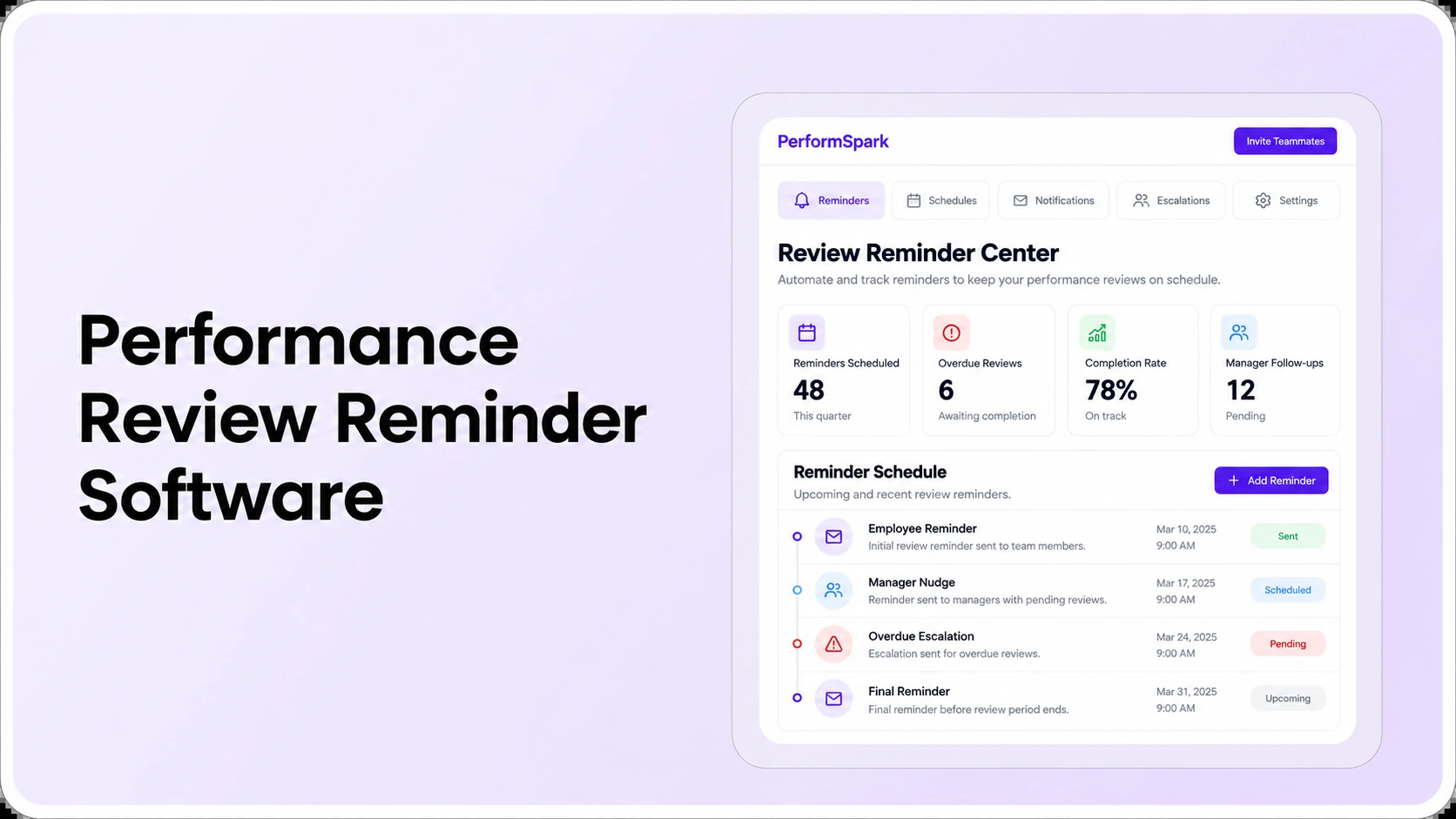
Test: Assign one employee self-review, one manager assessment and one overdue approval. Confirm that the right person receives each prompt, that a completed item stops receiving reminders, and that HR can resolve a blocked assignment. Compare your current tool with the documented scope of smart notifications and the separate reminder software evaluation guide.
4. Reports cannot answer leadership questions accurately
A dashboard may display completed reviews but fail to explain its denominator, the stages included, or why numbers differ between departments. The real issue is whether leaders can make sense of the data. Misleading comparisons can arise when ratings or review-cycle populations are inconsistent, even if the chart renders correctly.
Test: Create a small, known population. Check completion counts by review cycle and manager, then compare exports with the screen. Examine whether performance calibration supports human review of evidence rather than automatic judgments. If repeated inaccuracies remain unresolved, reporting can become a valid replacement criterion.
5. Your review templates and cycles no longer fit the workforce
A growing organization may need annual assessments, different review schedules, job-specific competencies, or manager approval steps. A single form can become difficult to use across all employee groups. Yet proliferation of templates can itself be a process-design problem.
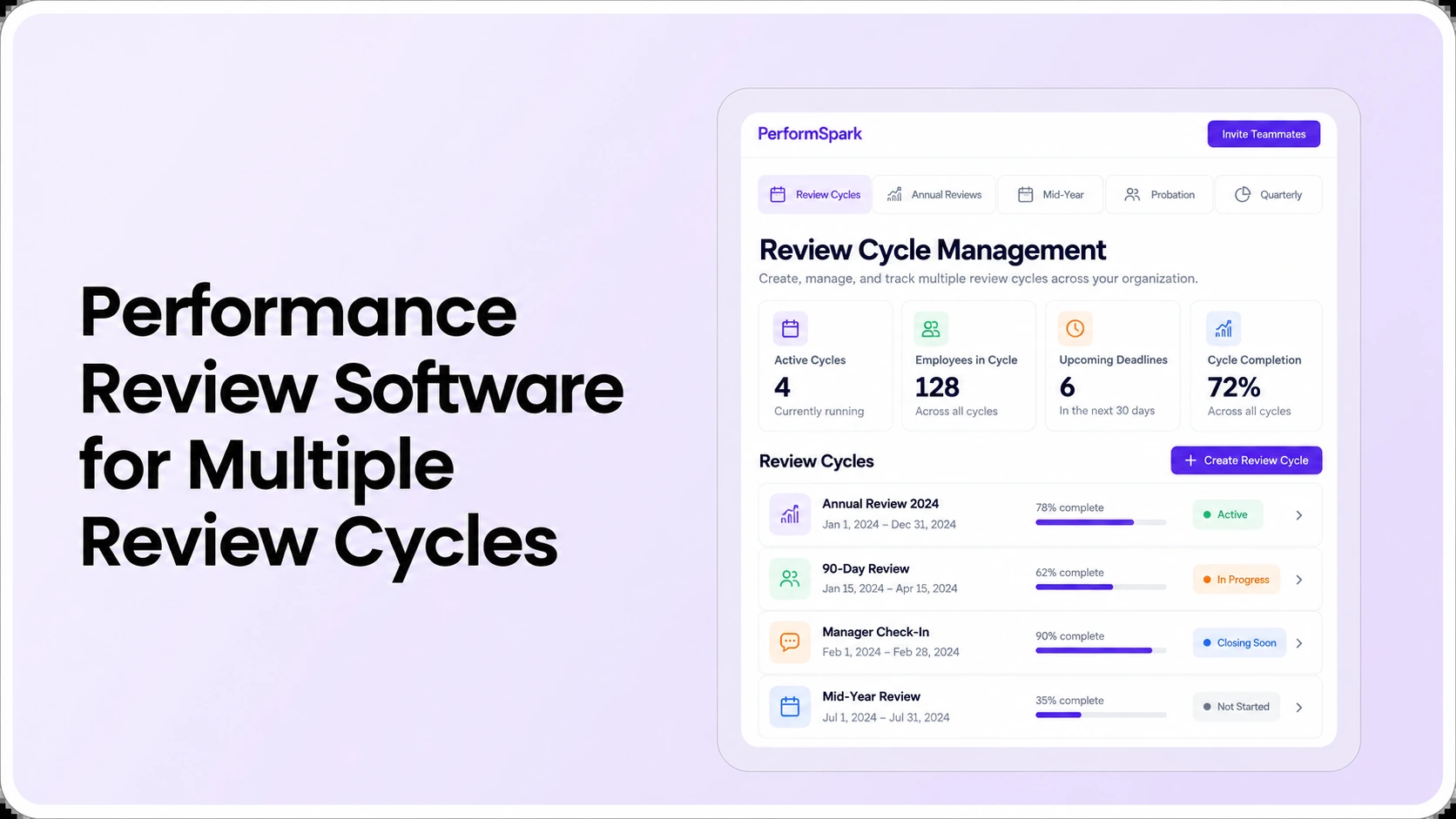
Test: Define two distinct roles and two review cycles. Run one employee through the actual multiple review cycle scenario and determine whether HR can manage both without duplicate tasks or confusing forms. Choose a different system only when the supported configuration cannot meet a justified business need.
6. Employee records or permissions become unreliable after changes
Manager promotions, transfers, employee exits, and organizational restructures expose weak data mapping and access control. An employee should not lose necessary review history or gain unintended access to another person's sensitive record because a reporting line changed.
Test: Have IT and HR run a controlled manager reassignment, account deactivation, and restricted-record check. Read the vendor's security information and examine supported data integration workflows. A privacy or access failure is a high-priority issue. It may require immediate remediation even if leadership has not yet decided to replace the software.
7. Feedback and development remain disconnected from appraisals
A review system may store an annual rating without helping managers return to the employee's goals, recent conversations, or agreed development actions. In that case, the review may become an administrative record rather than a useful part of the performance process.
Test: Turn a documented discussion into an individual development plan, return to it in the next check-in, and confirm that the employee understands the owner and due date. Evaluate links with goal management and feedback and surveys where they genuinely help. The organization may need a better process, better integration, or a different platform.
8. Integrations and data exports create ongoing reconciliation work
HRIS synchronization can fail when managers, departments or employee identifiers differ across systems. The cost of repairing that data may be more significant than the subscription fee. Not every connection advertised by a vendor supports all fields or runs in both directions.
Test: Write down the source of truth for employee ID, manager, status and team. Use the available integrations directory to identify candidate connections, then request a demonstration with your exact systems. Confirm error reporting, history exports and the access required for cutover. Do not assume a one-click migration or compatibility solely because a connector logo appears.
9. Renewal cost and support no longer justify the operating value
A platform can be functional and still be a poor long-term fit if contract minimums, required service fees, or administrator work become disproportionate to its use. Conversely, an apparently inexpensive replacement can cost more once migration, integration, configuration, training and support are included.
G2's August 2026 HR technology buying research, based on 211 interviews with HR leaders, discusses the importance of total operating burden rather than feature count or subscription price alone. That finding supports evaluating full costs, not assuming a new platform produces a particular saving. Ask your current provider for renewal terms and scope while reviewing published PerformSpark pricing as a starting point for alternatives.
Should you renew, reconfigure, or replace the platform?
After documenting the signs, sort issues by what actually caused them. A practical purchasing decision separates an underused capability from a genuine limitation and from a requirement that the business has never defined clearly.
- Renew when the core workflows already meet requirements: the product supports necessary reviews, access controls, reporting and exports; managers can use it after appropriate training; and the contract's total cost is acceptable.
- Reconfigure when the system can solve the problem with a reasonable change: the feature exists, the vendor can demonstrate the fix, and the organization can assign responsibility for rollout and training.
- Replace when critical gaps persist after a fair test: the vendor cannot meet an important policy, permissions, integration or reporting requirement, or the verified cost and burden of the current arrangement are no longer acceptable.
These are decision rules rather than a standardized industry rating. Document which of the nine signs are observed and the evidence for each. Make critical privacy and data-portability issues decision gates, not small numerical deductions that can be offset by attractive dashboard features.
A practical replacement readiness scorecard
Use the same evidence log for the current provider and every shortlisted alternative. A replacement review should answer the following questions in a way the buying team can reproduce:
- Workflow fit: Can a representative manager and employee complete the full review process with the correct permissions and minimal avoidable steps?
- Completion and ownership: Can HR identify overdue work, assigned reviewers and escalations without maintaining duplicate spreadsheets?
- Reporting accuracy: Can the tool reconcile known review counts and preserve comparable historical definitions?
- Employee data: Are HRIS mapping, authorization, export formats and manager changes documented and tested?
- Development continuity: Can an employee and manager return to goals, feedback and the next agreed action?
- First-year and renewal costs: What are the licenses, configuration, integration, training, support, exit and ongoing administration commitments?
Use a five-point rating only for demonstrated behavior, and mark unanswered requirements as "not demonstrated." The performance management software RFP checklist can provide general procurement questions. The scorecard above is specific to whether replacing an existing application is justified.
Replacement Decision
Test your replacement requirements in a live demo
Bring your current review bottlenecks, manager workflow, required reports, and integration needs. Ask to see the specific tasks that are failing today.
What should HR calculate before the renewal deadline?
A fair comparison includes the remaining term of the current contract, notice period, exit obligations and realistic time to test alternatives. Do not invent a countdown that applies to every vendor: the binding dates come from the organization's signed agreement.
For an illustrative cost comparison, suppose a company pays $12,000 per year for its current subscription plus $4,000 in annual administration, while an alternative costs $14,000 in subscriptions and $3,000 in additional annual operating work. The current annual run rate is $16,000; the alternative is $17,000 before one-time migration and onboarding. Those figures are fictional and do not imply actual PerformSpark pricing or customer results.
A finance-ready model should cover subscription and renewal fees, implementation, data preparation, historical export, integrations, training, internal HR time, and transition risk. Keep any expected efficiency gain as a hypothesis until your own pilot provides evidence. Ask if the provider can offer a corrective plan with an agreed scope before committing to a costly migration.
How to pilot a replacement without losing employee review history
A structured pilot should focus on the problems causing replacement consideration. An organization that struggles with reporting should not accept a pilot that only shows how easily a self-review opens. An organization facing reviewer-access issues should not rely on a polished administrator demonstration.
- Document the source records: inventory employee IDs, review cycles, ratings, comments, goals and permitted retention periods.
- Choose representative test scenarios: include one overdue review, one manager change, one confidential note, and one completed development action.
- Define acceptance criteria: record which tasks must work without custom code or paid implementation and what extra configuration would be acceptable.
- Validate the sample migration: compare imported data to source records and confirm that employees and managers see only appropriate history.
- Confirm the exit process: obtain written information about exports, deletion or retention, support during cutover, and what happens if the transition is delayed.
- Review results with stakeholders: include HR administrators, representative managers, IT/security owners and procurement before making the renewal decision.
If switching appears justified, the detailed data-migration plan should be scoped separately from this readiness assessment. An HRIS field connection is not the same as importing years of narrative review history. Verify how each required record type is handled instead of assuming all data will transfer automatically.
Common software replacement mistakes
- Choosing based only on the renewal price: missing implementation and ongoing support costs can invalidate a simple savings claim.
- Treating low adoption as a product defect: first investigate process design, manager workload and user training.
- Skipping a current-vendor remediation test: an affordable configuration change may eliminate the most serious problem.
- Ignoring historical data rights: obtain an export and retention plan before the old agreement ends.
- Comparing different demonstrations: make vendors run the same scenarios and record which outcomes they actually prove.
- Overpromising business impact: workflow completion and improved employee performance are not interchangeable evidence.
Employment decisions also require appropriate HR judgment. U.S. EEOC guidance on performance evaluations emphasizes clear standards, consistent application and factual support. Replacing software does not itself establish compliance or eliminate bias. Consult qualified HR and legal professionals for high-stakes decisions.
What can PerformSpark demonstrate before you switch?
PerformSpark's performance management platform connects reviews, goals, feedback, check-ins, development, calibration and reporting. Its published notification workflows describe role-based reminders and overdue task visibility. Those pages are relevant starting points, but the buying team should test its own required approvals, reporting definitions, access controls and integrations rather than assuming every detail will work automatically.
Bring the three most expensive recurring problems from your current system and ask the product team to reproduce them using fictional records. Request confirmation of specific integrations, import scope, user permissions and current commercial terms. A replacement is justified by demonstrable operating fit and an acceptable transition plan, not by a feature checklist alone.
Renewal Decision
See if PerformSpark fits your next review cycle
Use your own nine-sign scorecard and a representative manager review to compare PerformSpark with your current system. Confirm migration, pricing, and integration scope before making a decision.
Book a PerformSpark Demo →Bring your documented replacement criteria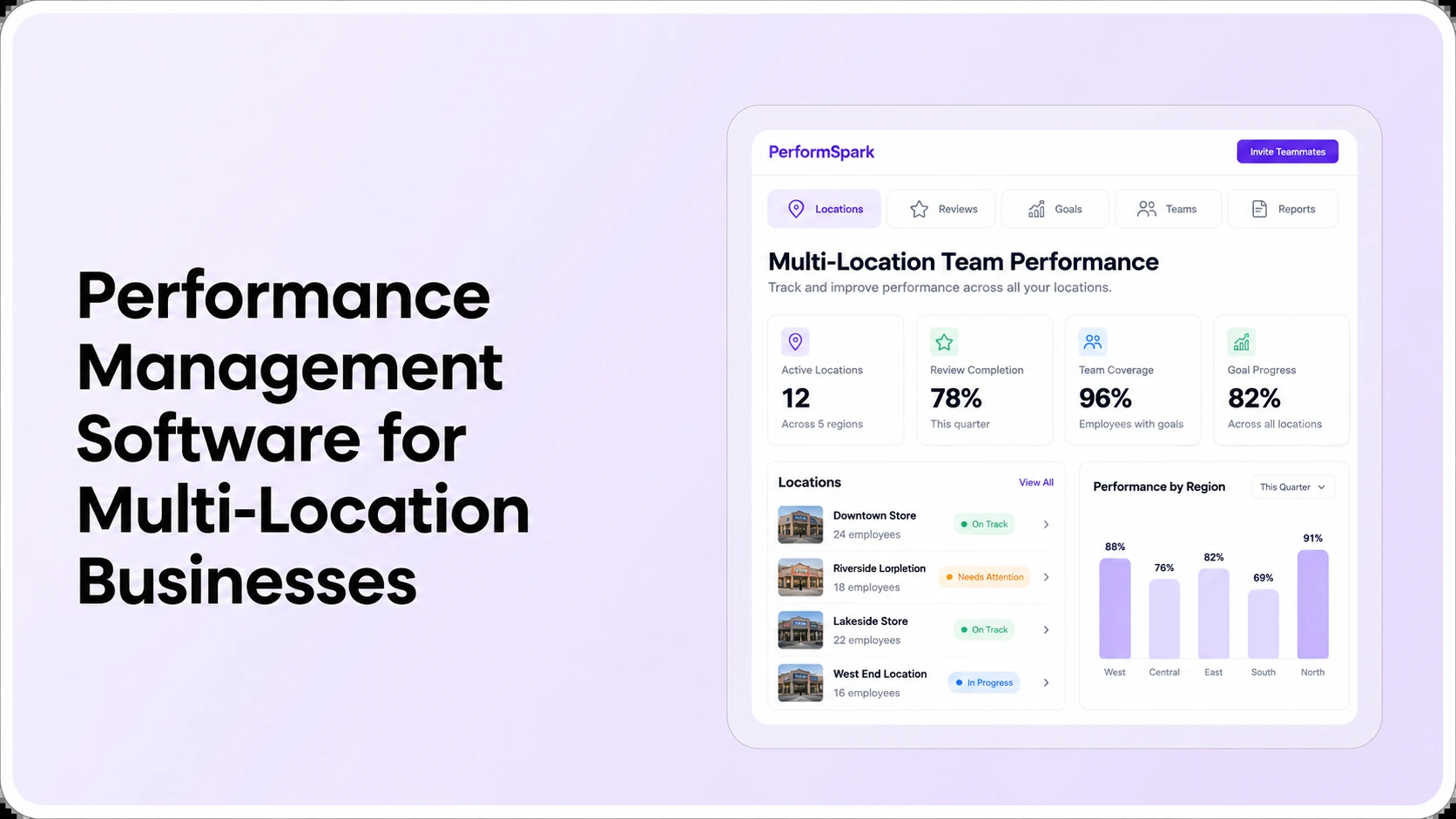




.svg)

.svg)
.svg)

