

.svg)





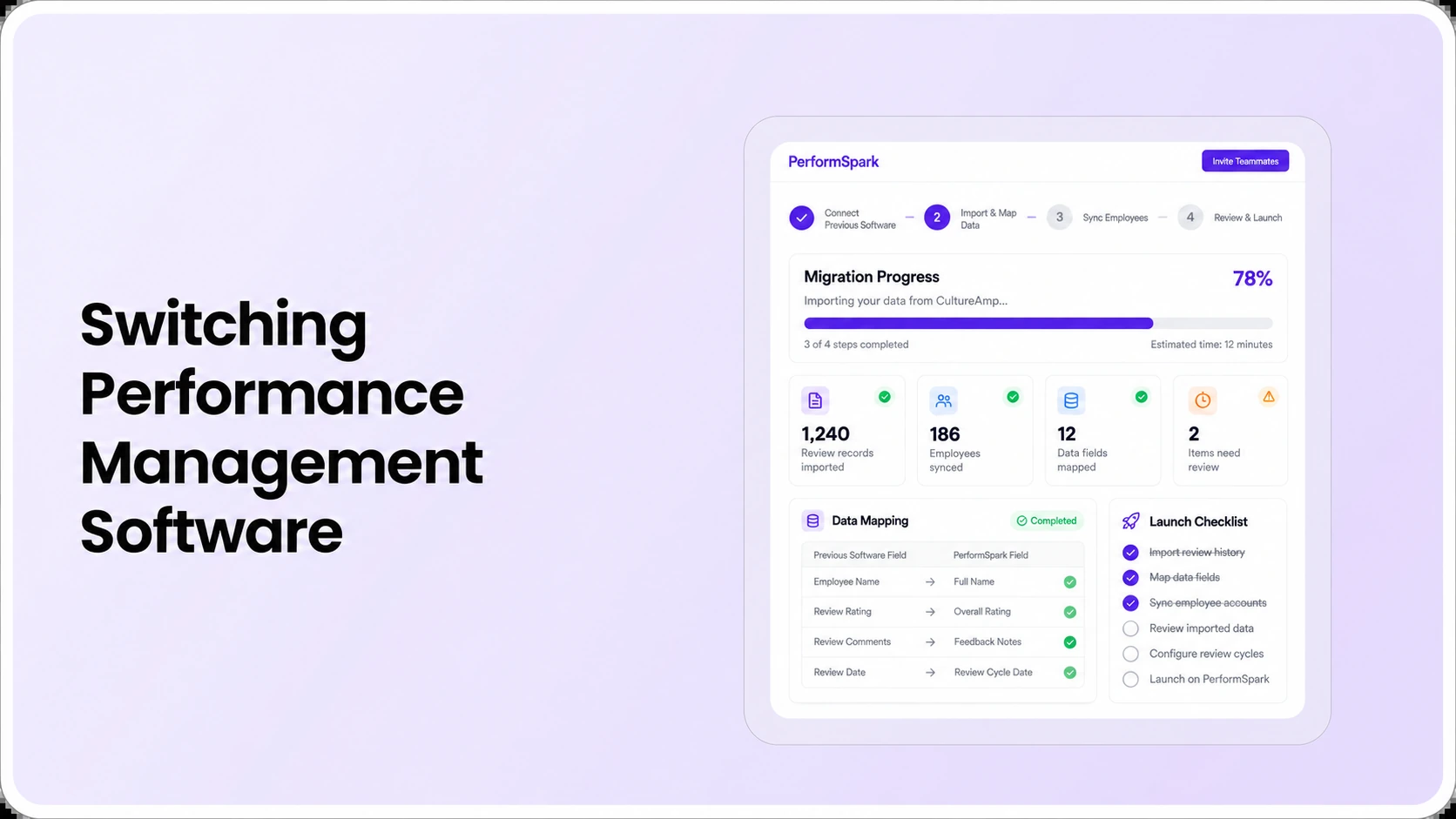
Table of Contents

Key Takeaways:
- Inventory past reviews, goals, employee IDs and retention needs before choosing a migration method.
- Map rating definitions, review states and historical manager relationships, not just column names.
- Test duplicate identities, confidential notes, failed imports and incomplete assignments.
- Reconcile record counts and sampled values, with role-based access checks and owner sign-off.
- Keep a controlled fallback until the new platform and first review cycle are verified.
Performance management software migration is the controlled process of moving the employee identities, past reviews, goals and approved records your organization still needs from one system to another. HR buyers should inventory the source data, define what each field means, test employee identity matching, verify confidential access, reconcile imported records and keep a fallback before retiring the old platform.
Switching software is not the same as copying a CSV file. A rating of "3" may mean "meets expectations" in one system and something else in another. An old manager may have written private notes that a new supervisor should not automatically see. A review that was complete last year should not reappear as an open task after import.
This guide explains how to migrate performance reviews without losing their meaning. It is for HR operations, HRIS administrators and IT owners planning a vendor change. It complements the HR software integration checklist, which deals primarily with ongoing synchronization, and the software-selection guide, which helps shortlist a platform.
What employee performance data should HR migrate?
Start with the organization's retention rules and legitimate operating needs. A migration project does not require importing every record from an old platform into the new one. Some records can remain in an authorized archive when that better suits privacy, historical access and cost requirements.
A practical field-mapping checklist
- Employee identity: persistent employee ID, employee status, legal or preferred name where necessary, department, location and employment dates. Match records using a stable ID rather than names alone.
- Reporting relationships: current and former managers, team membership and reassignment dates. Decide whether historical manager relationships must be preserved or merely accessible in archived source records.
- Review cycles: cycle identifier, title, assessment window, assigned employees, reviewer, submission state, approval state and finalization date. Preserve differences between draft, submitted, approved and acknowledged.
- Ratings and definitions: rating scale, labels, competency definitions, applicable form version, supporting comments and permitted distribution context. Mapping a number without its meaning can change the interpretation.
- Goals and progress: goal owner, period, status, progress notes, checkpoints and relationships to the relevant review cycle. Separate active goals from completed historical goals.
- Feedback and development: authorized manager comments, employee self-evaluations, appropriate peer feedback, individual development actions and relevant check-in history. Include only data the target workflow supports and needs.
- Access and retention metadata: any source visibility designations, review owners, authorization boundaries and retention decisions needed to prevent unauthorized disclosure after import.
Record each mapped field in an implementation sheet: source name, source field, source meaning, target field, transformation rule, privacy classification, validation sample and responsible owner. This is the real migration specification. A vendor's import icon is not a substitute for it.
How do you map old rating scales without changing their meaning?
Do not treat matching numerical values as equivalent ratings. Consider an illustrative source system with a five-point scale where 3 means "meets expectations." A target system might use a four-point scale or different definitions for the middle rating. Converting 3 to another number without a documented equivalence may misstate historical assessments.
Ask HR leadership to approve whether a rating should be mapped, retained as a historical text value, or archived instead. Keep the original value and its scale definition where retention permits. Test historical exports and reports after the import, and label any transformed values so they are not mistaken for original ratings.
The same caution applies to goals and competency structures. One system may store a goal as a percentage, another as a narrative milestone. The goal-management workflow should be reviewed against the actual objective definitions, and the buyer should check whether older goal versions can remain distinguishable.
Separate historical migration from ongoing HRIS integration
Historical migration and live synchronization solve different problems. A one-time import may move previous performance review records and goals. Ongoing HRIS integration may then supply active employee records, manager updates, departments and employment status. Neither process automatically guarantees the other.
Check current integration options for the specific HRIS and ask which direction each field flows, what identifier is used, how frequently records update, and how failed syncs are surfaced. If a vendor supports an integration with your HRIS, that alone does not mean it imports confidential past assessments or historic form attachments.
Use a change test: an employee moves from Manager A to Manager B while an annual review remains open. Verify that the current manager receives only authorized work and that previously recorded assessment history is handled under the company's policy. Review the security and access-control documentation and request a live permissions demonstration.
Five stages of a controlled performance software migration
1. Inventory and classify records
Export an authorized inventory before making any irreversible changes. List employee records, each review cycle, rating scales, comments, goals, approvals, attachments and retained documentation. Identify information that should be excluded, anonymized or handled in a restricted archive. Obtain approval from the teams responsible for records and retention.
2. Define transformations and data ownership
Create the field map, fix duplicate identity keys and document translations between labels, statuses and date formats. Avoid inventing data where the source record is blank. Decide which source and target system owns each active employee field after cutover.
3. Test with representative and exceptional records
Pilot a small, authorized sample containing more than ordinary completed reviews. Include a former employee, an employee with multiple historical managers, a withdrawn review, a changed rating scale, open development actions and one intentionally invalid identifier. This catches problems that a perfect test file conceals.
4. Reconcile data, permissions and workflow outcomes
Compare source and target counts for each record type. Open sampled records and confirm names, dates, scale definitions, narrative comments, reviewer identities and permitted access. Test whether managers can view records they should see and are denied records they should not see. Require a discrepancy log with an owner, severity and resolution.
5. Plan final cutover and rollback
Before the final move, establish a freeze or delta-sync plan for records that may change, a cutover owner, an acceptance checklist and a backup. Keep a suitable read-only source export or archive until validation and retention obligations permit retirement. Confirm which system employees and managers will use during the transition.
Microsoft's migration architecture guidance explains the use of staging and validation before loading target data; its migration execution guidance also recommends representative test migrations, post-migration verification and a controlled cutover. These are general technical design principles, not statements about PerformSpark's own import architecture.
Ten live vendor demo tests before switching platforms
Bring redacted or synthetic data and have every shortlisted vendor demonstrate the same tasks. Mark the outcome as demonstrated, configuration needed, service required, not demonstrated or not supported. An unverified sales assertion should not count as a passing test.
- Employee identity: import two records with similar names but different employee IDs and confirm they remain distinct.
- Duplicate detection: attempt a second import of an existing employee and inspect how duplicates are handled.
- Historic scale: carry over a rating and its original scale definition without changing the interpretation.
- Review status: move one completed, one draft and one withdrawn review without confusing their states.
- Former employee: validate an appropriately retained assessment when the employee no longer has an active account.
- Manager history: verify who may access notes from Manager A after the employee moves to Manager B.
- Goal context: test an active goal and a completed development plan linked to the correct employee.
- Permission boundary: use employee, manager and HR accounts to attempt both permitted and prohibited record access.
- Failure recovery: submit one record with an invalid identifier and inspect the error, retry and log.
- Reconciliation and export: compare actual target counts and sampled values against the source inventory, then export data from the target.
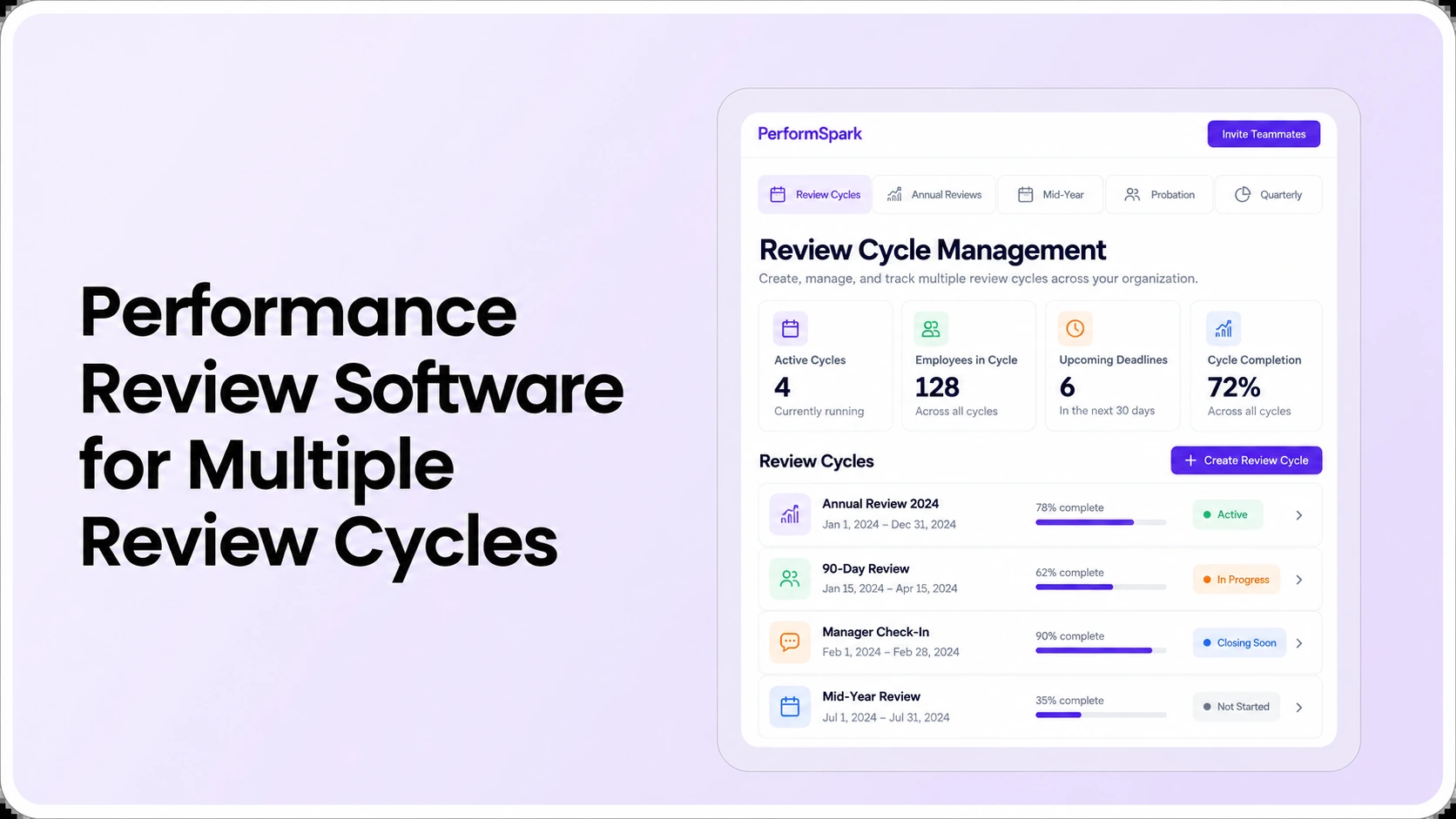
A focused demonstration should also show the next live review cycle after imported records are available. Can a manager prepare a new evaluation without treating old, finalized feedback as an open task? Can HR run a reliable completion report without mixing historical records with the current review population?
Migration Planning
Test your review-data migration workflow before switching
Bring a redacted sample of employee IDs, prior review records and manager changes. Ask the team to show supported import paths and data validation requirements.
Reconciliation example: what should count as a passed migration?
Consider a hypothetical source export containing 200 historical reviews, 60 active goals and 25 approved development actions. Suppose the target receives 200 reviews but has three ratings mapped to the wrong scale and two manager notes accessible to the wrong role. The record count is 100% for reviews, but the migration is not acceptable. A full pass needs correct meaning, relationships and access, not just matching totals.
Use a reconciliation workbook with columns for source count, target count, excluded records, sampled values, mismatches, privacy test outcomes and accountable sign-off. If some history remains in an archive by design, record that explicitly rather than presenting it as a failed import.
When comparing previous and new calibration views, do not blend ratings from incompatible forms without clear definitions. A new dashboard cannot retroactively make the previous process consistent.
How should HR protect sensitive review information during migration?
Performance reviews may contain sensitive employee assessments, colleague feedback and performance concerns. Minimize the information transferred, restrict access to export and staging environments, and document who is authorized to handle source and target files. For a high-risk migration, qualified HR, security and legal stakeholders should approve scope and retention requirements.
A vendor should demonstrate visibility rules for feedback and survey information and 360-degree feedback rather than assume confidentiality from a field name. Do not export private notes to unrestricted spreadsheets or team shared drives merely because that is the easiest available transfer path.
For any workflow affecting employment decisions, the EEOC performance evaluation guidance emphasizes consistent standards and relevant evidence. Migrating old data does not guarantee a lawful or fair current decision. This article provides educational procurement guidance, not legal advice.
Switching checklist: cutover decision and fallback
- Go: required records reconcile, historical values retain their intended meaning, privacy tests pass, authorized managers can work, and HR has approved the operating plan.
- Retest: noncritical discrepancies remain but have known causes, owners and testable corrections. Do not mask them in reports.
- No-go: key employee IDs fail to match, ratings are silently transformed, confidential notes become broadly visible, or the organization cannot recover required records.
- Fallback: approved exports and a continuity plan allow HR to access necessary information if the target implementation fails. Keep migration artifacts governed by the retention policy.
- Vendor evidence: capture what the software natively supports, what requires paid services or custom work, and who signs off each stage.
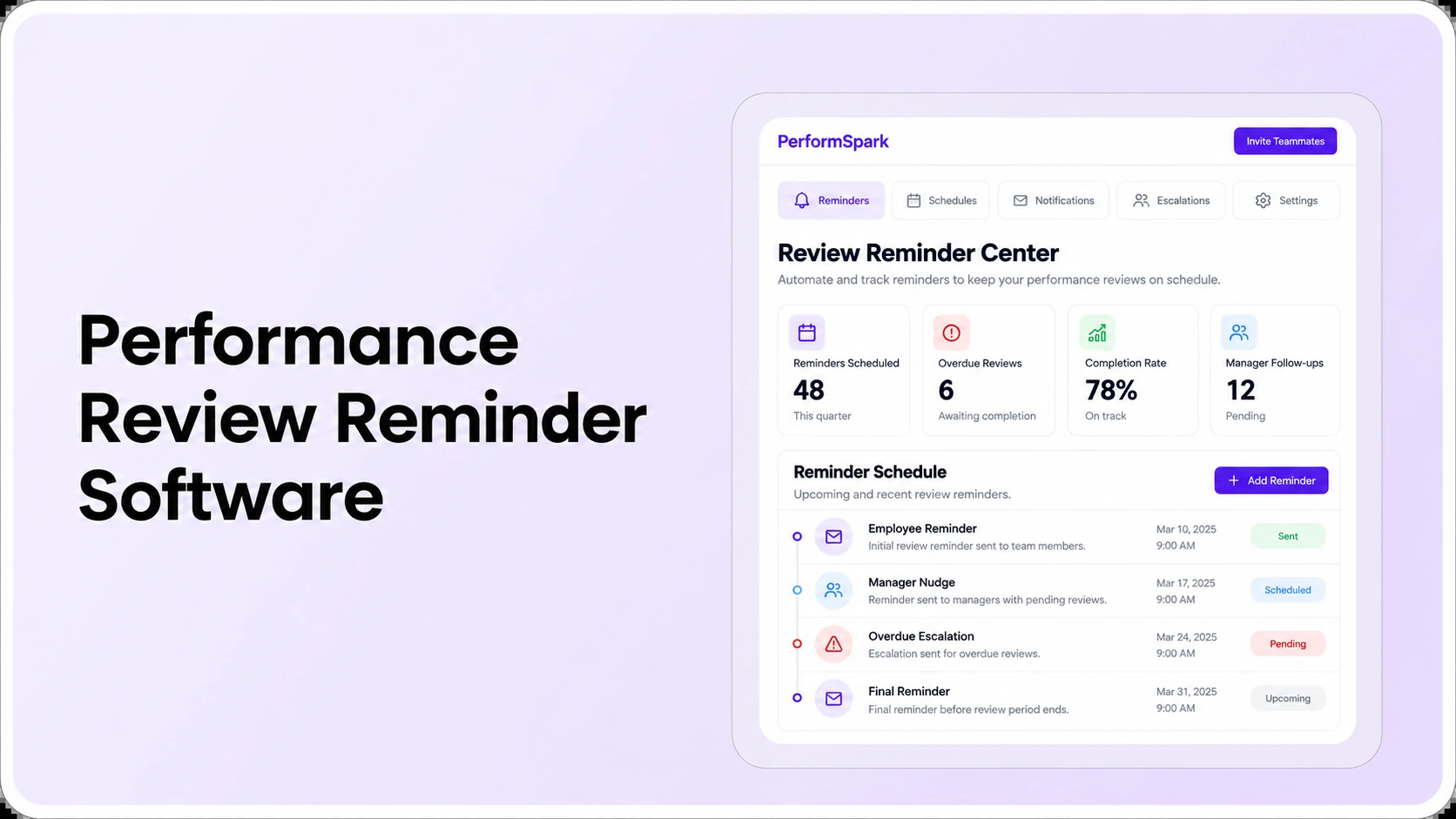
If the present platform remains usable during a safe transition, plan the sequence around the review calendar rather than an arbitrary deadline. The notification and reminder workflow can help with the first new cycle, but confirm that old pending tasks will not generate irrelevant notices after switching.
What should you verify with PerformSpark before migrating?
PerformSpark provides connected performance management software for reviews, goals, check-ins and development. It also publishes integration buyer guidance and product information covering employee-data connections. Those pages are useful starting points, but they do not establish that every legacy review field, prior rating scale, attachment or historical manager note is natively importable.
Bring your source export schema, destination field map, the ten tests above and your must-pass permission requirements. Ask the product team to confirm available import routes, configuration work, supported integrations, service scope, cost and the data verification method. Review current pricing information and obtain a written estimate for any special migration work.
The right migration decision is the one that preserves necessary evidence, keeps access intentional and provides a working new review cycle without an undocumented loss of meaning. The vendor's product demonstration should settle those requirements before HR approves a cutover.
Software Migration
Plan a safer transition to your next review platform
Walk through migration scope, record access, review-cycle setup and integration needs with PerformSpark. Confirm any import service or custom data mapping in writing.
Book a PerformSpark Demo →Bring your field map and reconciliation checklist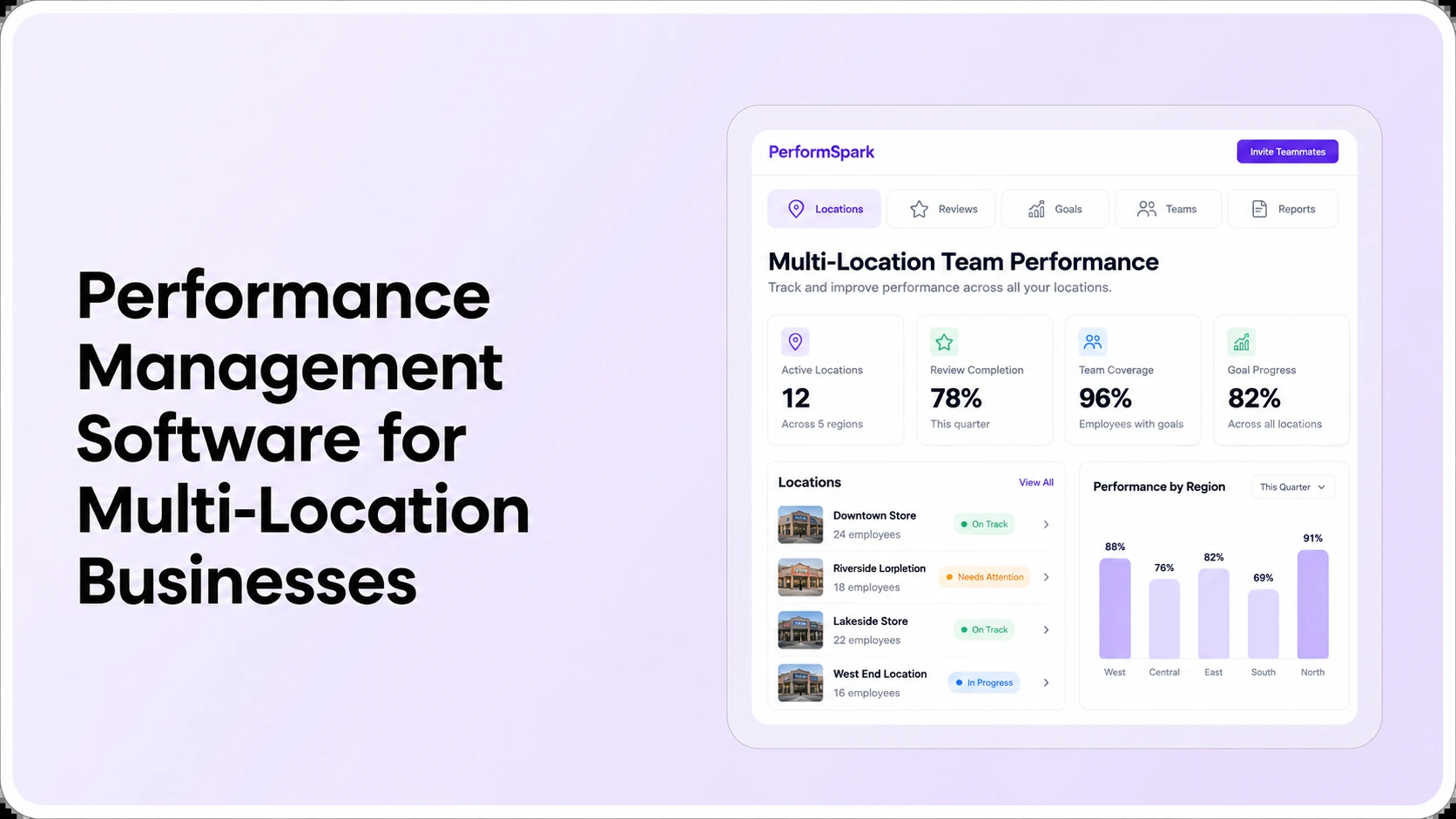




.svg)

.svg)
.svg)

