.svg)





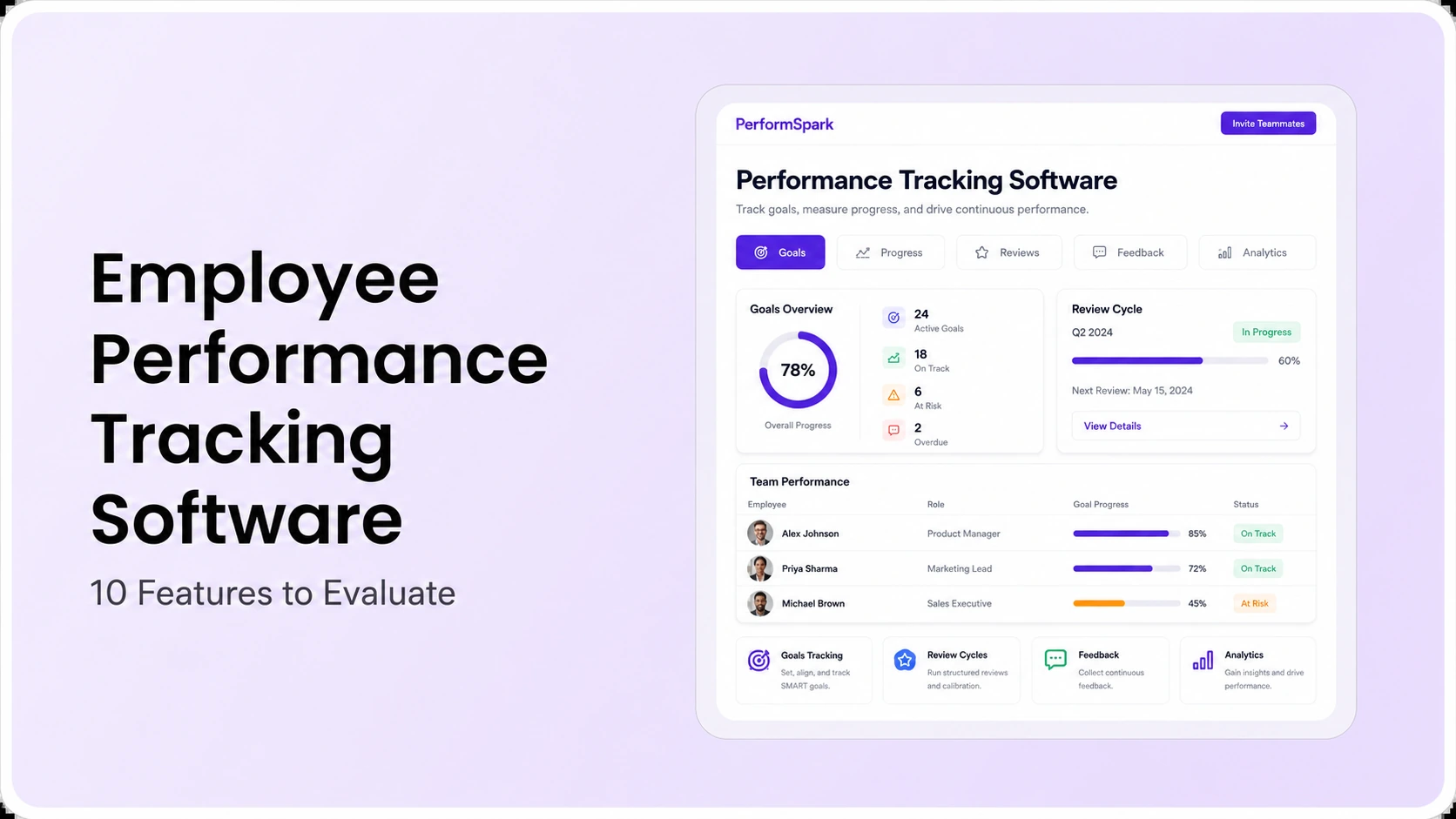
Table of Contents

1. Evaluate employee performance tracking software across the full evidence chain, from goals and check-ins through review decisions and follow-up.
2. The 10 core tests are goals, check-ins, feedback and 360 input, review workflows, calibration, permissions, reporting, integrations, AI controls, and usability and administration.
3. Test recurring manager and employee tasks, not only administrator configuration or dashboard appearance.
4. Require clear visibility rules, source records, change history, decision ownership, and human review for sensitive performance information.
5. Give every vendor the same realistic scenario, then verify plan scope, integrations, security requirements, implementation, support, exports, and total cost.
Employee performance tracking software helps HR teams and managers organize goals, check-ins, feedback, performance reviews, calibration, development actions, and reporting in one connected performance record. When evaluating a platform, focus on whether it makes expectations clearer, preserves useful evidence, supports manager and employee follow-through, and keeps access and decision ownership understandable.
This guide is for HR leaders, people operations teams, and department heads comparing software for a recurring performance process. It is an evaluation framework, not a vendor ranking. The 10 features below are designed to help buyers test workflow fit, manager adoption, data access, traceability, and administrative effort. For a broader category and vendor comparison, use the performance management software guide.
Research and product-link verification were reviewed in August 2026. Features, packaging, integrations, security controls, and commercial terms can change, so buyers should confirm critical requirements in current vendor documentation and contracts.
What Is Employee Performance Tracking Software?
Employee performance tracking software is a type of performance management software used to document and connect job-related expectations, progress, conversations, feedback, reviews, and follow-up actions over time. Typical workflows include employee goals, manager 1-on-1s, peer or multi-rater feedback, review forms, calibration, development plans, and performance reporting.
A useful system connects those records instead of treating each activity as a separate form. For example, an agreed goal should remain available during a manager check-in, provide context for a performance review, and lead to an owned next step in an individual development plan. The performance management cycle guide can help teams map those handoffs before evaluating software.
Employee Performance Tracking vs. Employee Monitoring
Performance tracking and employee monitoring solve different problems. Performance tracking focuses on agreed goals, job-relevant evidence, coaching conversations, feedback, reviews, and development. Employee monitoring generally focuses on activity or behavior signals such as time, device, application, or work-pattern data.
Buyers should be explicit about which problem they are trying to solve. If the objective is to improve performance conversations and review quality, more activity data is not automatically better. Define the legitimate business purpose, the minimum information needed, who can access it, how employees are informed, and which decisions require accountable human judgment.
The Evidence-Chain Test
The strongest software test is not whether a vendor can display a polished dashboard. It is whether the platform can preserve a decision trail from an initial expectation to a final review outcome. Build one realistic scenario that includes a changing priority, a missed update, useful feedback, a manager coaching action, an employee response, an exception, and a final review decision.
Ask each vendor to complete the same scenario inside the product. The demonstration should show who created each record, who can view or edit it, how changes are dated, how evidence moves into a review, how an exception is handled, and how follow-up is assigned. This makes the proof requirement concrete and complements a broader performance management software buying process.
Employee Performance Tracking Software Evaluation Checklist
| Feature | What to test | Warning sign | Evidence to retain |
|---|---|---|---|
| 1. Goals and change history | Create, align, update, and close a goal with ownership and dates | Final status lacks context for changes | Owner, dates, progress notes, revisions, outcome |
| 2. Check-ins and actions | Run a 1-on-1 with agenda, notes, actions, owners, and follow-up | Meeting notes are detached from later decisions | Agenda, commitments, owners, due dates |
| 3. Feedback and 360 input | Request, give, receive, and reuse feedback with clear visibility rules | Users cannot tell who can see feedback or where it appears | Source, context, visibility, acknowledgment |
| 4. Review workflows | Configure forms, stages, approvals, reminders, exceptions, and release rules | HR must repair normal exceptions outside the system | Stage history, approvals, final release |
| 5. Calibration | Compare proposed ratings with evidence and document accountable decisions | Ratings change without a reason or decision owner | Original rating, evidence, change reason, final decision |
| 6. Permissions and access | Test employee, manager, HR, executive, and delegated-admin visibility | Permissions are unclear at the point information is entered | Role rules, access changes, exports, audit records |
| 7. Reporting | Trace charts and metrics back to defined source records | Dashboard figures cannot be explained or reproduced | Definitions, filters, source records, export |
| 8. Integrations and data ownership | Test a hire, manager change, leave, status change, and error recovery | No clear system of record or sync responsibility | Field map, sync direction, timing, error owner |
| 9. AI controls | Review data use, correction, logging, permissions, and human approval | AI output becomes an unreviewed employment decision | Input source, output, reviewer, correction, approval |
| 10. Usability and administration | Have real managers, employees, and HR admins complete common tasks | Routine work needs repeated facilitator or HR intervention | Task completion, exceptions, support needs, admin effort |
10 Features to Evaluate
1. Configurable Goals With Change History
Goals change as priorities change. Test whether the system records the original expectation, progress updates, revised target, reason for revision, owner, dates, and completion evidence. A useful goal management workflow should keep current expectations visible without rewarding activity counts over outcomes.
Also check whether the platform supports the goal framework your organization actually uses. The OKR versus KPI guide can help an evaluation team distinguish directional objectives from recurring measures before those concepts are encoded in software.
2. Check-Ins That Produce Owned Actions
A check-in should end with clarity. Ask a manager and employee to prepare an agenda, document context, agree on an action, assign an owner, set a due date, and revisit the commitment in the next meeting. Systems that only store free-form notes may preserve conversation history but still fail to support follow-through.
Test the recurring experience, not only the administrator setup. The best indicator is whether a manager can find the relevant goal, prior commitment, recent feedback, and next action without reconstructing the employee's history across multiple tools.
3. Contextual Feedback and 360-Degree Input
Feedback is useful when the recipient understands what happened, why it matters, what is visible to whom, and what should happen next. Test requested feedback, manager feedback, peer input, upward feedback, acknowledgments, and the route into a formal review. If multi-rater input matters, test the actual 360-degree feedback workflow rather than assuming general feedback functionality covers it.
Review visibility and survey workflows against the organization's process using feedback and survey tools. For managers who need help translating observations into useful written feedback, the performance review examples guide provides practical phrasing patterns.
4. Flexible Review Forms, Stages, and Exceptions
Configure one real review cycle rather than accepting a slide presentation. Include employee reflection, manager review, an approval stage, reminders, calibration, controlled release, and at least one exception. Confirm whether administrators can change a deadline, reassign a manager, reopen a task, or handle a leave without breaking the record.
Review design should also match the organization's cadence. The performance review frequency guide can help teams choose a review rhythm before they configure it in software.
5. Evidence-Based Calibration
Calibration should support consistent discussion without hiding judgment. Test whether reviewers can compare proposed ratings, goals, feedback, written evidence, and relevant role context while retaining the original recommendation and final decision. Software can support performance calibration, but an accountable person still owns the decision.
Ask how the system documents rating changes, unresolved cases, and final approvals. The performance calibration best-practices guide provides a process checklist for preparing and documenting sessions.
Connected Performance Management
See the full performance evidence chain in one workflow
Connect goals, check-ins, feedback, reviews, calibration, development, and reporting so managers do not have to reconstruct performance history from separate tools.
6. Permissions, Employee Access, and Record Control
Performance records can contain sensitive context. Test role-based permissions, private or restricted notes, employee access, delegated administration, exports, account changes, and retention controls. The system should make visibility understandable at the moment information is entered, not only in an administrator manual.
Use the vendor's current security documentation to verify access controls, data handling, and other requirements that matter to your organization. PerformSpark's current information is available on its security and data protection page. Qualified IT, privacy, security, and legal stakeholders should review requirements that fall within their responsibility.
7. Reporting With Traceable Definitions
Every chart should answer a defined question and connect back to source records. Test review completion, overdue actions, goal status, rating patterns, feedback participation, development follow-up, and any other measures the team plans to use. Ask how filters, population changes, missing data, and revised records affect results.
Compare the workflow with the documented scope of reporting and analytics. The performance management metrics guide also explains why a metric needs a clear definition, population, source, owner, and interpretation rule before it belongs on a dashboard.
8. Integrations and Data Ownership
Identify the system of record for employee identity, manager relationships, job information, and status changes. Then test one hire, manager transfer, leave, termination, and synchronization error. A successful happy-path import is not enough to prove that the recurring integration will be manageable.
Review available PerformSpark integrations, but confirm the exact connector, supported fields, synchronization direction, frequency, error handling, authentication, and support responsibility required by your environment.
9. Responsible AI With Human Review
AI may assist with summarization, drafting, or pattern detection, but buyers should define where human review is mandatory and how users can inspect or correct outputs. Ask what data is processed, what sources are used, who can access the output, what is logged, how corrections are handled, and which actions require accountable approval.
The NIST AI Risk Management Framework is a voluntary framework for managing risks and trustworthiness considerations in AI systems. The U.S. Equal Employment Opportunity Commission's AI and algorithmic fairness initiative states that federal anti-discrimination laws continue to apply when AI and other technologies are used in employment decisions. These sources are useful governance references, not substitutes for organization-specific legal review.
10. Usability, Implementation, and Ongoing Administration
Software fit depends on the work required after purchase. Ask representative managers, employees, and HR administrators to complete the recurring tasks they will actually perform. Include a goal update, a check-in, a feedback request, a review submission, an exception, and a report. Note where users need facilitator help or leave the workflow to finish the task.
Then ask the vendor for a realistic launch plan covering data cleanup, forms, permissions, integrations, manager enablement, support, governance, and ongoing administration. Evaluate total cost using the performance management software pricing guide, including internal labor and optional services rather than only the license price.
How to Run a Fair Vendor Demonstration
Step 1: Define the buyer task. Write the decisions the system must support, the actors involved, the evidence required, the permissions that apply, and the expected follow-up. Avoid a feature wish list that has no operational owner.
Step 2: Use one shared scenario. Give every vendor the same sample roles, goal, check-in, feedback event, review, exception, calibration question, reporting request, and integration change. Require the presenter to complete the actions in the product.
Step 3: Score recurring work more heavily. A setting configured once should not outweigh an action every manager or employee performs monthly. Review administrator effort, manager effort, employee clarity, exception handling, accessibility, and traceability.
Step 4: Verify boundaries. Confirm current plan entitlements, integration scope, data processing, security controls, implementation services, support terms, renewal terms, and export options in the contract and supporting documentation.
Step 5: Pilot and review. Run a limited cycle with representative users. Compare planned and actual effort, record accessibility or data-quality problems, inspect the resulting evidence, and obtain accountable approvals before wider deployment. The performance review automation guide can help define the rollout sequence.
Common Buying Mistakes
Confusing tracking with surveillance. Collecting more activity data does not automatically create better performance evidence. Use transparent, job-relevant information and appropriate human judgment.
Buying dashboards before defining decisions. A visually impressive chart has little value when the team cannot explain the measure, source, population, or next action.
Ignoring exceptions. Manager changes, leaves, late reviews, disputed feedback, reorganizations, and data-sync failures are normal. Test them before signing.
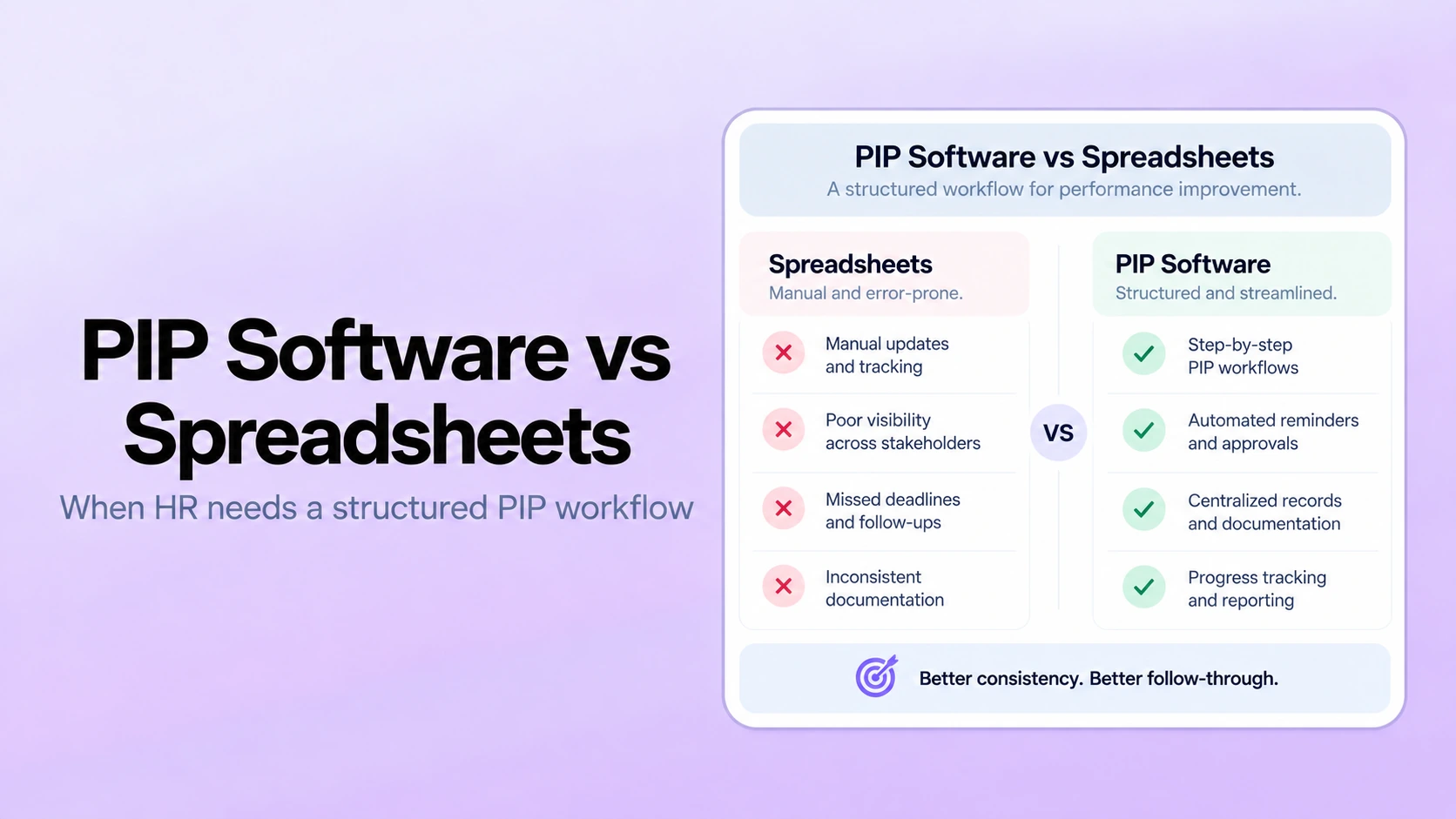
Separating conversations from records. When check-ins, goals, feedback, and reviews live in unrelated tools, managers reconstruct history from memory. Compare that risk with the workflow described in automated performance reviews versus spreadsheets.
Treating AI output as a decision. Generated text and surfaced patterns require review for accuracy, context, fairness, and appropriateness. Keep decision ownership with authorized people.
Testing only the HR administrator experience. A platform can be easy to configure and still be difficult for managers or employees to use repeatedly. Include the people who will create the underlying performance record in the evaluation.
Choose the System That Preserves Context
The right employee performance tracking software should make expectations clearer, recurring conversations easier to follow, decisions more traceable, and next steps harder to lose. It should also define limits: what it records, who can see it, how changes are handled, and when a qualified person must intervene.
Before purchasing, compare the same evidence-chain scenario across finalists, verify critical claims in current documentation and contract terms, and pilot the workflow with real roles. PerformSpark connects goals, check-ins, feedback, performance reviews, calibration, development planning, and reporting across a performance management workflow.
Evaluate PerformSpark With Your Workflow
Test your performance process with real evidence
Bring one goal, one manager check-in, one feedback event, one exception, and one review decision to a focused walkthrough of PerformSpark.
Book a PerformSpark Demo →Personalized performance management walkthrough




.svg)

.svg)
.svg)