

.svg)





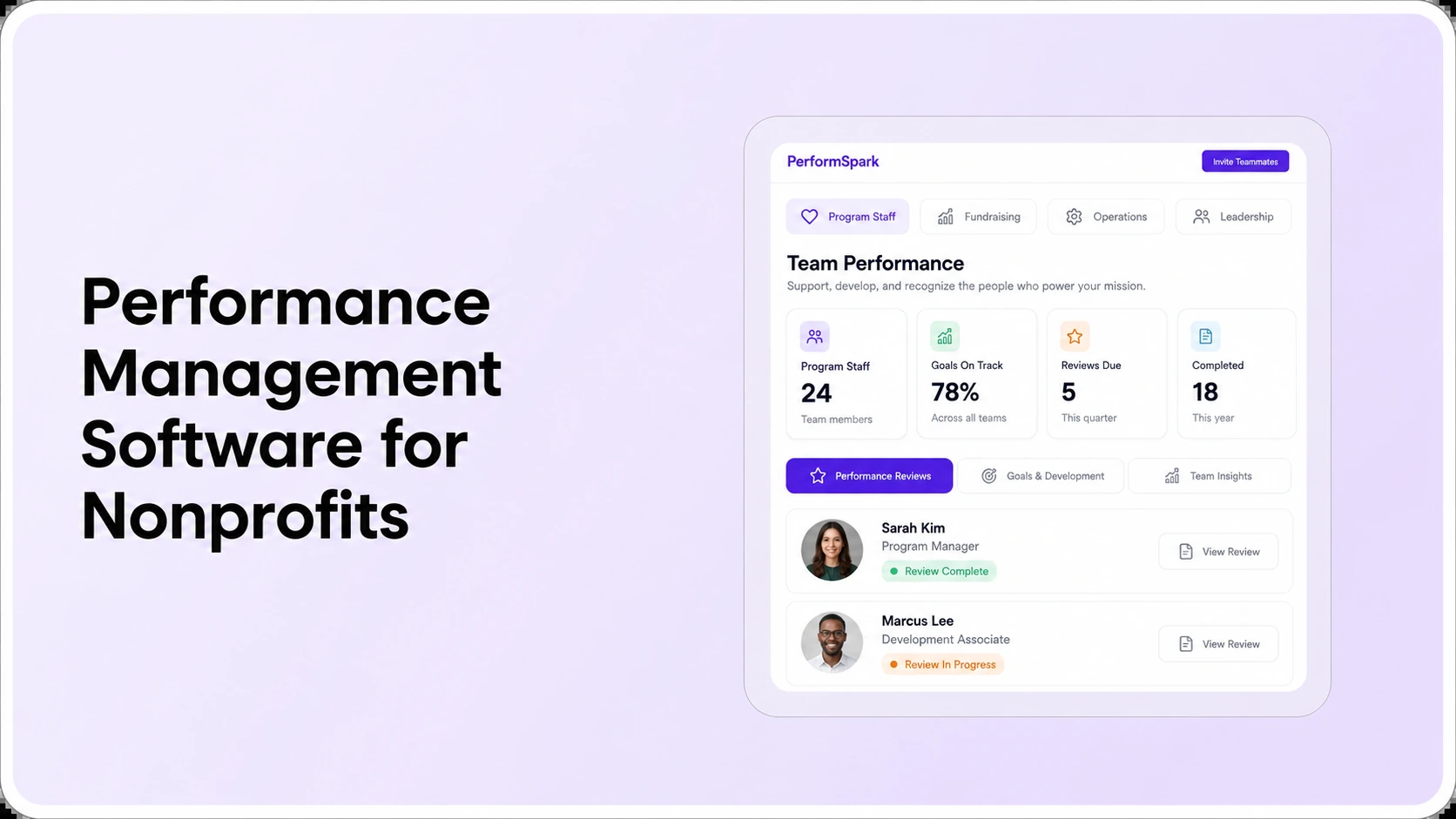
Table of Contents

Key Takeaways:
- Map nonprofit employee groups before comparing performance management vendors.
- Use role-relevant goals and the same evidence standards across program and administrative teams.
- Ask vendors to demonstrate 12 real review, permission, reporting, and workflow scenarios.
- Evaluate first-year software costs alongside manager training and HR administration.
- Choose the platform with demonstrated workflow fit and sustainable rollout responsibilities.
To choose performance management software for nonprofits, start with three tests: can the system evaluate different employee roles fairly, can managers complete useful reviews without heavy administration, and can HR report on progress without exposing sensitive information? Compare vendors using the same nonprofit-specific workflows, user permissions, evidence requirements, implementation questions, and total-cost assumptions.
A program coordinator, fundraising officer, and operations manager can all advance the organization's mission while doing very different work. A useful employee review system recognizes those differences without making evaluation standards arbitrary. The decision is less about which vendor advertises the most modules and more about whether the platform fits how the organization supervises, supports, and develops its staff.
This guide is for nonprofit HR directors, executive directors, COOs, and people operations teams researching how to choose performance management software for nonprofits. It focuses on buyer questions and demonstration evidence. For PerformSpark's industry-focused overview, see its nonprofit organizations solution page.
What Makes Nonprofit Performance Management Different?
Nonprofit staff can work across service delivery, fundraising, finance, program design, administration, and leadership. Some jobs have clear transaction counts, while others involve judgment about program quality, collaboration, stewardship, and service relationships. Applying the same output quota or competency list to every role may be easy to administer, but it can fail to capture the actual work.
The National Council of Nonprofits' guidance on outcomes measurement encourages organizations to define success and distinguish activities from outcomes. Employee reviews should follow a related principle: evaluate the responsibilities and contribution an individual can reasonably influence, not the entire organization's mission impact.
For example, increased participation in a community program may reflect conditions beyond one employee's control. A program coordinator's review could instead assess service quality, accurate documentation, appropriate follow-up, and collaboration. That is an illustrative planning example, not an industry-wide performance standard.
Define the Employee Groups and Review Requirements First
Before inviting software vendors, identify who will be evaluated, who will provide feedback, and who should approve and access results. Paid employees, volunteers, contractors, and board members may be governed by different policies. Do not assume one performance review workflow is appropriate for every group. Confirm the scope with the organization's HR and governance leads.
A nonprofit role-to-review planning map
- Program and service delivery: quality of work, teamwork, documentation, participant experience, and role-specific improvement goals.
- Fundraising and development: donor stewardship, follow-through, ethical relationship management, and agreed portfolio or contribution goals.
- Finance and operations: accuracy, process reliability, responsiveness, and cross-department coordination.
- People managers: coaching, staffing decisions, workload planning, team development, and accountability for shared standards.
Then ask whether each group can use role-appropriate templates inside one performance review workflow. Test whether goal management can reflect both job responsibilities and mission priorities without making every employee responsible for a program-wide result.
Five Capabilities to Evaluate in Nonprofit Employee Review Software
1. Simple review workflows with clear ownership
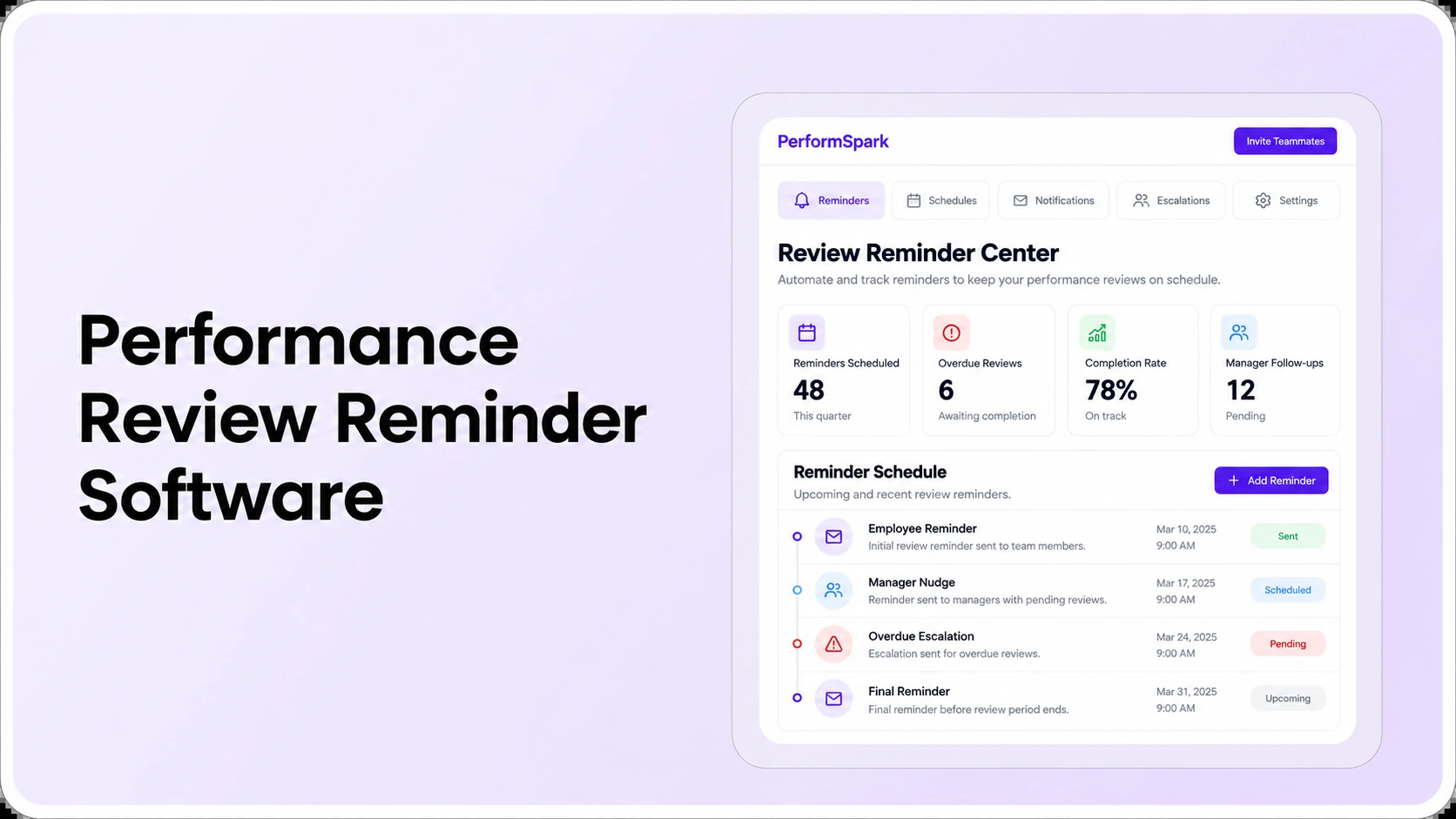
Ask a vendor to demonstrate a self-review, manager assessment, required approval, missed deadline, and completed review. The sequence should be understandable to a supervisor who manages people alongside a full program workload. Inspect how review reminders and workflow status appear and how HR handles reassigned managers or overdue tasks. Notification features are useful only if their recipients, timing, and exception paths match the organization's process.
2. Goal evidence and useful feedback between reviews
Review quality improves when a manager can refer to relevant work rather than reconstruct the previous year from memory. During a demonstration, look for continuity from manager check-ins and one-on-ones into formal evaluations. Assess whether feedback and surveys help capture useful context without adding an unnecessary data-collection burden. Some teams may benefit from 360-degree feedback, but vendor claims about anonymity and visibility need to be tested.
3. Comparable standards without identical job goals
Fairness means people understand the expectations for their own jobs, receive an opportunity to discuss evidence, and are assessed with consistent definitions. Ask whether HR can examine rating patterns with performance calibration and whether managers can explain decisions. A distribution chart does not establish whether an individual rating is justified; human review remains essential.
4. Development plans after the evaluation
The Bridgespan Group distinguishes performance assessment from professional development: a review assesses performance against goals, while development builds the capabilities needed for future work. A software buyer should test the handoff from review feedback to a specific action. Can the employee and manager agree on a skill, assign an owner, set a milestone, and revisit progress? Compare individual development plans with formal performance improvement plans. Development and corrective processes serve different purposes and should remain distinct.
5. Role-based reports and appropriate confidentiality
HR often needs organization-wide completion and trend views, while a manager requires access only to authorized employee records. Ask for a live demonstration of reporting and analytics alongside the vendor's security and access-control documentation. Confirm which specific information employees, managers, HR administrators, and executives can view, export, or change. Do not accept a general promise of confidentiality in place of a permissions test.
12 Questions to Ask During a Nonprofit Software Demo
A nonprofit performance review software checklist should test real operating scenarios, not only feature labels. Use an example from program operations and one from administration. Record each outcome as demonstrated, requires configuration, needs further evidence, or not supported for our requirement.
- Role-specific templates: Can HR create different goals and competencies for program staff and administrative staff?
- Self-assessment: What does an employee actually see and submit?
- Manager workflow: Where do supervisors see assigned tasks, evidence, and deadlines?
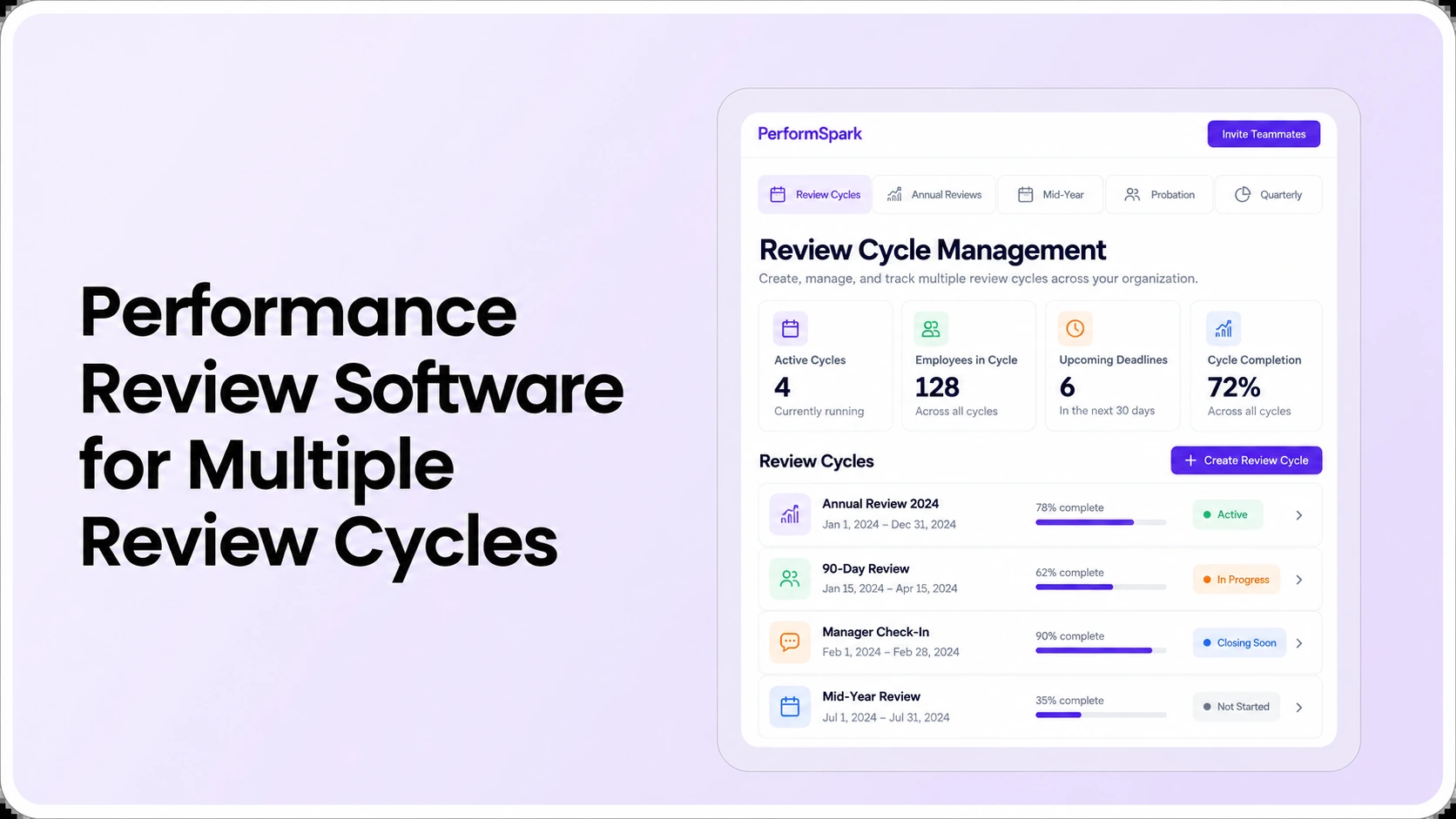
- Review scheduling: Can different groups follow an annual cycle and additional check-ins?
- Goal connection: Can a person's goals reference the mission without confusing individual and program outcomes?
- Confidentiality: Who sees private notes, peer input, ratings, and final comments?
- Manager changes: What happens if a supervisor leaves or an employee transfers departments during a review?
- Overdue work: Can HR identify late evaluations and send appropriate follow-up?
- Development follow-through: Can an agreed improvement goal become a tracked action?
- Leadership reporting: Can authorized leaders review completion and patterns by department?
- Employee records: How are accounts provisioned, updated, exported, and deactivated?
- Implementation and budget: What will the first year require in fees, administrator time, training, and support?
Do not award a passing score just because the presenter answers “yes.” Ask to see the workflow with relevant roles and sample records. Note what worked, what required configuration, and who owns the remaining verification. For broader procurement questions, use the existing performance management software RFP checklist.
Nonprofit HR Software
See nonprofit performance reviews in action
Bring your staff review templates and test the 12 nonprofit buyer questions, including manager tasks, goals, privacy, approvals and reporting.
Nonprofit Performance Software Comparison Scorecard
Use the same criteria and scenarios for every vendor, whether you are considering a dedicated performance system or an HRIS add-on. The comparison should document observed evidence, not assumptions made from a feature list. Copy these categories into your procurement worksheet and record a 1-to-5 score only when the vendor shows the required workflow.
Six criteria to compare side by side
- Role-specific performance reviews (30% illustrative weight): Can program, development and operations staff use different review goals and competencies without losing shared evaluation standards?
- Manager adoption (20%): Can supervisors complete a realistic review, review prior feedback and respond to an overdue task without needing an HR administrator at every step?
- Employee access and data handling (15%): Are confidential comments, administrator permissions, exports and manager changes explained and demonstrable?
- Reporting and development (15%): Can HR review completion by department and track an agreed development action after the conversation?
- Implementation responsibility (10%): Who configures templates, maintains employee records, trains managers, tests data transfers and resolves failures?
- Total cost and renewal terms (10%): Are license minimums, nonprofit discounts if available, support, integrations, training, exports and renewal increases specified in writing?
How to score: use 1 for does not meet the requirement, 3 for partial fit that requires further configuration or proof, and 5 for demonstrated fit. Leave unanswered questions marked not demonstrated, not zero or five. The weights above are an illustrative decision aid, not an industry benchmark. Adjust them to your organization's priorities.
Compare three operating models, not just vendor names
- Spreadsheets and documents: may be workable with a small number of reviewers and strong manual ownership; test privacy, consistency and reporting burden.
- HRIS performance module: may simplify employee data administration; test whether reviews, goals, approvals and development workflows fit the organization's actual process.
- Dedicated performance management platform: may offer greater process depth; test integration effort, total cost, employee experience and whether the extra configuration is necessary.
Use the software RFP checklist for vendor discovery and the scorecard above for evidence gathered during demonstrations. This comparison is intentionally platform-neutral: it describes evaluation approaches rather than asserting that unnamed competitors have or lack specific capabilities.
How Can a Nonprofit Evaluate People Fairly Across Different Roles?
Start by defining responsibilities, role-specific outcomes, behavioral expectations, and the evidence a reviewer should consider. Then use common procedures for discussing ratings, giving feedback, and recording decisions. Equal treatment does not require identical job metrics. It requires job-relevant expectations and consistent evaluation standards.
The Bridgespan Group's guidance on performance assessment highlights clear goals, ongoing feedback, and periodic review. In a vendor demonstration, test whether managers can capture examples throughout the year and whether employees can understand how their assessment was reached.
An illustrative comparison makes the distinction clearer. A program employee may need feedback on service documentation and participant coordination. A development professional may need feedback on stewardship and responsible execution. An operations employee may need feedback on accuracy and process improvements. Each deserves clear goals, relevant evidence, and an opportunity to discuss context. For consequential employment decisions, qualified HR and legal review may be appropriate; a software rating is not legal advice or an automatic decision.
What Should a Nonprofit Budget for Performance Review Software?
Calculate the full operating commitment rather than comparing subscription prices alone. Ask about licensed employees, minimum contract terms, billing frequency, annual increases, onboarding, configuration, integrations, training, support, and data export or cancellation terms. Check whether seasonal or changing headcount affects billing. A nonprofit discount or grant eligibility should never be assumed.
Use published pricing information to start the conversation, then request a written quote for your circumstances. Some low-cost tools may still require extensive manual review tracking. Conversely, an elaborate system may be unnecessary for a small organization with a simple and well-managed review process.
Budget administrative time too. Someone must maintain reviewer assignments, update employee records, resolve exceptions, and support managers during the first cycle. The best choice is the one whose ongoing responsibilities the nonprofit can actually sustain.
How to Pilot the Workflow Before a Full Rollout
Select one representative team and define the outcome of the pilot before configuration begins. For example, ask one supervisor and several employees to complete a self-review, manager review, feedback discussion, development action, and HR completion report. This is an illustrative test plan, not a claim about a vendor's implementation duration.
Include at least one change scenario. An employee may move between departments; a supervisor may leave; a review may become overdue. Ask how the platform handles those cases without losing authorized history. Verify your actual HR and performance integrations, including data direction, synchronization failures, and access changes. Integration availability must be confirmed for the organization's exact systems.
After the pilot, document which tasks were intuitive, which required administrator help, and whether the reports answered real leadership questions. Ask managers whether the workflow improved their ability to prepare useful conversations. Do not treat basic task completion as proof of employee engagement or organizational impact.
When Is a Dedicated System Better Than Spreadsheets?
Shared documents can work when a team is small, evaluation frequency is low, and one accountable owner maintains records securely. A dedicated system becomes more attractive when templates vary inconsistently, manager changes break the process, private information is circulated through email, or HR cannot consolidate completion data without repeated manual work.
Compare the current pain points with a defined test. If the problem is missing feedback history, ask the vendor to show that history. If it is late reviews, inspect task assignment and reminders. If it is inconsistent ratings, examine calibration and reporting. The general software buying guide provides a broader decision framework; this article focuses on the operational realities of nonprofit teams.
Common Nonprofit Software Buying Mistakes to Avoid
- Buying for the executive dashboard alone: ask managers and employees to complete the actual review before deciding whether the process is usable.
- Confusing mission outcomes with individual accountability: separate team or program results from evidence of an employee's own responsibilities.
- Skipping permission testing: demonstrate exactly who can see private notes, ratings and transferred employee records.
- Assuming the price includes rollout: obtain confirmation of configuration, data migration, training and support responsibilities.
- Choosing solely by feature count: score demonstrated workflows and required integrations, not the number of tabs in a sales presentation.
For programs involving sensitive employee or participant data, consult appropriate HR, privacy and legal advisers. This guide is educational purchasing guidance, not legal advice.
Make the Final Nonprofit Software Decision With Evidence
A nonprofit buying team can score finalists using a simple weighted matrix. As a planning example, allocate 30% to role-specific review fit, 20% to manager usability, 15% to permissions, 15% to reporting and development follow-through, 10% to rollout ownership, and 10% to total cost. Change the weights to reflect your own priorities. These percentages are illustrative, not research-derived benchmarks.
For each category, give a score from 1 to 5 only after the vendor has demonstrated the required behavior or provided suitable documentation. Record gaps openly. An unanswered question should remain unanswered rather than become a favorable rating through sales enthusiasm.
PerformSpark brings together performance management software capabilities such as reviews, goals, check-ins, reporting, and development workflows. A relevant product demo can help your team evaluate how those pieces fit its actual requirements. Confirm nonprofit-specific configuration, contract terms, and any required integrations with the product team.
Nonprofit Performance Reviews
Ready to simplify your nonprofit's review workflow?
Discuss your review cycles, manager workflows, reporting needs and implementation requirements in a focused PerformSpark demonstration.
Book a PerformSpark Demo →Bring your nonprofit buyer checklist to the demo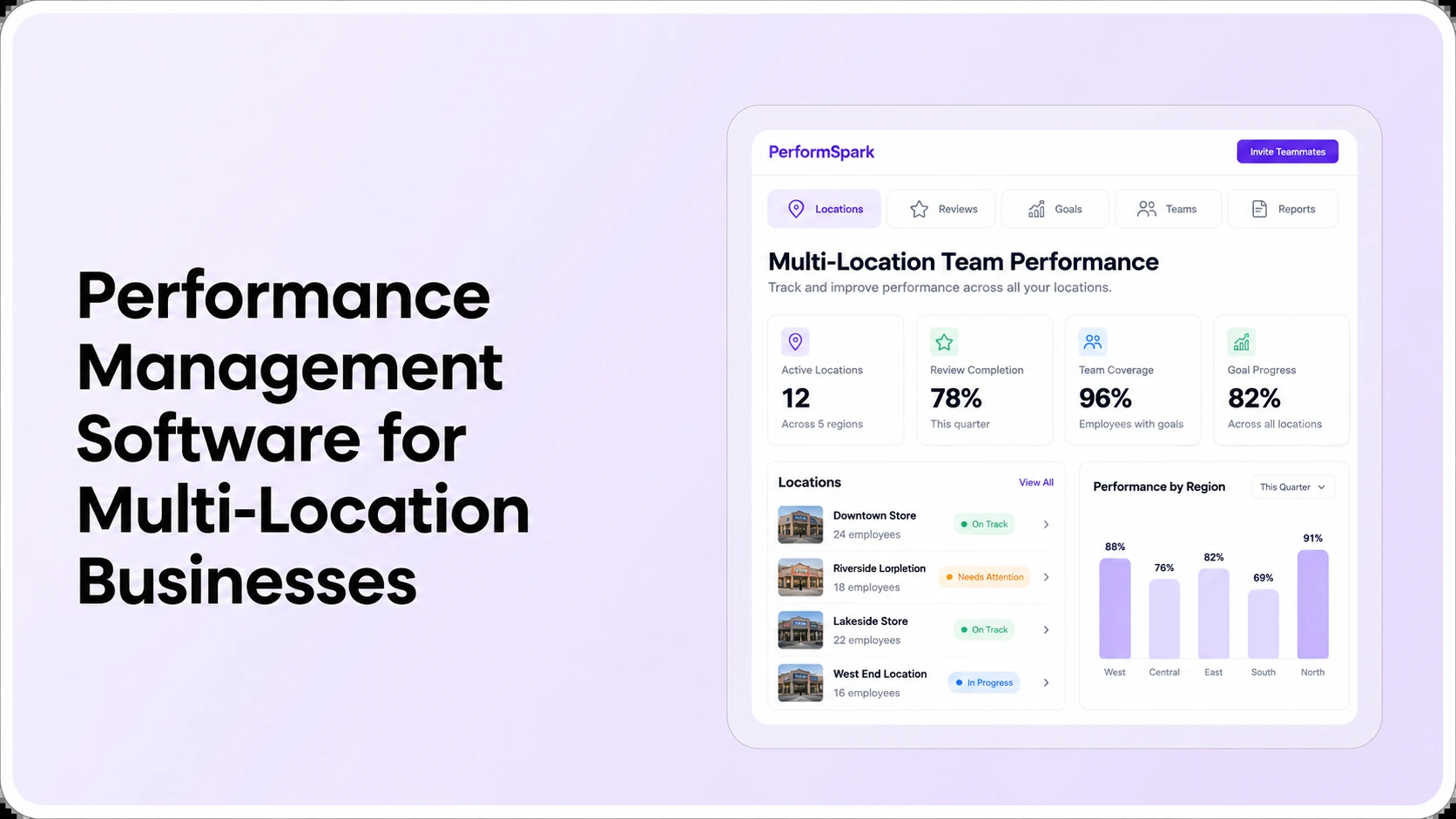




.svg)

.svg)
.svg)

