
.svg)





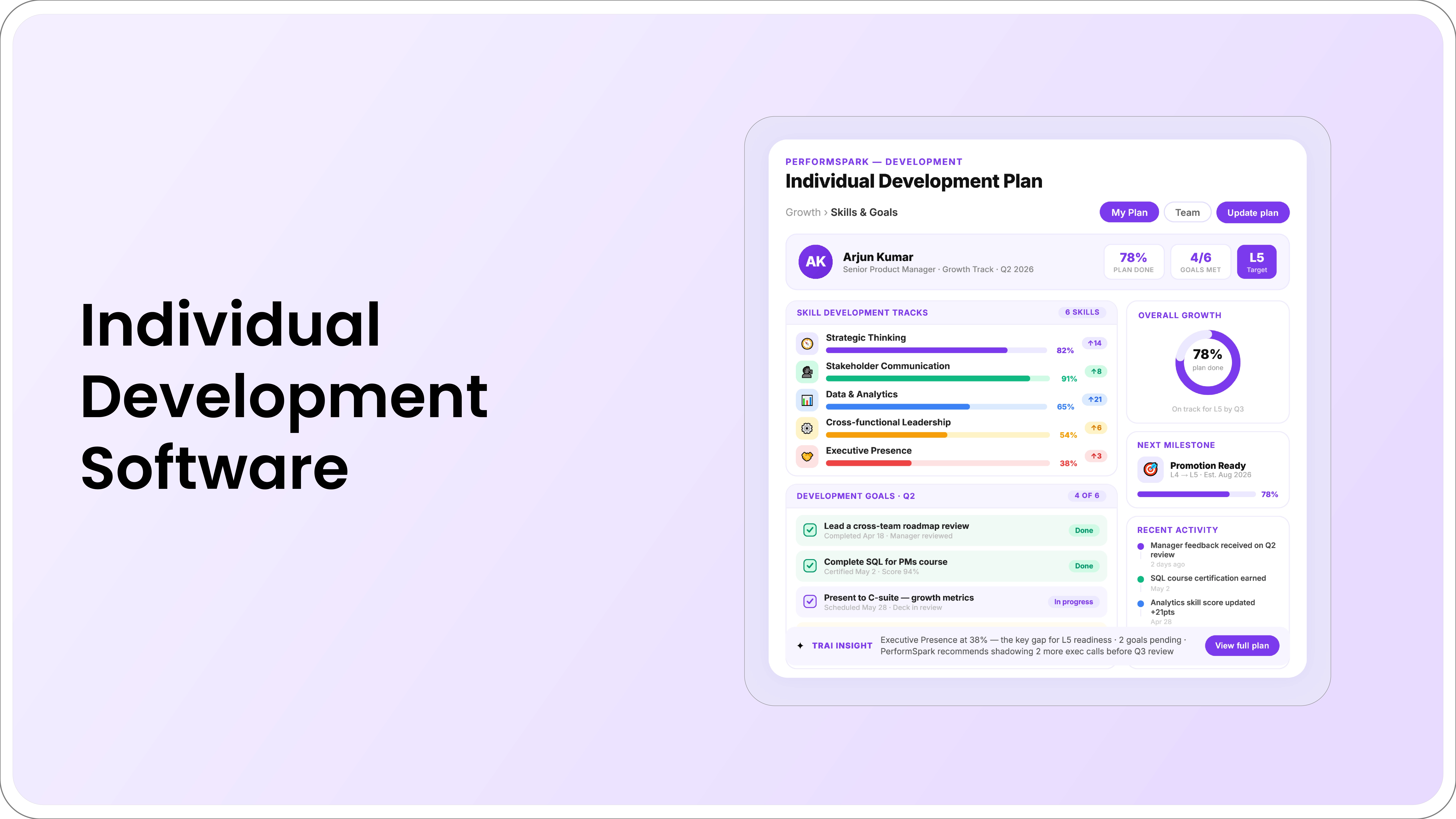
Table of Contents

Quick Takeaways: Individual Development Plan Software
- IDP software should connect development priorities with activities, milestones, manager support, check-ins, and relevant review context.
- Evaluate role-based access, manager changes, integrations, reporting, notifications, and administration in a realistic demo.
- Course completion is an activity, not proof that an employee can apply the capability.
- AI may support drafting and summaries, but employees and managers should choose and evaluate development goals.
Employee development plan software helps employees and managers create, track, review, and update development goals within an ongoing performance workflow. Its value comes from connecting the plan to relevant feedback, work opportunities, manager support, milestones, and regular conversations.
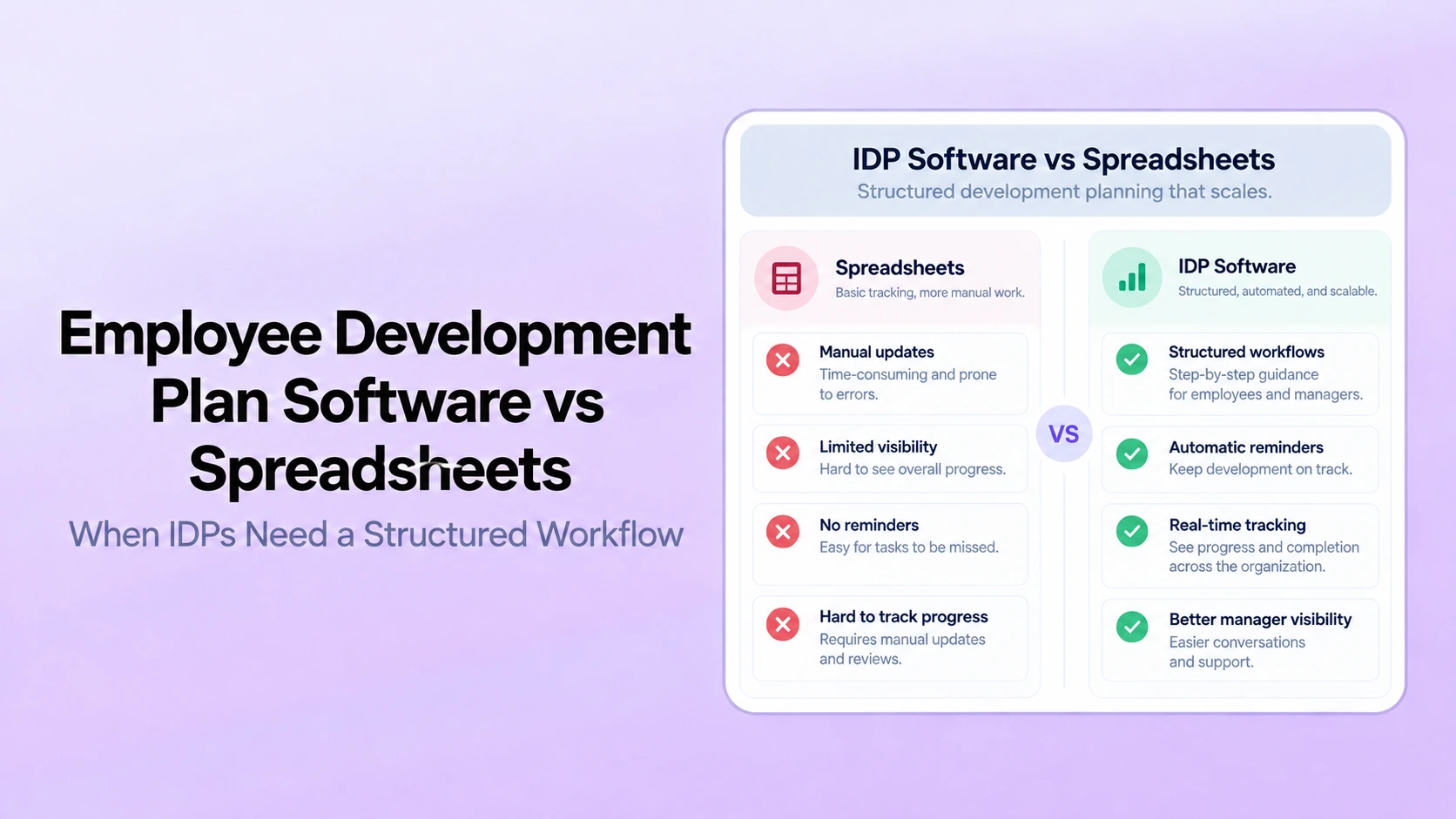
A shared document can work when the process is small and easy to manage. Software becomes useful when HR needs consistent templates, appropriate access, milestone visibility, reminders, reporting, or connections with performance reviews, goals, and check-ins.
This guide explains the capabilities to evaluate, questions to ask vendors, and implementation decisions that determine whether IDP software supports real development or simply creates another form.
What Is Individual Development Plan Software?
Individual development plan software is a platform capability that structures the development-planning process. It may support:
- Development goals and reasons
- Activities and learning resources
- Milestones and target dates
- Employee and manager responsibilities
- Manager coaching and progress notes
- Connections to review feedback and current goals
- Reminders and overdue actions
- Aggregate reporting for HR
An IDP is not the same as a course list. A useful system supports experience, practice, mentoring, coaching, stretch assignments, observation, formal learning, and work samples.
When Do Organizations Need IDP Software?
Software may be useful when:
- IDPs are created but difficult to find later
- Managers do not revisit development goals
- HR cannot see whether milestones or reviews occur
- Review feedback is copied manually into separate plans
- Employees and managers maintain different versions
- Development opportunities are distributed inconsistently
- Reminders depend on manual HR follow-up
- The organization needs different templates or permissions
- Plans need to remain visible after a manager change
The need is driven by workflow complexity and governance, not a fixed employee count.
IDP Software vs. Documents and Spreadsheets
| Area | Documents or spreadsheets | IDP software |
|---|---|---|
| Template control | Copies can change independently | Approved fields and workflows can be reused |
| Employee-manager collaboration | Depends on sharing and version control | Can use one current plan with defined access |
| Milestones | Tracked manually | Dates, owners, status, and reminders can be connected |
| Check-ins | Manager must remember to open the plan | Development items can appear in the normal check-in workflow |
| Review connection | Feedback is copied manually | Development priorities can remain linked to review context |
| HR reporting | Requires collecting separate files | Aggregate plan and milestone information can be reported |
| Permissions | Depend on file and folder settings | Role-based access can be configured in the workflow |
Software is not automatically better. The organization still needs a useful IDP process, realistic opportunities, manager capacity, and appropriate access controls.
12 Capabilities to Evaluate
1. Configurable IDP templates
HR should be able to configure required fields such as development priority, reason, success evidence, activities, milestones, employee actions, manager support, and review cadence.
The system should allow enough variation for different roles without requiring a separate template for every job title. Review the IDP examples and templates before deciding which fields are essential.
2. Collaborative goal creation
Employees and managers should be able to propose, discuss, edit, and approve development goals through a clear process. The platform should show who owns each action and whether manager support has been confirmed.
3. Review and feedback connection
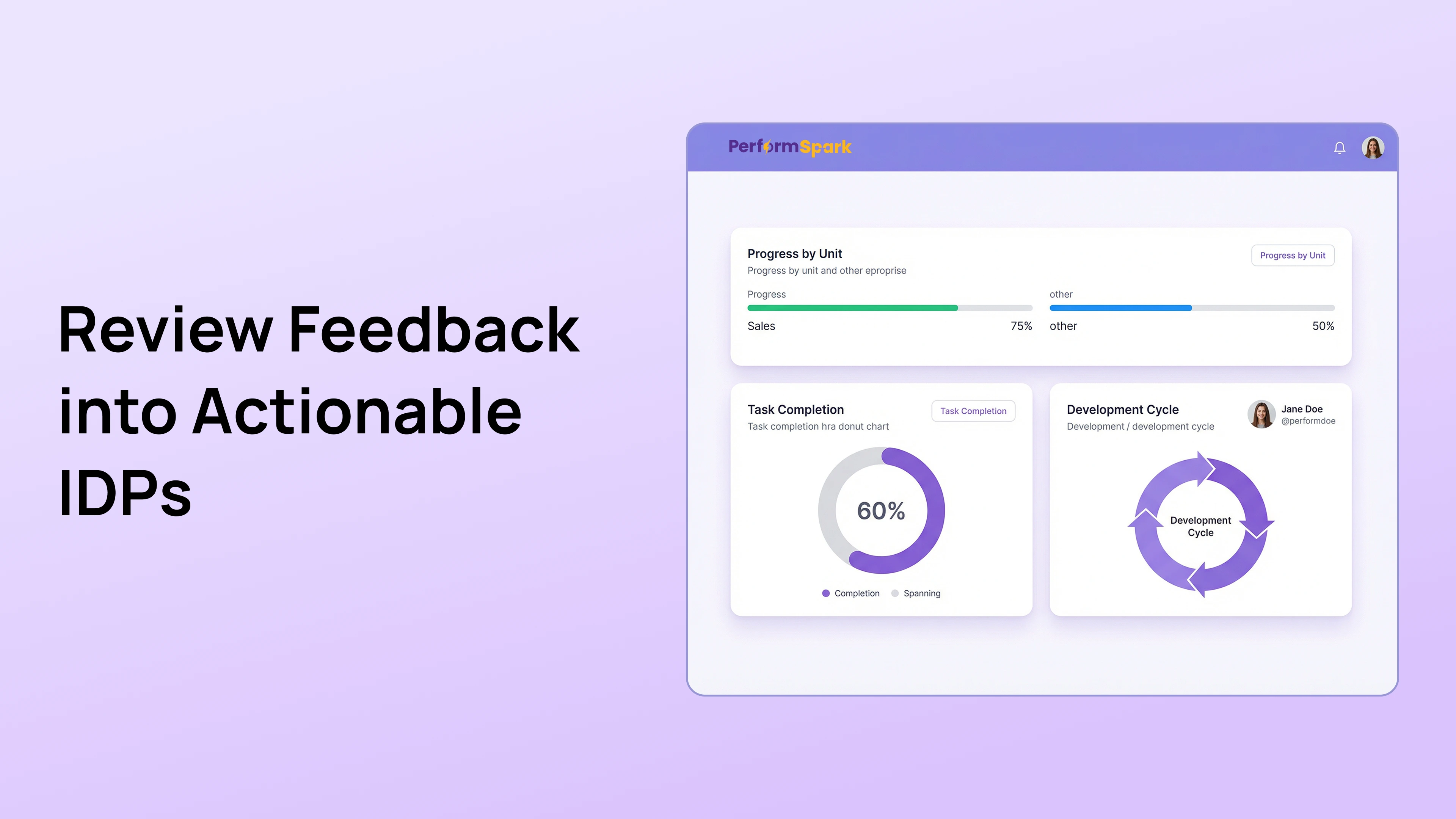
A development priority may begin in an employee self-assessment, manager review, project retrospective, or 360-degree review. The system should preserve enough context to explain why the goal was selected without turning every piece of feedback into an automatic development assignment.
4. Goal and work alignment
Development goals should be visible beside relevant performance goals or assignments. Employees and managers need to understand how practice fits into current work.
The platform should distinguish development progress from business-goal attainment. Completing a project may provide practice, but it does not automatically prove mastery of the target capability.
5. Activities beyond courses
Look for support for:
- Stretch assignments
- Mentoring
- Manager coaching
- Job shadowing
- Peer observation
- Presentations and work samples
- Formal learning
- Reading and guided practice
A system designed only around course completion may not support the real development work employees need.
6. Milestones, owners, and dates
Each active goal should support intermediate milestones, target dates, status, evidence, and owners. Employees and managers should be able to revise dates through a documented process when work or opportunities change.
7. Check-in integration
Development progress should be available during 1-on-1 check-ins without requiring users to search for a separate record. The system should support brief updates and deeper milestone reviews.
8. Manager-support commitments
Look for a dedicated place to record manager or organizational actions, such as:
- Providing an assignment
- Making an introduction
- Reviewing a work sample
- Observing a meeting
- Protecting development time
- Approving a budget
- Removing a blocker
Employee completion should not be evaluated without considering whether promised support was delivered.
9. Notifications and follow-up
Smart notifications may remind users about milestones or overdue reviews. Buyers should confirm who receives each reminder, what information appears in the message, how escalation works, and whether administrators can adjust the cadence.
10. Role-based access and confidentiality
Development plans can contain career interests, feedback, and performance context. Confirm what employees, managers, HR, leaders, mentors, and future managers can see.
Review:
- Field and response visibility
- Manager changes
- Mentor access
- HR administrative access
- Exports and attachments
- Retention and deletion
- Activity history
Use the vendor's security documentation and test the configured employee experience.
11. Reporting and analytics
Useful development reporting may include:
- Active plans by population
- Goals with milestones and manager support
- Upcoming and overdue reviews
- Milestone status
- Development-conversation activity
- Completed goals
- Access to development opportunities across groups
Aggregate reporting should help HR identify questions. It should not label an employee as a retention risk or predict an employment outcome without appropriate evidence and governance.
12. Integrations and data ownership
Confirm how the platform receives employee status, manager relationships, departments, titles, locations, and identity information. Review available integrations, required fields, sync direction, frequency, and error handling.
When the organization connects a learning system, confirm whether course completion is imported and how it is separated from evidence that the skill was applied.
How AI May Support IDP Workflows
AI may help summarize authorized review or feedback records, suggest draft wording, identify missing plan fields, or surface active milestones. Users should be able to inspect the source information and edit or reject suggestions.
AI should not independently:
- Select an employee's career direction
- Assign a development goal
- Determine promotion readiness
- Diagnose a skill gap
- Predict that an employee will leave
- Evaluate whether a capability has been mastered
The employee, manager, and HR remain responsible for the plan and its use. Review the AI performance software evaluation guide for permissions, transparency, and human oversight questions.
IDP Software Demo Checklist
Ask the vendor to demonstrate:
- Create an IDP from a blank template.
- Create a development priority from review feedback without automatically assigning it.
- Add activities, milestones, owners, evidence, and manager support.
- Show what the employee, manager, HR administrator, and mentor can see.
- Change the employee's manager and show what happens to the plan.
- Display active IDP items in a check-in agenda.
- Revise a milestone with a reason.
- Close a completed goal and preserve the review record.
- Report active plans, overdue reviews, and milestone status.
- Export approved information.
- Show notification controls.
- Show AI and data-use settings, where applicable.
Implementation Questions
- Will the first phase include all employees or a pilot group?
- Which templates are required?
- Who can create, approve, edit, and close goals?
- How will existing plans be migrated?
- Which employee fields must remain current?
- What manager training is required?
- How will employees be informed about visibility?
- Which reports will HR review?
- Who owns administration after launch?
- How will the organization evaluate usefulness after the first cycle?
The performance management implementation mistakes guide explains the broader rollout risks.
How to Measure IDP Software Adoption
Review measures that reflect both process use and quality:
- Eligible employees with an active plan
- Plans containing observable success evidence
- Goals with milestones and manager commitments
- Scheduled development reviews completed
- Manager support actions completed
- Overdue or obsolete plans
- Employee and manager feedback
- Access to assignments, mentors, and learning opportunities
A high plan-creation rate does not prove that development is occurring. Review the content, opportunities, support, and application in work.
Common IDP Software Buying Mistakes
- Selecting a tool based only on templates
- Assuming reminders will fix weak manager support
- Measuring course completion as capability growth
- Ignoring employee and mentor permissions
- Failing to test manager changes
- Buying predictive features without evidence or governance
- Separating IDPs from check-ins and reviews
- Launching without defining who owns the process
Connect Employee Growth to the Performance Workflow
PerformSpark connects individual development plans with reviews, goals, check-ins, feedback, milestones, manager support, notifications, and reporting.
Explore PerformSpark pricing or book a personalized demo to evaluate the IDP workflow using your templates, permissions, employee data, and development process.
.webp)




.svg)

.svg)
.svg)