


Table of Contents
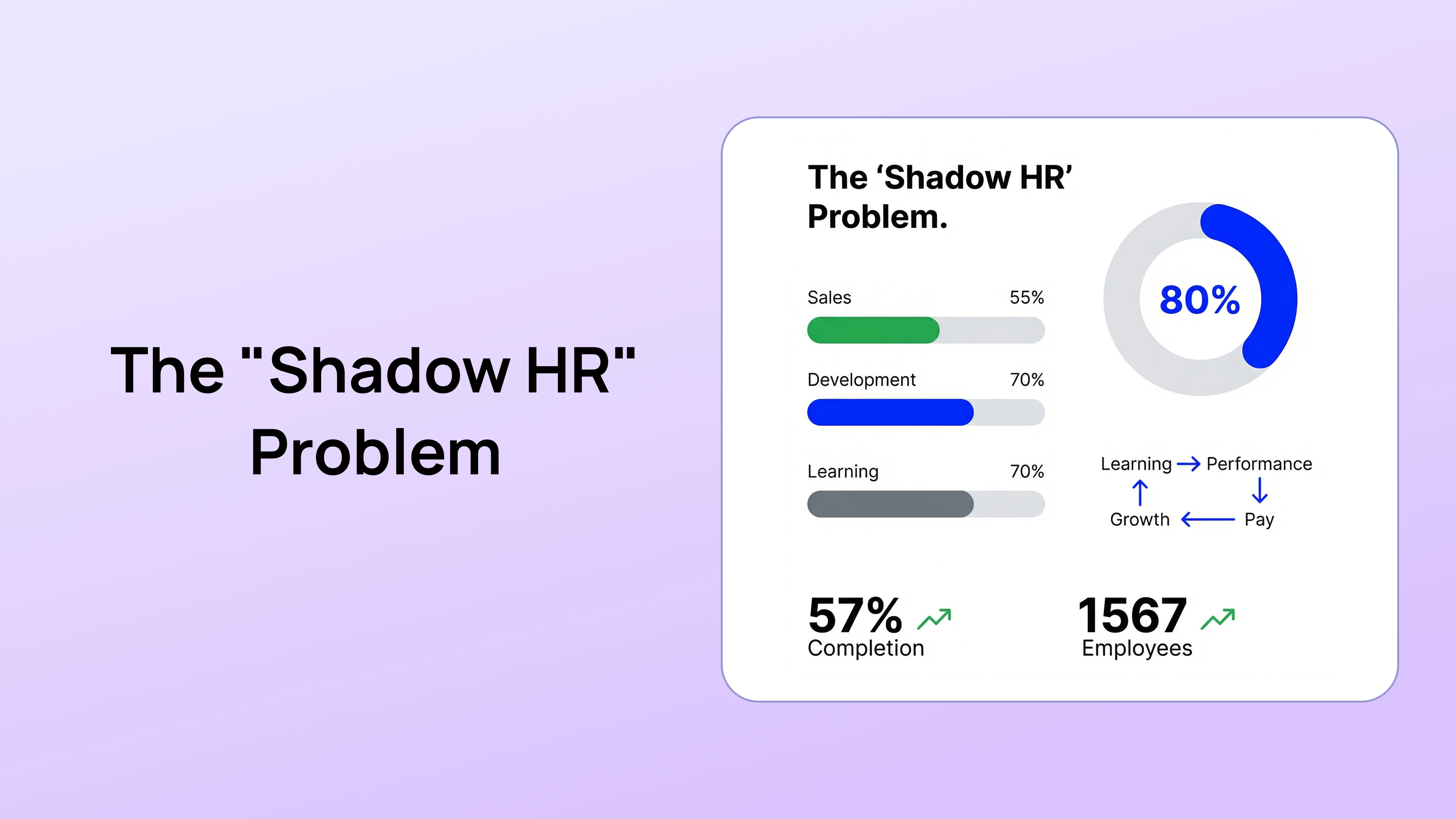
Shadow HR data is employee-related information created or stored outside the organization's approved HR systems and processes. It may include manager spreadsheets, private documents, personal notes, unofficial survey files, local performance trackers, or unapproved applications.
These tools often begin as practical workarounds. A manager may need a faster way to prepare for 1-on-1 meetings, track goals, or organize review evidence. The risk appears when sensitive records become fragmented, inconsistently protected, difficult to find, or disconnected from the official process.
This guide explains why shadow HR data develops, the risks HR should evaluate, and how to move managers toward approved workflows without simply banning useful habits.
What Is Shadow HR Data?
Shadow HR data includes employee information maintained outside the organization's approved systems, policies, or access model.
Examples include:
- A manager spreadsheet tracking ratings or performance concerns
- Private notes containing employee feedback
- An unofficial list of high-potential employees
- A local document used to track employee goals
- Peer feedback exported and stored in a shared folder
- Employee development plans kept in separate documents
- A team survey run through an unapproved tool
- Copies of review records emailed between managers
- Employee information entered into a general AI tool without approval
Not every spreadsheet is automatically inappropriate. The question is whether the information, purpose, access, storage, retention, and use comply with the organization's approved practices and applicable requirements.
Why Managers Create Shadow HR Systems
The approved tool does not support the work
An HRIS may manage core employee records but provide limited support for check-ins, feedback, reviews, calibration, or development. Managers create a workaround to complete the task.
The workflow contains too much friction
Managers may avoid a system that requires unnecessary navigation, duplicate entry, or a separate process for each performance activity.
The process is unclear
When managers do not know where to document feedback, which information belongs in a formal record, or what employees can see, they create personal methods.
Managers want a private preparation space
Managers need to prepare for conversations and organize observations. Without guidance, that preparation can become an unofficial employee record with unclear access and retention.
The organization has not defined an approved alternative
A policy that says βdo not use spreadsheetsβ is incomplete when the current system does not support the manager's task. Adoption improves when the approved workflow solves the practical problem.
Seven Shadow HR Data Risks
1. Unclear access
A local file or shared link may be available to people who do not need the information. Access can also remain after a manager changes roles, leaves the organization, or shares a folder with a broader team.
Employee performance information should use an appropriate role-based access model. Review the platform's security controls and the organization's own permission practices.
2. Inconsistent records
When a manager maintains a private version and HR maintains an official version, the organization may have conflicting dates, ratings, goals, or descriptions of the same event.
Version conflict becomes more serious when the information supports a performance review, calibration decision, development action, or formal performance process.
3. Missing context and quality controls
Unofficial notes may contain assumptions, personality labels, incomplete observations, or information unrelated to the role. They may not include the employee's perspective, manager support, goal changes, or favorable evidence.
Use behavior-focused documentation. The areas of improvement guide explains how to document an expectation, observable behavior, impact, and next step.
4. Retention and deletion problems
Separate files may remain after the official record is updated or deleted. HR may not know which copies exist, why they were created, or how long they should be retained.
The organization should define which records belong in the approved system, which temporary notes are allowed, when they should be moved or deleted, and who owns the decision.
5. Incomplete response to employee or organizational requests
When records are distributed across personal drives, email, team tools, and spreadsheets, it becomes harder to identify the complete set of relevant information for an internal review, employee request, investigation, audit, or legal process.
HR, privacy, security, records, and legal teams should define the requirements that apply to the organization's locations and use cases. A centralized system supports discovery but does not by itself guarantee compliance.
6. Weak reporting and decision visibility
HR cannot analyze information it does not know exists. Official performance reporting may show incomplete goals, feedback, development, or manager activity while the real work occurs elsewhere.
This can lead to poor conclusions. An empty official record may indicate missing system use, not an absence of performance conversations.
7. Loss of continuity
When a manager leaves or changes roles, a personal tracker may disappear or be transferred without clear permission. The new manager may not know which expectations, commitments, feedback, or development actions were agreed.
Approved records should preserve relevant continuity while limiting access to information the new manager is authorized to see.
Shadow HR Is a Process and Adoption Signal
Shadow systems often indicate a gap between policy and actual work. HR should investigate:
- Which task the manager is trying to complete
- Why the approved workflow does not meet the need
- Which information is being stored
- Who can access it
- Whether the information belongs in the official record
- Which manager behaviors require training
- Which product or process changes could remove the workaround
The goal is to reduce risk while preserving useful manager habits such as preparing for conversations, tracking commitments, and documenting feedback.
How to Conduct a Shadow HR Data Audit
1. Define the scope
Identify the employee information and tools included in the review. Scope may cover performance, goals, feedback, development, succession, engagement, recognition, absence context, or formal employee-relations records.
2. Ask about workflows, not wrongdoing
Managers are more likely to provide useful information when HR asks how they complete the work rather than accusing them of violating policy.
Questions can include:
- Where do you prepare for employee conversations?
- How do you track agreed actions?
- Where do you record performance examples?
- Which official workflow is difficult to use?
- What information do you need that the system does not show?
3. Inventory tools and data
Document:
- Tool or file location
- Data categories
- Owner
- Users with access
- Business purpose
- Source and update method
- Retention or deletion practice
- Connection to official decisions
4. Prioritize by risk and value
A personal task list containing no employee-sensitive information is different from a private ranking spreadsheet or exported review database. Prioritize files that contain sensitive information, support important decisions, have broad access, or lack an owner.
5. Choose the remediation
Options may include:
- Move the workflow into an approved system
- Restrict access
- Correct or reconcile the official record
- Delete an unnecessary copy through the approved process
- Create a sanctioned manager template
- Update policy or training
- Improve the product workflow
- Escalate specialized issues to the appropriate team
How to Reduce Shadow HR Data
Provide an approved manager workflow
Managers need practical ways to run check-ins, update goals, record feedback, prepare reviews, and track development. A connected performance management platform can reduce duplicate systems when it fits the work.
Define what belongs in the official record
Give examples of:
- Information that should be documented
- Temporary preparation notes
- Information that should not be recorded
- When employee-relations or HR review is required
- How employees can provide context or comments
Use appropriate visibility
Not every performance field needs the same audience. Configure visibility for employee responses, manager comments, peer feedback, HR notes, calibration records, development plans, and PIP records based on the workflow.
Reduce duplicate entry
Connect approved employee data through available integrations. Let goals, check-in actions, feedback, and reviews use the same relevant records instead of asking managers to copy information.
Train managers on documentation
Training should explain:
- Behavior-focused notes
- Relevant evidence
- Employee privacy and confidentiality
- Approved tools
- Employee access and comments
- Retention expectations
- When to contact HR
Measure approved workflow use carefully
Review completion, goal updates, check-in use, support requests, and manager feedback. Low activity may indicate a process issue, access problem, inappropriate cadence, or separate shadow system. Investigate before concluding that managers are not doing the work.
Manager Adoption Checklist
- The approved system supports the manager's actual task.
- Employee and manager data are accurate.
- The workflow requires no unnecessary duplicate entry.
- Managers understand what to document.
- Visibility and permissions are clear.
- Mobile and common workflow access have been tested.
- Managers know where to get help.
- HR reviews user feedback and process friction.
- Shadow tools have an approved remediation plan.
Shadow HR and AI Tools
Employee information should not be entered into a general AI tool merely because it makes drafting or summarization easier. Organizations should define which tools are approved, which data may be used, how prompts and outputs are stored, and who reviews generated content.
AI output can create another unofficial record if it is copied into personal documents or used without verification. Review the AI performance review software guide for data, permissions, transparency, and human oversight questions.
Bring Performance Work Into an Approved Workflow
PerformSpark connects goals, check-ins, feedback, recognition, reviews, calibration, development, PIPs, notifications, and reporting with role-based workflows.
Explore PerformSpark pricing or book a personalized demo to compare your manager workflows, permissions, integrations, and reporting requirements with a centralized performance process.
Quick Takeaways: Shadow HR Data Risks
- Shadow HR data includes employee information stored outside approved systems, access controls, and record processes.
- Common risks include unclear access, conflicting versions, missing context, retention problems, incomplete reporting, and loss of continuity.
- Audit the manager workflow and business need before choosing the remediation.
- Reduce shadow systems by providing approved tools that support the real work and clear guidance on documentation, visibility, and retention.
Shadow HR data is employee-related information created or stored outside the organization's approved HR systems and processes. It may include manager spreadsheets, private documents, personal notes, unofficial survey files, local performance trackers, or unapproved applications.
These tools often begin as practical workarounds. A manager may need a faster way to prepare for 1-on-1 meetings, track goals, or organize review evidence. The risk appears when sensitive records become fragmented, inconsistently protected, difficult to find, or disconnected from the official process.
This guide explains why shadow HR data develops, the risks HR should evaluate, and how to move managers toward approved workflows without simply banning useful habits.
What Is Shadow HR Data?
Shadow HR data includes employee information maintained outside the organization's approved systems, policies, or access model.
Examples include:
- A manager spreadsheet tracking ratings or performance concerns
- Private notes containing employee feedback
- An unofficial list of high-potential employees
- A local document used to track employee goals
- Peer feedback exported and stored in a shared folder
- Employee development plans kept in separate documents
- A team survey run through an unapproved tool
- Copies of review records emailed between managers
- Employee information entered into a general AI tool without approval
Not every spreadsheet is automatically inappropriate. The question is whether the information, purpose, access, storage, retention, and use comply with the organization's approved practices and applicable requirements.
Why Managers Create Shadow HR Systems
The approved tool does not support the work
An HRIS may manage core employee records but provide limited support for check-ins, feedback, reviews, calibration, or development. Managers create a workaround to complete the task.
The workflow contains too much friction
Managers may avoid a system that requires unnecessary navigation, duplicate entry, or a separate process for each performance activity.
The process is unclear
When managers do not know where to document feedback, which information belongs in a formal record, or what employees can see, they create personal methods.
Managers want a private preparation space
Managers need to prepare for conversations and organize observations. Without guidance, that preparation can become an unofficial employee record with unclear access and retention.
The organization has not defined an approved alternative
A policy that says βdo not use spreadsheetsβ is incomplete when the current system does not support the manager's task. Adoption improves when the approved workflow solves the practical problem.
Seven Shadow HR Data Risks
1. Unclear access
A local file or shared link may be available to people who do not need the information. Access can also remain after a manager changes roles, leaves the organization, or shares a folder with a broader team.
Employee performance information should use an appropriate role-based access model. Review the platform's security controls and the organization's own permission practices.
2. Inconsistent records
When a manager maintains a private version and HR maintains an official version, the organization may have conflicting dates, ratings, goals, or descriptions of the same event.
Version conflict becomes more serious when the information supports a performance review, calibration decision, development action, or formal performance process.
3. Missing context and quality controls
Unofficial notes may contain assumptions, personality labels, incomplete observations, or information unrelated to the role. They may not include the employee's perspective, manager support, goal changes, or favorable evidence.
Use behavior-focused documentation. The areas of improvement guide explains how to document an expectation, observable behavior, impact, and next step.
4. Retention and deletion problems
Separate files may remain after the official record is updated or deleted. HR may not know which copies exist, why they were created, or how long they should be retained.
The organization should define which records belong in the approved system, which temporary notes are allowed, when they should be moved or deleted, and who owns the decision.
5. Incomplete response to employee or organizational requests
When records are distributed across personal drives, email, team tools, and spreadsheets, it becomes harder to identify the complete set of relevant information for an internal review, employee request, investigation, audit, or legal process.
HR, privacy, security, records, and legal teams should define the requirements that apply to the organization's locations and use cases. A centralized system supports discovery but does not by itself guarantee compliance.
6. Weak reporting and decision visibility
HR cannot analyze information it does not know exists. Official performance reporting may show incomplete goals, feedback, development, or manager activity while the real work occurs elsewhere.
This can lead to poor conclusions. An empty official record may indicate missing system use, not an absence of performance conversations.
7. Loss of continuity
When a manager leaves or changes roles, a personal tracker may disappear or be transferred without clear permission. The new manager may not know which expectations, commitments, feedback, or development actions were agreed.
Approved records should preserve relevant continuity while limiting access to information the new manager is authorized to see.
Shadow HR Is a Process and Adoption Signal
Shadow systems often indicate a gap between policy and actual work. HR should investigate:
- Which task the manager is trying to complete
- Why the approved workflow does not meet the need
- Which information is being stored
- Who can access it
- Whether the information belongs in the official record
- Which manager behaviors require training
- Which product or process changes could remove the workaround
The goal is to reduce risk while preserving useful manager habits such as preparing for conversations, tracking commitments, and documenting feedback.
How to Conduct a Shadow HR Data Audit
1. Define the scope
Identify the employee information and tools included in the review. Scope may cover performance, goals, feedback, development, succession, engagement, recognition, absence context, or formal employee-relations records.
2. Ask about workflows, not wrongdoing
Managers are more likely to provide useful information when HR asks how they complete the work rather than accusing them of violating policy.
Questions can include:
- Where do you prepare for employee conversations?
- How do you track agreed actions?
- Where do you record performance examples?
- Which official workflow is difficult to use?
- What information do you need that the system does not show?
3. Inventory tools and data
Document:
- Tool or file location
- Data categories
- Owner
- Users with access
- Business purpose
- Source and update method
- Retention or deletion practice
- Connection to official decisions
4. Prioritize by risk and value
A personal task list containing no employee-sensitive information is different from a private ranking spreadsheet or exported review database. Prioritize files that contain sensitive information, support important decisions, have broad access, or lack an owner.
5. Choose the remediation
Options may include:
- Move the workflow into an approved system
- Restrict access
- Correct or reconcile the official record
- Delete an unnecessary copy through the approved process
- Create a sanctioned manager template
- Update policy or training
- Improve the product workflow
- Escalate specialized issues to the appropriate team
How to Reduce Shadow HR Data
Provide an approved manager workflow
Managers need practical ways to run check-ins, update goals, record feedback, prepare reviews, and track development. A connected performance management platform can reduce duplicate systems when it fits the work.
Define what belongs in the official record
Give examples of:
- Information that should be documented
- Temporary preparation notes
- Information that should not be recorded
- When employee-relations or HR review is required
- How employees can provide context or comments
Use appropriate visibility
Not every performance field needs the same audience. Configure visibility for employee responses, manager comments, peer feedback, HR notes, calibration records, development plans, and PIP records based on the workflow.
Reduce duplicate entry
Connect approved employee data through available integrations. Let goals, check-in actions, feedback, and reviews use the same relevant records instead of asking managers to copy information.
Train managers on documentation
Training should explain:
- Behavior-focused notes
- Relevant evidence
- Employee privacy and confidentiality
- Approved tools
- Employee access and comments
- Retention expectations
- When to contact HR
Measure approved workflow use carefully
Review completion, goal updates, check-in use, support requests, and manager feedback. Low activity may indicate a process issue, access problem, inappropriate cadence, or separate shadow system. Investigate before concluding that managers are not doing the work.
Manager Adoption Checklist
- The approved system supports the manager's actual task.
- Employee and manager data are accurate.
- The workflow requires no unnecessary duplicate entry.
- Managers understand what to document.
- Visibility and permissions are clear.
- Mobile and common workflow access have been tested.
- Managers know where to get help.
- HR reviews user feedback and process friction.
- Shadow tools have an approved remediation plan.
Shadow HR and AI Tools
Employee information should not be entered into a general AI tool merely because it makes drafting or summarization easier. Organizations should define which tools are approved, which data may be used, how prompts and outputs are stored, and who reviews generated content.
AI output can create another unofficial record if it is copied into personal documents or used without verification. Review the AI performance review software guide for data, permissions, transparency, and human oversight questions.
Bring Performance Work Into an Approved Workflow
PerformSpark connects goals, check-ins, feedback, recognition, reviews, calibration, development, PIPs, notifications, and reporting with role-based workflows.
Explore PerformSpark pricing or book a personalized demo to compare your manager workflows, permissions, integrations, and reporting requirements with a centralized performance process.
Frequently Asked Questions
What is shadow HR data?
Shadow HR data is employee-related information created or stored outside the organization's approved systems and processes. Examples include private manager spreadsheets, unofficial feedback files, local performance trackers, and employee information entered into unapproved applications.
Are manager spreadsheets automatically a compliance violation?
Not automatically. The risk depends on the information, purpose, access, storage, retention, location, policy, and applicable requirements. HR, privacy, security, records, and legal teams should define the approved use cases and controls for the organization.
How can HR improve manager adoption of approved systems?
Understand the task managers are trying to complete, remove unnecessary steps, keep employee data accurate, explain what should be documented, test the manager workflow, provide role-based training and support, and act on recurring feedback about process friction.
What is the difference between an HRIS and performance management software?
An HRIS commonly serves as the core employee system of record. Performance management software supports workflows such as goals, check-ins, feedback, reviews, calibration, development, and PIPs. Organizations may integrate the systems so employee and manager information remains current.
How should performance software protect employee data?
Evaluate authentication, role-based access, response visibility, administrative permissions, encryption and hosting information, retention, deletion, exports, activity history, subprocessors, incident response, and data use in AI features. Security also depends on the organization's configuration and user practices.