

.svg)





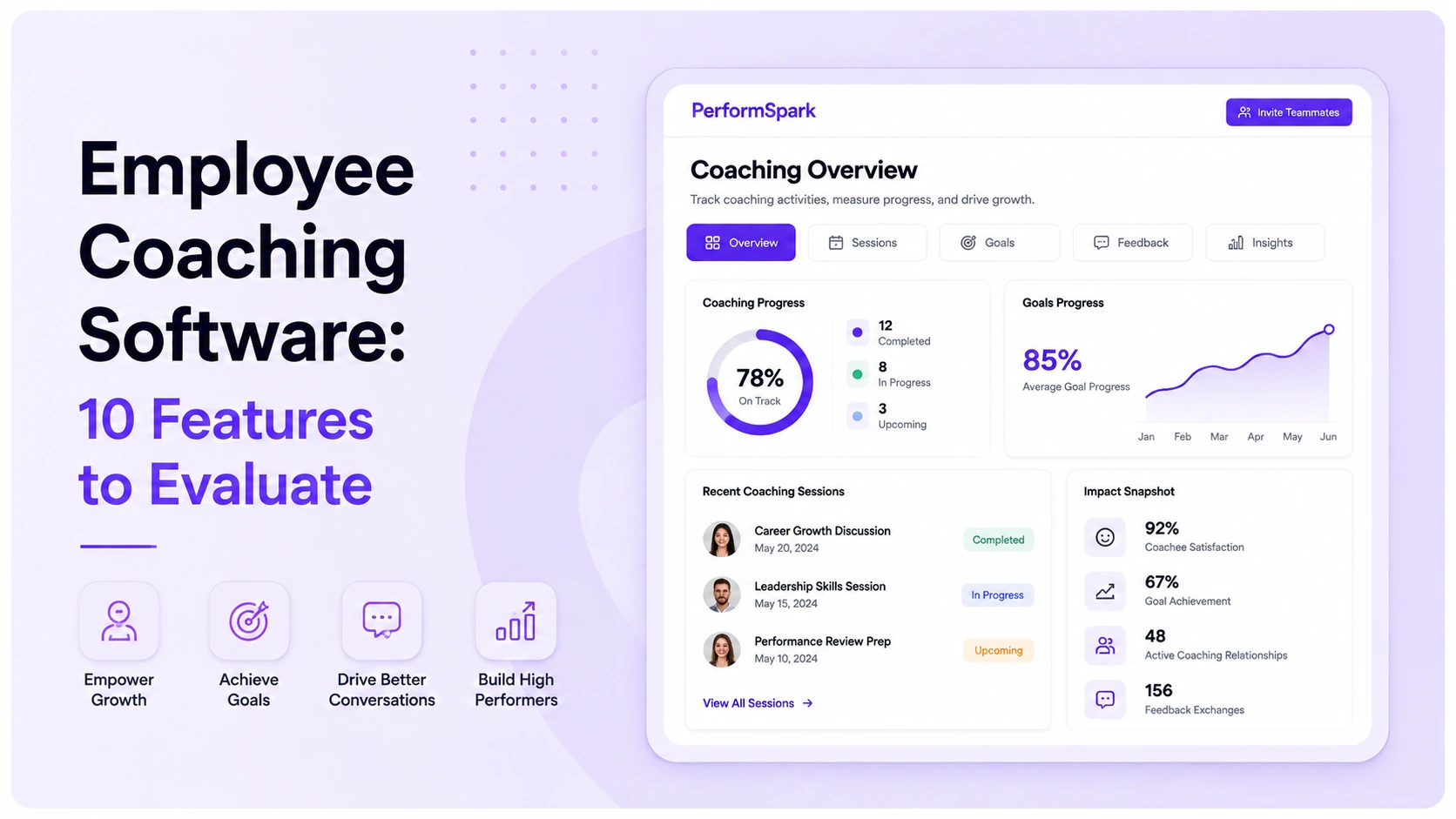
Table of Contents

Key Takeaways:
- Choose the coaching software category that matches the buyer task before comparing feature lists.
- Test one complete coaching cycle from context and employee participation through actions, evidence, and follow-up.
- Require clear permissions, development-versus-correction boundaries, correction paths, and human ownership for coaching records.
- Give more weight to recurring manager and employee workflows than to administrator settings configured once.
- Use the same scored demonstration across vendors and verify integrations, security requirements, implementation scope, AI controls, support, exports, and commercial terms.
Employee coaching software helps managers and employees turn performance context into a useful conversation, a clear commitment, and visible follow-through. For performance teams, the best-fit system is not necessarily the one with the largest coaching library. It is the one that supports the coaching model the organization actually intends to run.
This matters because the market contains several different product categories. Some platforms support recurring manager-led coaching inside performance management. Others manage professional coach matching, mentoring programs, leadership development, or sales coaching. A buyer who compares them as if they solve the same task can select a capable product that still does not fit the operating model.
This guide is a feature-evaluation framework for HR leaders, people operations teams, and performance program owners. It focuses specifically on employee coaching software for recurring manager-led performance conversations. For a broader platform decision across reviews, goals, feedback, calibration, and development, use the performance management software guide.
What Is Employee Coaching Software?
Employee coaching software is a system that helps people prepare for coaching conversations, use relevant context, agree on actions, document appropriate evidence, and return to those commitments later. In a manager-led performance workflow, that context may include a current goal, recent feedback, a recurring check-in or 1-on-1, or an individual development plan.
Software does not perform the human work of coaching. It can make context easier to find, reduce forgotten follow-up, and support consistent workflows, but the manager and employee still interpret the situation, decide what is appropriate, and own the next action.
Choose the Right Coaching Software Category First
Manager performance coaching. These tools connect coaching to goals, feedback, check-ins, development actions, and performance records. PerformSpark belongs in this category because its current check-ins and 1-on-1 workflow sits inside a broader performance management system. Trakstar's current employee coaching software page similarly describes coaching in the context of performance evaluations, goals, notes, and feedback.
Coaching program administration. These products may manage participant enrollment, coach matching, scheduling, program resources, and aggregate program measurement. Together's current coaching software page focuses on structured employee coaching programs, including matching, scheduling, resources, surveys, and reporting. That buyer task differs from helping every line manager run recurring performance conversations.
Manager enablement and conversation support. Some tools focus on prompts, preparation, meeting structure, and manager development. They may stand alone or sit inside a broader platform. PerformYard's current employee coaching software guide frames the category around check-ins, feedback, goals, development, reporting, and manager follow-through.
Write the category decision before inviting vendors. A useful boundary is: “We need recurring manager-led coaching connected to goals and feedback, not a marketplace of external coaches.” That one sentence prevents a misleading comparison.
Employee Coaching Software Evaluation Checklist
| Dimension | What to test | Warning sign |
|---|---|---|
| Context | Open an active goal, prior commitment, and authorized feedback from the coaching workspace. | The manager must search several disconnected pages before the conversation. |
| Participation | Let the employee add an agenda item, correct context, and acknowledge the next action. | The record is written about the employee without a clear participation path. |
| Action ownership | Create an action with an owner, due date, status, evidence, and review date. | Notes are stored, but follow-up has no accountable owner. |
| Continuity | Return to an open commitment in the next check-in and carry approved evidence into a later review. | Every meeting starts without prior context. |
| Permissions | Show access for the employee, current manager, former manager, and HR administrator. | Private information appears to a role that should not see it. |
| Development path | Move an approved action into development without silently turning coaching into corrective action. | Development and formal performance correction use the same workflow without clear boundaries. |
| Reporting | Report completion and overdue actions without scoring conversation quality from weak proxies. | A dashboard treats meeting count as proof of coaching quality. |
| Recovery | Correct an error, transfer ownership, cancel an action, and preserve an understandable history. | A mistaken or outdated record cannot be corrected or explained. |
10 Features to Evaluate in Employee Coaching Software
1. Conversation Context That Is Useful, Not Overwhelming
The manager should see the few items that matter for the conversation: the relevant goal, recent employee input, open commitments, and authorized feedback. Test whether the system distinguishes current evidence from old or unrelated information. If goals are central, compare the workflow with the organization's goal management process.
Also test the manager's actual preparation task. Give the manager two minutes before a 1-on-1 and see whether the necessary context is visible without navigating through several unrelated screens.
2. Employee-Led Agenda and Response
Coaching should not become a manager-only record. Ask an employee to add a topic, describe a blocker, correct a factual mistake, and confirm or question the next step. An accessible participation path improves shared understanding without forcing agreement.
For a broader manager workflow, compare this feature with the one-on-one meeting software guide and the manager coaching habits guide.
3. Action Items With Explicit Ownership
Every meaningful commitment needs an owner, due date, status, and return point. Test an employee action, a manager action, and a shared dependency. Then change the owner and confirm that the history remains understandable.
The important test is not whether the system can create a task. It is whether the next coaching conversation can immediately show what was promised, what changed, and what still needs attention.
4. Connections to Goals and Feedback
A coaching conversation often begins with a goal at risk or a piece of feedback that needs context. Ask the vendor to connect an approved item from feedback and surveys to the conversation without copying sensitive material into a broadly visible field.
For managers who need a structured conversation method, the GROW coaching model guide provides a separate framework for turning context into questions and commitments. The software page should support that kind of workflow rather than competing with it for the same intent.
5. Continuity Across Recurring Check-Ins
Open actions should reappear when they are useful, not disappear into a meeting archive. Ask a manager to close one item, defer another, and explain why. The next check-in should surface the unresolved commitment with enough context to continue the conversation.
Useful continuity also means preserving approved context for a later performance review without turning every coaching note into formal review evidence.
Manager Coaching Workflow
Test a complete coaching follow-through loop
See how check-ins, goals, feedback, development actions, and later review context can stay connected without turning every coaching conversation into a formal performance record.
6. Role-Based Permissions and Private-Note Boundaries
Request a permission matrix for employees, current managers, former managers, HR administrators, and executives. Demonstrate a manager transfer and confirm what moves, what remains restricted, and who can correct the record. Avoid assuming every private note belongs in an employment record.
Review the vendor's current access and data-handling documentation as part of the evaluation. PerformSpark's current information is available on its security and data protection page.
7. Development-Plan and Performance-Correction Boundaries
A coaching action may become a development objective rather than a performance correction. Test whether an approved commitment can connect to an individual development plan without duplicating or changing its meaning.
Keep that path distinct from a formal performance improvement plan. The system should make the workflow difference understandable to HR and managers rather than treating every coaching issue as corrective action.
8. Notifications and Follow-Through Without Alert Fatigue
Reminders should support follow-through without becoming noise. Configure one upcoming action, one overdue action, and one canceled action. Confirm the recipient, channel, timing, and behavior after ownership changes.
Compare the requirement with the current performance management notifications capability. The related manager coaching nudges guide can help teams distinguish useful workflow prompts from generic reminders.
9. Reporting and Assistive AI With Human Oversight
Meeting frequency, completion, and overdue actions are operational signals. They are not proof that coaching was useful. Ask for reporting and analytics that shows observable workflow activity without claiming to measure manager empathy, employee growth, or coaching quality from a weak proxy.
If the platform includes AI-assisted summaries, prompts, or pattern detection, test what data the AI uses, which outputs it produces, who can see them, how errors can be corrected, and where human review is required. PerformSpark's current AI for performance management information describes an assistive model rather than autonomous employment decisions.
10. Integrations, Data Quality, and Administrative Recovery
Demonstrate a new hire, manager change, leave status, department move, and failed synchronization. Record which system owns each field and who resolves exceptions. Validate specific connections through current integration guidance and the available integrations directory, then confirm material requirements in writing.
The recovery test matters as much as the successful sync. Ask what happens when employee data is late, duplicated, assigned to the wrong manager, or corrected after a coaching record already exists.
Run One Standard Vendor Demonstration
Step 1: Create one employee goal with a manager, due date, and acceptable evidence.
Step 2: Have the employee submit a check-in update that identifies a blocker and requests help.
Step 3: Ask the manager to prepare using only authorized context.
Step 4: During the conversation, record one employee action and one manager action.
Step 5: Change the priority, transfer one action, and preserve an understandable history.
Step 6: Return to the open action in the next check-in and attach appropriate evidence.
Step 7: Carry only approved context into a later performance review.
Step 8: Change the manager and verify permissions, ownership, notifications, and record continuity.
Score the same scenario for every finalist. Give more weight to tasks performed every month than to an administrator setting configured once.
How to Score the Demonstration
Manager effort: How many steps are required to prepare, run the conversation, assign follow-up, and return to it later?
Employee clarity: Can the employee see the agenda, agreed actions, corrections, and next checkpoint that are meant to be shared?
Governance: Are role permissions, private-note boundaries, corrections, ownership changes, and exports understandable?
Continuity: Does the next conversation begin with the previous commitment, current goal, and relevant feedback instead of a blank page?
Administration: Can HR handle exceptions without rebuilding the workflow outside the system?
Evidence quality: Can a later decision trace back to the underlying record rather than a summary that cannot be inspected?
Common Buying Mistakes
Confusing coaching categories. A professional coach marketplace, a mentoring system, and manager performance coaching software solve different operating problems.
Buying prompts without follow-through. A useful question does not create an accountable action by itself.
Treating activity as quality. A completed meeting can still be unclear, one-sided, or disconnected from action.
Ignoring employee access. A shared coaching record should not surprise the person it concerns.
Skipping the change scenario. Manager transfers, role changes, leave, and incorrect data expose permission and ownership gaps that a polished first-use demo can hide.
Using coaching notes as automatic review evidence. Define which records may inform a review, who approves that use, and what remains developmental context.
How PerformSpark Fits the Evaluation
PerformSpark is performance management software, not a marketplace for external coaches or a full learning management system. Its relevant buyer path is manager-led coaching connected to recurring check-ins, goals, feedback, development plans, reviews, and related performance workflows.
Before selecting any vendor, document the canonical owner for goals, feedback, development actions, and review evidence. Then pilot the complete workflow with a representative group. For broader governance, connect the pilot to the organization's performance management measurement plan, calibration process, and 360-degree feedback workflow where relevant.
Public competitor and product information referenced in this article was reviewed on August 28, 2026. Features, packaging, integrations, security controls, and commercial terms can change, so buyers should confirm critical requirements in current vendor documentation and contracts.
Evaluate Coaching in Real Performance Work
Test the full coaching workflow with your own scenario
Bring one goal, one blocker, one manager action, one employee action, and one follow-up checkpoint to a focused PerformSpark walkthrough.
Book a PerformSpark Demo →Personalized performance management walkthrough




.svg)

.svg)
.svg)

